Call CA Tally HelpDesk
+91 9205471661,
7428779101
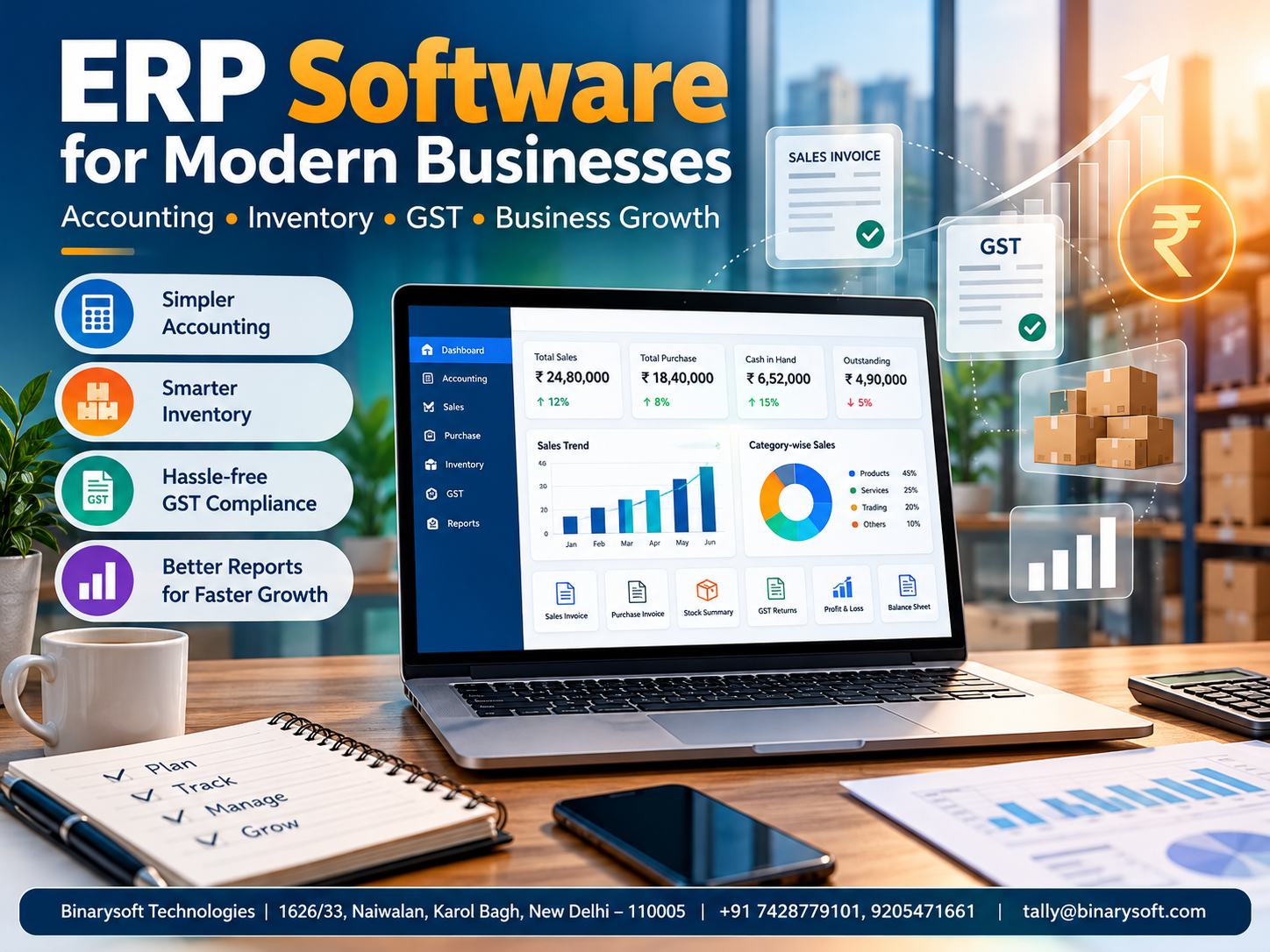
Introduction: Why ERP Software Is Becoming Essential for Growing Businesses
In 2026, managing a business involves much more than recording sales, preparing invoices and checking bank balances. Indian retailers, wholesalers, manufacturers and service providers face increasing pressure to control inventory, maintain accurate GST records, collect customer payments and make faster financial decisions. Many businesses still depend on separate spreadsheets, manual registers and disconnected applications, creating delays and costly mistakes.
Enterprise Resource Planning (ERP) software offers a more organized approach by connecting essential business activities through shared information and structured workflows. Instead of waiting until month-end to discover stock shortages, overdue payments or unexpected expenses, business owners can monitor operations more consistently.
For small and medium-sized businesses, choosing the right solution can mean fewer accounting errors, improved financial visibility and better control over daily operations. TallyPrime provides practical accounting, inventory, taxation and reporting capabilities that can help businesses establish this foundation without immediately investing in a complex enterprise system.
1. What Is ERP Software?
ERP stands for Enterprise Resource Planning. It refers to software designed to integrate important business processes into a coordinated management system.
Traditionally, different departments maintain separate records. The sales team records customer orders, the warehouse manages inventory, accountants maintain financial transactions, and management reviews reports prepared from multiple sources.
ERP software aims to connect these activities so that authorized users can work with consistent information.
For example, when a wholesale distributor records a sale in an integrated accounting and inventory system, the transaction can affect several records:
-
Sales revenue and customer receivables
-
Stock quantity and inventory valuation
-
Applicable GST information
-
Financial statements and management reports
-
Outstanding invoice tracking
The exact automation depends on the software's features and configuration.
ERP is not simply an accounting application. A comprehensive ERP platform may also include procurement, production, human resources, customer management, project management and supply chain operations.
TallyPrime focuses primarily on accounting, inventory, taxation, banking and related business management functions. It can provide an effective ERP-style operational foundation for many SMEs, although it does not replace every specialized module available in a full enterprise ERP suite.
2. How ERP Software Works
ERP software works by organizing business transactions, maintaining related records and making information available to relevant departments.
Consider a business purchasing 100 units of electronic equipment from a supplier.
First, the purchase transaction is recorded. Inventory quantities and values are updated according to the transaction details. The supplier's payable balance is reflected in the accounts, while applicable tax information is captured for compliance and reporting.
When 40 units are sold, the sales transaction records revenue, updates inventory and creates a customer receivable if the sale is on credit.
Management can then review remaining stock, sales performance, supplier obligations and customer outstanding balances.
This connected approach reduces repeated data entry and makes it easier to identify inconsistencies.
However, ERP accuracy depends on proper master data, transaction discipline, user permissions and regular reconciliation. Software integration cannot automatically correct every incorrectly entered transaction.
3. Important Features of ERP Software
Accounting and Financial Management
Financial accounting is one of the most important ERP functions.
A suitable system helps businesses record income, expenses, assets, liabilities and financial transactions.
Important capabilities include ledger management, voucher entry, receivables, payables, financial statements, cost tracking and bank reconciliation.
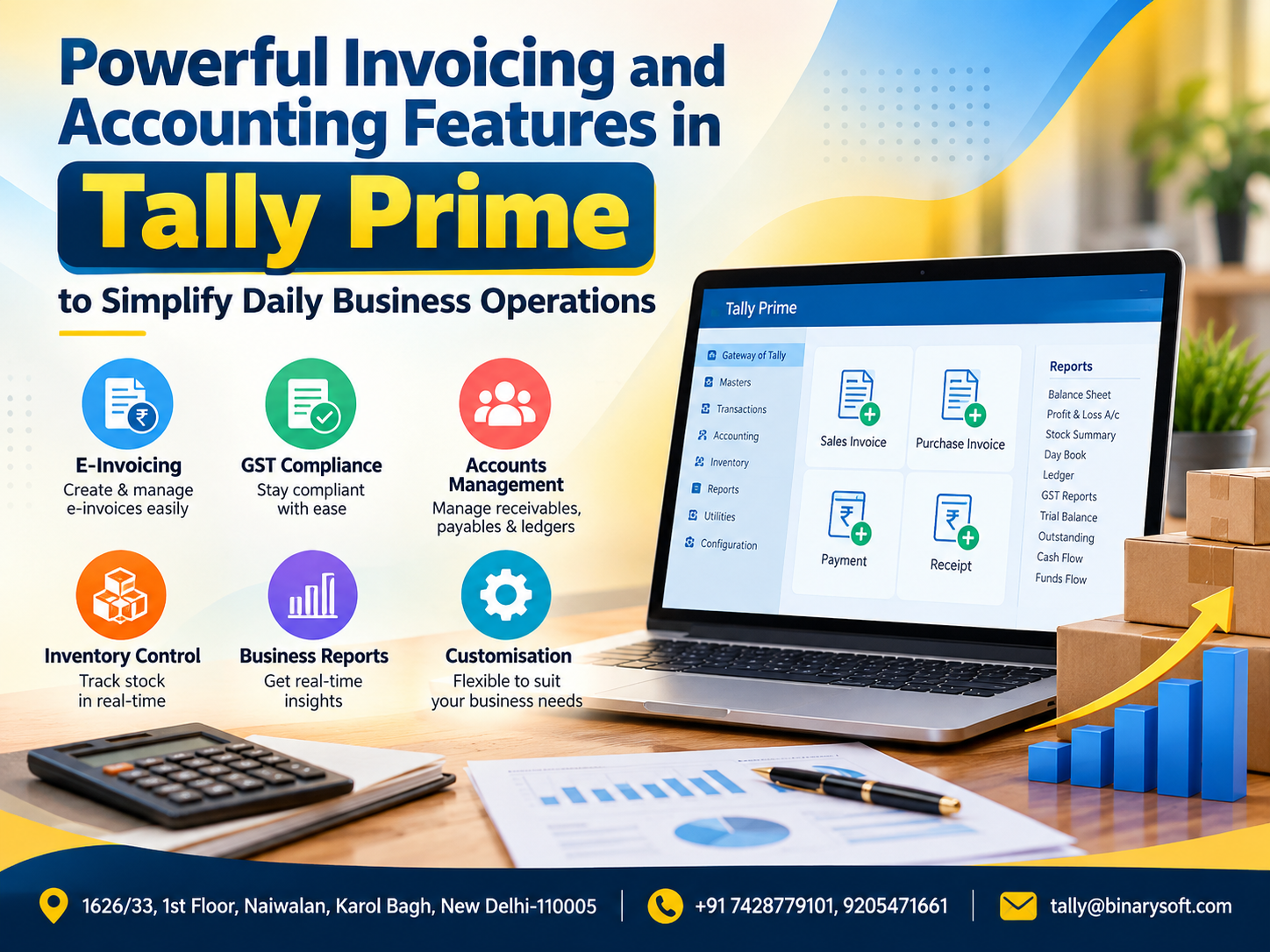
TallyPrime supports these core accounting requirements and helps businesses maintain organized financial records.
Inventory and Warehouse Management
Inventory management helps businesses understand what products are available, where they are stored and how stock movements affect profitability.
Useful capabilities include stock groups, stock items, units of measurement, multiple locations, batch tracking and inventory valuation.
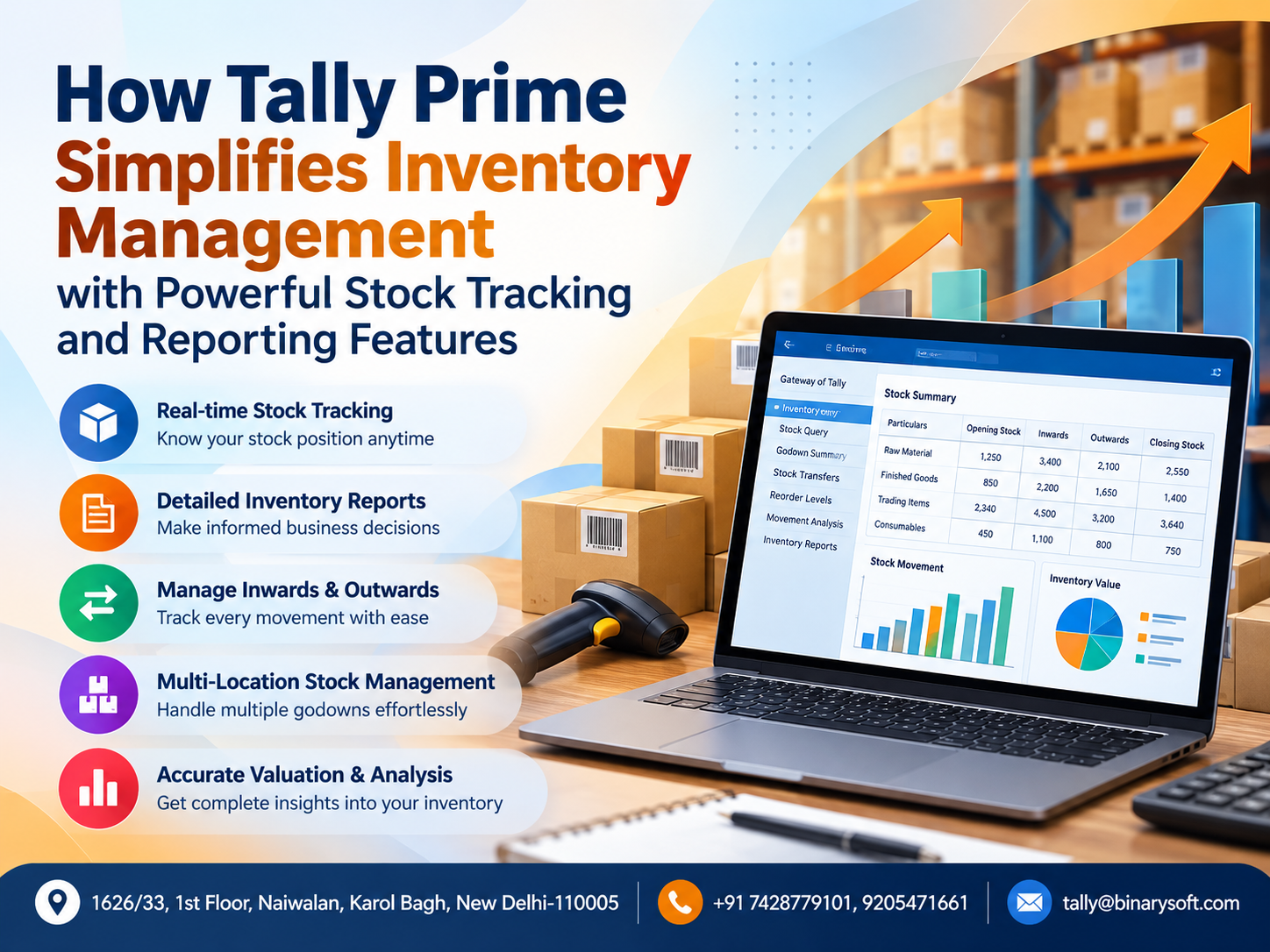
TallyPrime supports stock management and godown-wise reporting, allowing businesses to monitor inventory across locations.
Sales and Purchase Management
Sales and purchase operations directly affect revenue, expenses and working capital.
An integrated solution can help businesses manage invoices, purchase entries, debit notes, credit notes and outstanding bills.
With TallyPrime, businesses can record sales and purchases while maintaining related accounting and inventory information.
GST and Tax Management
For Indian businesses, tax compliance is an essential consideration.
ERP software should support GST classification, tax calculation, invoice details and reports needed for return preparation.
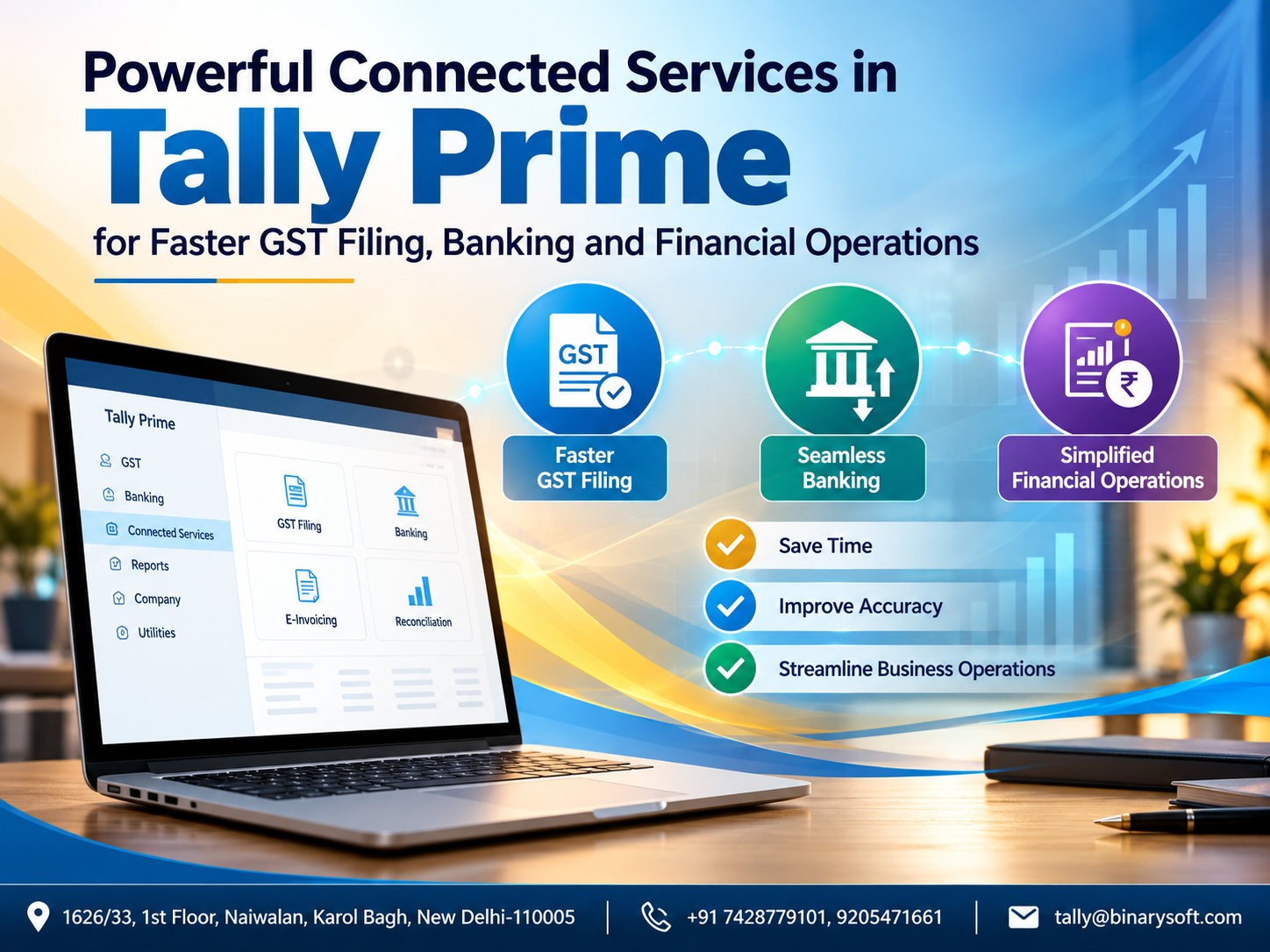
TallyPrime offers GST accounting and reporting features, with connected GST capabilities depending on the installed release and supported services.
Businesses should still verify transactions, reconcile relevant records and review applicable compliance requirements before filing returns.
Banking and Cash Flow Management
A profitable business can still face financial difficulty when customer payments arrive late.
ERP accounting reports help owners understand available cash, receivables, payables and upcoming obligations.
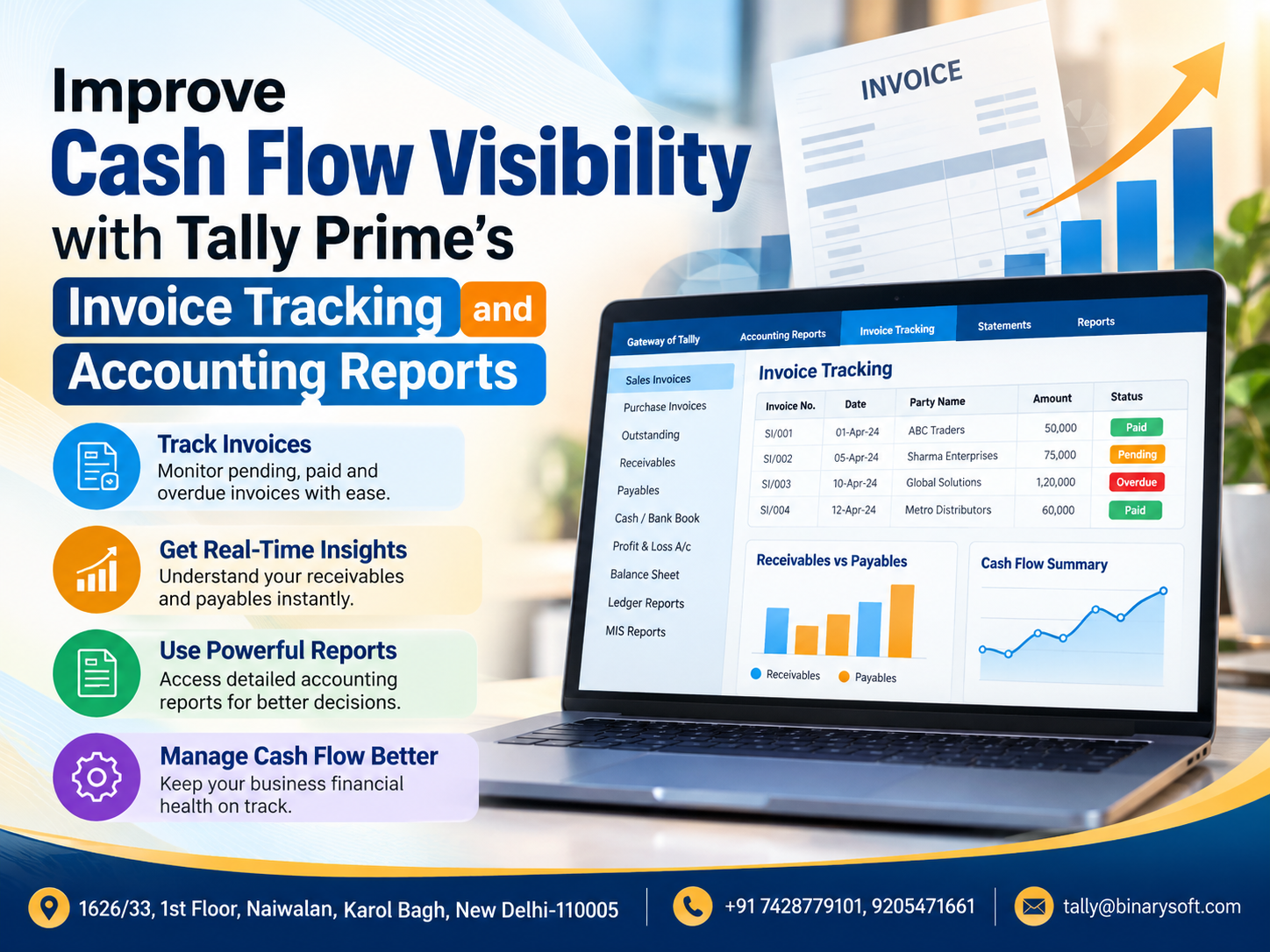
TallyPrime provides cash and bank books, outstanding reports and other financial information useful for monitoring liquidity.
Management Reporting
Business owners need more than transaction records. They need information that supports decisions.
Reports such as Profit & Loss, Balance Sheet, Stock Summary, Sales Register, Purchase Register and outstanding statements help management evaluate performance.
TallyPrime provides these reports using recorded transactions, reducing dependence on separately prepared spreadsheets.
4. Major Benefits of ERP Software for Indian Businesses
One major benefit is improved operational visibility. When financial and inventory records are connected, managers can understand the consequences of transactions more quickly.
Another advantage is reduced duplication. Employees spend less time transferring information between registers and spreadsheets.
ERP systems can also improve accountability by supporting defined responsibilities and access permissions.
Accurate inventory records help prevent unnecessary purchases, while outstanding reports support timely collection efforts.
Businesses may also benefit from more consistent GST records, easier financial reviews and better coordination between accounting and operational teams.
However, these benefits are not guaranteed simply by purchasing software. They depend on implementation quality, employee training and reliable data entry.
5. Types of ERP Software
ERP solutions are commonly classified by deployment method and business requirements.
On-premises ERP: The application and data are maintained on business-controlled infrastructure. This offers direct infrastructure control but requires appropriate maintenance, security and backup arrangements.
Cloud ERP: The application is delivered through cloud infrastructure, often using a subscription model. Users access supported services through an internet connection.
Hybrid ERP: A combination of local and cloud-based systems, designed around operational and security requirements.
Industry-specific ERP: Software developed for sectors such as manufacturing, healthcare, construction, retail or distribution.
ERP for SMEs: Solutions emphasizing affordability, simpler implementation and essential operational functionality.
TallyPrime can be used locally or through a suitably configured hosted environment. Hosting TallyPrime on cloud infrastructure is not identical to using a browser-native SaaS ERP product, and licensing, access methods and security responsibilities should be evaluated separately.
6. How TallyPrime Helps Businesses Manage ERP-Style Operations
TallyPrime is widely used by Indian businesses for managing accounting, inventory, taxation and financial reporting.
For organizations that do not require a large enterprise ERP implementation, it can bring essential business processes together in one environment.
Centralized Accounting
TallyPrime helps maintain financial records through accounting ledgers, vouchers and financial statements.
Businesses can record sales, purchases, payments, receipts, journals and contra entries.
Because these transactions contribute to the accounting records, management can review financial information without repeatedly compiling separate reports.
Inventory Control
Businesses can create stock items, stock groups, units and godowns.
Depending on configuration, they can also maintain batch information and track inventory movements.
This is particularly useful for distributors, wholesalers and businesses handling numerous product categories.
GST Management
TallyPrime helps record GST-related transactions, generate invoices and review tax reports.
Relevant features can support GST return preparation, reconciliation and connected compliance workflows.
The precise functionality depends on the product release and configuration.
Customer and Supplier Outstanding Management
Credit transactions can be tracked through bill-wise accounting.
Businesses can review outstanding amounts, identify overdue invoices and plan follow-up collections.
Supplier balances also help management schedule payments more responsibly.
Financial Reporting
TallyPrime provides Profit & Loss statements, Balance Sheets, cash and bank reports, stock summaries and other operational reports.
These reports help owners evaluate profitability, working capital and business performance.
Cost Centres and Business Analysis
Businesses can use cost centres and related reporting features to analyze expenses and income across departments, projects or other internal classifications.
For example, a distributor operating in Delhi and Jaipur may want to understand the expenses associated with each branch.
Properly configured accounting records can make such comparisons easier.
7. An Emotional Business Story: The Day a Small Business Owner Realized Sales Were Not Enough
Rajesh operated a wholesale electrical goods business in Delhi. His father had started the shop with limited capital, and Rajesh had spent years expanding the customer base.
From the outside, the business appeared successful.
Orders were increasing, suppliers were delivering regularly, and customers appreciated the company's competitive prices.
Yet Rajesh frequently struggled to pay suppliers on time.
One evening, after employees had left, he sat at his desk surrounded by purchase registers, unpaid invoices and stock notebooks.
His daughter called to ask whether he would attend her school function the next morning.
He wanted to say yes, but he was still trying to understand why a business generating substantial sales had so little available cash.
The next day, he discovered three problems.
Several customers had overdue invoices. His warehouse contained excess quantities of slow-moving products. Meanwhile, popular products were running out because purchasing decisions relied on incomplete information.
The problem was not simply a shortage of sales.
It was a shortage of visibility.
Rajesh decided to reorganize his accounting and inventory processes using TallyPrime. His team entered transactions consistently, maintained stock records and reviewed outstanding reports every week.
Over time, purchasing decisions became more disciplined, and payment follow-ups became easier to prioritize.
Most importantly, Rajesh no longer had to depend entirely on handwritten records to understand his business.
One Friday evening, he closed the office on time and attended his daughter's school event.
The business had not become perfect. Customers still paid late occasionally, and inventory required attention.
But Rajesh finally felt that he was managing his business instead of constantly reacting to problems.
This is an illustrative story representing common challenges faced by growing Indian businesses.
8. Case Study One: Wholesale Distribution Business Improves Inventory Visibility
Illustrative case study — Delhi electrical goods distributor
Business Background
A wholesale distributor supplies electrical switches, cables, lighting equipment and accessories to retailers across Delhi NCR.
The company manages hundreds of stock items and frequently purchases goods from multiple suppliers.
Challenges
Before reorganizing its processes, the business maintained separate spreadsheets for sales, purchases and warehouse inventory.
The accounting team sometimes received transaction information several days late.
Consequently, stock balances were difficult to verify, and purchasing decisions were based on estimates.
The company also struggled to identify overdue customer payments.
Solution Using TallyPrime
The business introduced a structured TallyPrime workflow.
Stock items were classified into meaningful groups, purchase and sales entries were recorded consistently, and godown-wise inventory records were maintained.
Customer invoices were tracked through bill-wise accounting.
Management began reviewing stock summaries and outstanding reports regularly.
Illustrative Results
|
Business area
|
Before
|
After process improvement
|
|---|
|
Inventory visibility
|
Separate spreadsheets
|
Centralized stock records
|
|
Customer collections
|
Irregular follow-ups
|
Regular outstanding reviews
|
|
Purchase planning
|
Estimates and manual checks
|
Stock-based decision support
|
|
Accounting reports
|
Delayed compilation
|
Reports from recorded transactions
|
|
GST preparation
|
Multiple manual reconciliations
|
More organized transaction records
|
Key Learning
The greatest improvement came from connecting inventory discipline with accounting visibility.
The business could make purchasing decisions with better information while reducing dependence on manually consolidated reports.
These outcomes are illustrative, not independently measured customer results.
9. Case Study Two: Manufacturing Business Strengthens Cost and Material Control
Illustrative case study — Small manufacturing unit
Business Background
A small manufacturing company produces metal components for industrial customers.
Its operations involve raw materials, production activities, finished goods, supplier payments and customer invoices.
Challenges
The company struggled to understand raw-material consumption and finished-goods availability.
Accounting records were maintained separately from production-related information.
Management found it difficult to evaluate product costs and identify unexpected material usage.
Solution Using TallyPrime
The company organized its stock masters and introduced consistent purchase, consumption and production recording procedures.
Where appropriate, it used manufacturing-related inventory features, including bills of materials and stock journal workflows.
Accounting records were maintained alongside inventory transactions.
Management also reviewed expenses and inventory valuations more regularly.
Business Benefits
The revised workflow provided clearer information about material consumption, stock availability and recorded production costs.
It also improved coordination between warehouse employees and accountants.
However, advanced production scheduling, machine maintenance and shop-floor automation were outside the scope of this accounting-led solution and would require separate evaluation.
Key Learning
Manufacturers do not always need to begin with a large ERP deployment.
For relatively straightforward production processes, well-configured accounting and inventory software can provide a useful operational foundation.
10. ERP Software vs Traditional Accounting Software
Although ERP and accounting software share some capabilities, they are not identical.
|
Feature
|
Traditional Accounting Software
|
Comprehensive ERP Software
|
|---|
|
Financial accounting
|
Core functionality
|
Integrated functionality
|
|
Sales and purchases
|
Commonly supported
|
Integrated across processes
|
|
Inventory
|
Basic to advanced
|
Often linked with supply chain
|
|
GST and taxation
|
Product dependent
|
Country and module dependent
|
|
Manufacturing
|
Often limited
|
May include detailed planning
|
|
Human resources
|
Usually separate
|
May include HR modules
|
|
Customer relationship management
|
Often separate
|
May include CRM
|
|
Reporting
|
Financial focus
|
Cross-functional reporting
|
TallyPrime sits between basic bookkeeping software and comprehensive enterprise ERP systems for many practical business requirements.
It offers substantial accounting and inventory capabilities without claiming to cover every function of a large enterprise platform.
11. How to Choose the Right ERP Software for Your Business
Choosing ERP software requires more than comparing prices.
Businesses should first identify their most important operational problems.
A retail business may prioritize billing speed, GST invoices and inventory accuracy.
A wholesaler may focus on receivables, supplier payments and warehouse visibility.
A manufacturer may require raw-material tracking, production costing and manufacturing controls.
Before purchasing software, management should evaluate the number of users, business locations, reporting requirements, implementation effort and available technical support.
Data security and backup responsibilities are also important.
Businesses planning cloud deployment should examine hosting arrangements, access controls, internet dependency, recovery procedures and licensing conditions.
The ideal solution is not necessarily the one with the longest feature list. It is the solution employees can use reliably while meeting current requirements and supporting future growth.
12. Step-by-Step ERP Implementation Using TallyPrime
A structured implementation helps businesses avoid common mistakes.
Step 1: Review Existing Processes
Identify how sales, purchases, payments, inventory and GST transactions are currently managed.
Document problems such as duplicate entries, missing invoices and delayed reports.
Step 2: Create Accurate Masters
Set up company information, ledger accounts, customers, suppliers, stock items and tax details.
Consistent naming and classification improve reporting quality.
Step 3: Configure Accounting and Inventory
Enable the features required by the business.
Set up godowns, bill-wise details, inventory classifications and relevant tax settings.
Step 4: Prepare Opening Balances
Verify opening ledger balances and stock quantities before entering them into the new system.
Step 5: Establish Transaction Procedures
Train employees to record purchases, sales, receipts, payments and stock movements correctly.
Step 6: Configure User Access
Assign permissions according to employee responsibilities.
Avoid providing unrestricted access where it is unnecessary.
Step 7: Validate Reports
Compare accounting and inventory reports with supporting records.
Resolve discrepancies before relying on the system for management decisions.
Step 8: Review Performance Regularly
Use outstanding reports, stock summaries, cash information and financial statements to monitor operations.
Implementation should be treated as a business process improvement project, not merely software installation.
13. ERP Software on Cloud: Opportunities for Growing Businesses
Cloud hosting can provide additional flexibility for organizations operating across locations.
For example, a business owner travelling outside Delhi may need access to accounting information maintained at the office.
A suitably configured TallyPrime hosting environment can support remote access to the application.
Potential advantages include centralized infrastructure, easier access for authorized remote users and reduced dependence on one office computer.
However, cloud hosting also introduces responsibilities involving security, internet connectivity, backups, access permissions and service reliability.
Businesses should clarify who manages the server, who maintains backups and how data can be recovered following an interruption.
Cloud deployment should be evaluated as an infrastructure decision rather than an automatic guarantee of security or uninterrupted availability.
14. Common ERP Implementation Mistakes
Some businesses invest in new software but continue following inconsistent manual processes.
Others migrate inaccurate opening balances or create duplicate stock masters.
Insufficient employee training can result in incorrect voucher entries and unreliable reports.
Another common mistake is selecting software based only on initial cost without evaluating ongoing support, licensing, hosting and maintenance.
Businesses can reduce these risks through careful planning, phased implementation and regular review.
The quality of the information entered into the system remains essential to the quality of the reports produced.
15. The Future of ERP Software for Small and Medium Businesses
ERP software is gradually becoming more accessible to smaller organizations.
Businesses increasingly expect faster reporting, better connectivity, automated workflows and more flexible deployment options.
Artificial intelligence, predictive analytics and advanced automation are also influencing the wider ERP industry.
However, individual capabilities vary significantly between products.
A business should not assume that every ERP application includes AI-based forecasting, automated purchasing or advanced manufacturing optimization.
For many Indian SMEs, the immediate priority remains simpler: maintain accurate accounts, monitor stock, collect payments on time and understand profitability.
A dependable accounting and inventory foundation can create the conditions for more advanced digital transformation later.
Conclusion: Building a More Organized and Profitable Business with ERP Software
ERP software can help businesses move from disconnected records toward more coordinated operations.
By improving the relationship between accounting, sales, purchases, inventory and financial reporting, organizations can make decisions using more reliable information.
For Indian small and medium-sized enterprises, TallyPrime offers practical capabilities for managing several of these essential functions.
Its accounting, GST, inventory, banking and reporting features can support everyday business management when implemented correctly.
The real value of business software is not the number of features it contains. It is the ability to help owners understand their operations, control financial risks and make confident decisions.
Businesses that combine suitable technology with disciplined processes are better positioned to manage growth and respond to changing customer expectations.
Powered by Binarysoft Technologies
Authorized Tally Partner
Location: 1626/33, 1st Floor, Naiwalan, Karol Bagh, New Delhi – 110005, INDIA
Contact us: +91 7428779101, 9205471661
Email us: tally@binarysoft.com
Business Hours: 10:00 AM – 6:00 PM, Monday to Friday
Frequently Asked Questions
How long does ERP implementation take?
Implementation time depends on business size, data quality, required features, customization and employee training. A straightforward accounting setup may take substantially less time than a complex multi-department implementation.
Can TallyPrime be accessed remotely?
TallyPrime offers supported remote-access options, and businesses may also use suitable cloud-hosted environments. Access methods depend on licensing, configuration and hosting arrangements.
Does TallyPrime support inventory management?
Yes. Businesses can maintain stock items, groups, units, godowns and relevant inventory transactions, including batch-related information where configured.
Is ERP software suitable for small businesses?
Yes. Small businesses can benefit from integrated systems, particularly when manual records become difficult to manage. The solution should match their operational complexity and budget.
Which businesses can benefit from ERP software?
Retailers, wholesalers, distributors, manufacturers, service providers and other growing organizations can benefit when they need better coordination between operational and financial records.
CA. Aviraj Kothari focuses on business accounting, GST compliance, and management reporting. He helps businesses organize financial data and establish practical accounting processes for better visibility and smoother compliance.