Call CA Tally HelpDesk
+91 9205471661,
7428779101
What Changed in 2026? Why Retail Stores Need Smarter POS and Inventory Software
Retailing in Preet Vihar and Krishna Nagar has become more technology-driven in 2026. Customers increasingly expect quick checkout, accurate prices, digital payment options, professional invoices and easy returns, while shop owners are under pressure to control inventory, GST records, margins and daily cash flow. Modern retail POS systems increasingly combine billing, inventory, payments and reporting instead of treating the billing counter as a standalone operation.
For a busy retailer, the biggest risk is no longer simply making a billing mistake. It is not knowing what is actually happening inside the store. How much stock is available? Which products are moving fastest? Which items are sitting unsold? What needs to be reordered today? Integrated POS and inventory software can turn every sale into an automatic stock update, giving retailers better control without maintaining separate registers and spreadsheets.
For retailers in Preet Vihar, Krishna Nagar and surrounding East Delhi markets, this shift can mean faster counters, tighter stock control and better business decisions.
Retail Business Is Changing in Preet Vihar and Krishna Nagar
Preet Vihar and Krishna Nagar serve a wide variety of retail customers across East Delhi. From apparel and footwear to electronics, cosmetics, grocery, home products and general merchandise, retailers may handle hundreds or thousands of different items.
Traditional retail management often involves several disconnected activities:
Billing at the counter is handled in one place.
Stock is checked separately.
Purchases are recorded somewhere else.
GST information goes to the accountant.
Daily collections are calculated manually.
Owners call employees to find out what is happening when they are away.
As transaction volumes grow, this approach becomes increasingly difficult to manage.
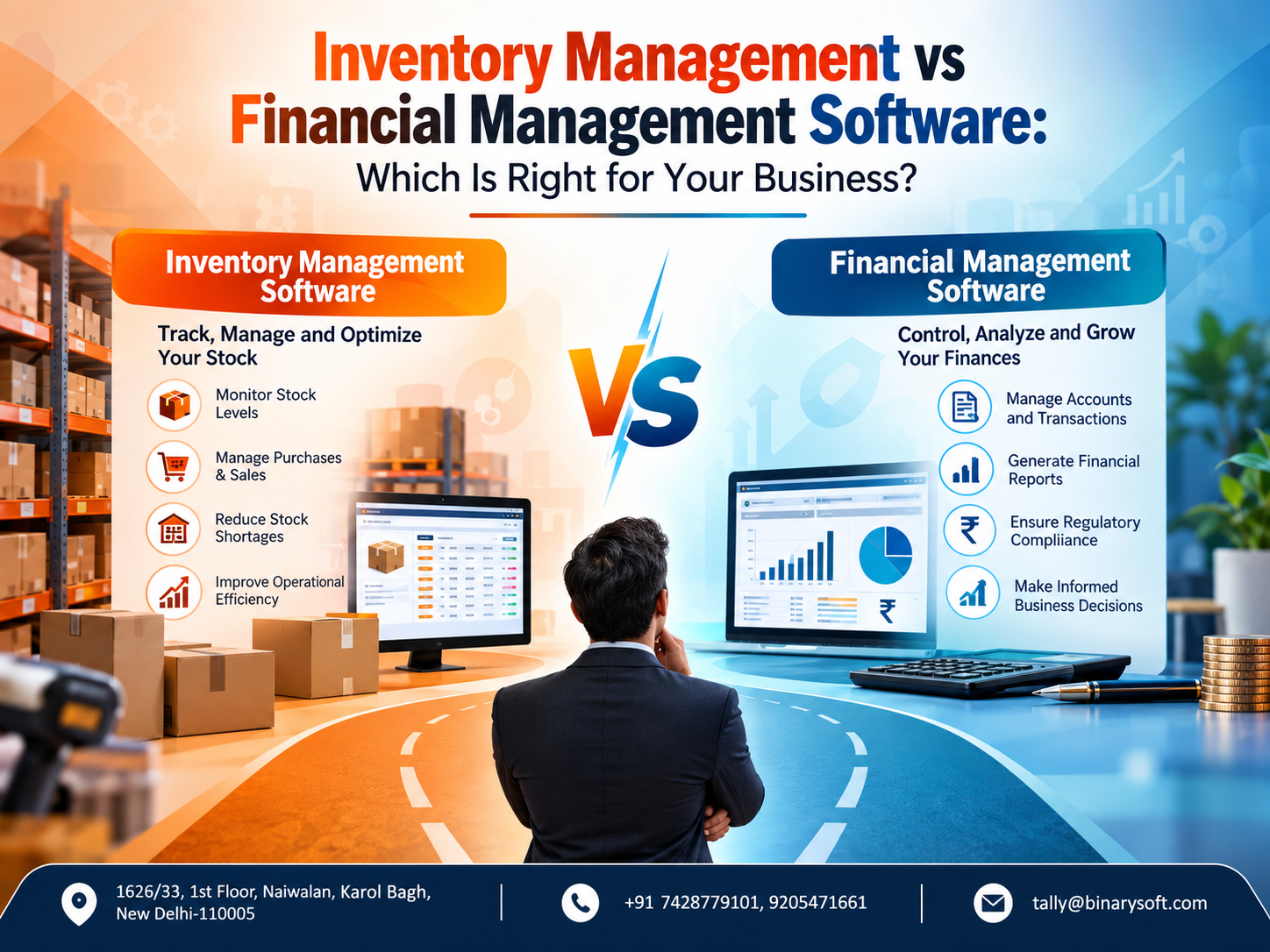
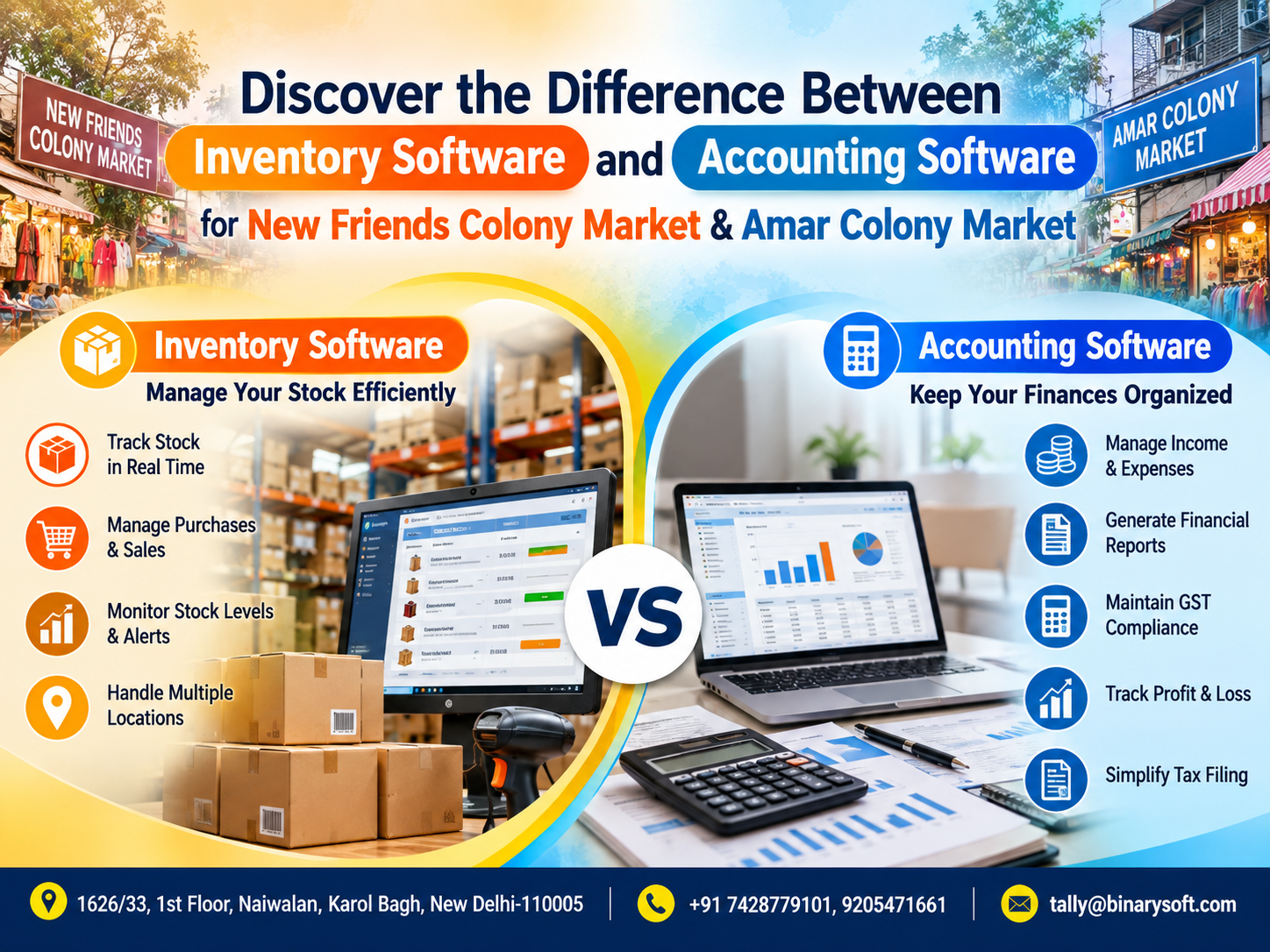
A modern stores software solution brings billing, inventory, purchases, accounting and reporting closer together so that owners can spend less time reconciling information and more time managing the business.
What Is Stores Software?
Stores software is a business management system designed to help retailers control everyday operations from purchasing goods to selling them at the billing counter.
Depending on the configuration, it can support:
- Retail POS billing
- Barcode-based billing
- Inventory tracking
- Purchase management
- GST invoicing
- Sales returns
- Customer outstanding management
- Supplier records
- Cash and bank transactions
- Stock valuation
- Product-wise profitability
- Daily sales reporting
- Multiple payment modes
- User-level access
- Business reports
Instead of maintaining separate records for sales and inventory, an integrated system can automatically reduce stock whenever an item is sold. This connection between billing and inventory is one of the core advantages of modern retail POS software.
A Krishna Nagar Retailer's Busy Saturday
Imagine a family-run garment and lifestyle store in Krishna Nagar.
For years, the owner had managed the shop through experience. He knew his customers, remembered popular products and personally checked most incoming stock.
But the business grew.
The store started carrying more designs, sizes and colours. More customers began paying digitally. Two additional employees joined the billing counter.
Then came a busy Saturday evening.
Customers were waiting.
One customer wanted a particular shirt in medium size. The computer showed it as available, but the employee could not find it.
Another customer wanted to exchange an item purchased earlier.
At the same time, the owner discovered that one of his best-selling products had completely run out.
He had assumed there were several pieces left.
The real problem was not sales.
The store was selling successfully, but its information was falling behind the business.
After moving towards a more structured POS and inventory process, every sale began affecting stock records immediately. Products could be searched more easily, purchasing became more systematic, and the owner could review sales and inventory instead of depending entirely on memory.
For him, the most important change was not simply faster billing.
It was confidence.
When a customer asked, “Is this available?”, his staff had a much better chance of giving the right answer.
That is the practical value of retail technology.
Why Retail POS Software Matters in 2026
A Point of Sale system is the operational centre of a modern retail counter.
Older billing systems were primarily designed to calculate totals and print receipts. Modern POS platforms can connect transactions with inventory, GST, payments and business reporting.
This means one transaction can potentially perform several jobs simultaneously.
When a product is billed:
Sale recorded → Inventory reduced → GST captured → Payment recorded → Sales report updated
That reduces repetitive manual entry and creates a more consistent flow of information.
Faster Billing During Peak Hours
Nobody enjoys standing in a long billing queue.
For retail businesses in crowded markets, counter speed can directly affect the customer experience.
With correctly configured retail POS software, employees can quickly:
Scan the barcode.
Enter quantity.
Apply approved discounts.
Select payment mode.
Generate the invoice.
Complete the transaction.
Barcode-first billing and reliable performance during busy periods are important considerations when choosing a retail POS system.
This becomes particularly valuable during weekends, festivals, sales periods and evening rush hours.
Barcode Billing for Better Accuracy
Barcode integration can transform retail operations where stores manage hundreds or thousands of SKUs.
Instead of manually searching for every item, the cashier scans the barcode and the configured product details appear.
Depending on setup, the system can retrieve information such as:
Product name
Item code
Selling price
GST details
Unit
Discount information
Inventory details
This reduces repetitive typing and helps prevent selecting the wrong product during billing.
For supermarkets, fashion stores, cosmetics shops, electronics retailers and general stores, barcode billing can be particularly useful.
Real-Time Inventory Tracking
Inventory is money sitting on shelves.
Too much stock can block working capital.
Too little stock can mean lost sales.
Wrong stock information creates both problems simultaneously.
A well-integrated POS system updates inventory as transactions occur. Real-time or transaction-linked inventory management is now considered a core retail POS capability.
Retailers can use inventory reports to answer practical questions such as:
Which products are available?
Which items are running low?
Which products are selling quickly?
Which items have not moved for weeks or months?
What should be reordered?
What stock value is currently held?
This information helps owners move from guesswork towards data-supported purchasing.
Avoid Stock-Outs of Fast-Moving Products
Imagine losing ten customers in one week because the product they wanted was unavailable.
The financial loss is not limited to those ten sales.
Some customers may simply buy from another retailer and return there next time.
Stock reports and reorder processes help retailers identify products approaching minimum inventory levels so purchases can be planned earlier.
For stores in competitive retail areas such as Preet Vihar and Krishna Nagar, product availability can influence repeat business.
Identify Slow-Moving Inventory
Fast-selling products are easy to notice.
Slow-moving inventory is more dangerous because it quietly consumes capital and shelf space.
Inventory reports can help retailers identify products that have remained unsold for long periods.
Management can then decide whether to:
Run a promotion.
Offer a discount.
Bundle the item.
Transfer it to another location.
Reduce future purchasing.
Stop stocking the product.
The goal is not merely to know how much inventory you have. The goal is to understand how effectively that inventory is moving.
GST Billing and Better Compliance Records
GST is another reason retail billing systems need structured product and transaction data.
A suitable system can maintain product tax details and generate GST-related sales records based on configured information.
Modern Indian POS solutions increasingly incorporate HSN mapping, GST rate handling, invoice generation and GST reporting into the transaction workflow.
For retailers, this can reduce duplicate data entry and make records easier to review.
Correct configuration remains essential. Businesses should ensure product masters, GST rates, HSN/SAC details and tax settings are properly maintained and periodically reviewed with their accounting or tax professional.
Manage Multiple Payment Modes
A customer may pay using:
Cash
UPI
Debit card
Credit card
Bank transfer
A combination of payment modes
Retail software can help classify collections properly so that owners have clearer information about how sales were received.
Instead of simply asking, “How much did we sell today?”, the owner can investigate:
How much was cash?
How much came through digital payments?
How much was card?
Were any sales made on credit?
This makes end-of-day reconciliation easier.
Purchase and Supplier Management
Inventory management begins before a product reaches the shelf.
Retailers need visibility into purchases as well as sales.
Stores software can help maintain supplier-wise purchase information so owners can evaluate:
What was purchased?
From whom?
At what cost?
When was it purchased?
What amount is payable?
Which supplier provides particular products?
How much inventory came from each purchase?
Connecting purchase and sales records gives management a more complete picture of stock movement.
Better Control Over Retail Margins
High sales do not automatically mean high profits.
Suppose Product A sells 500 units but produces a very small margin.
Product B sells only 200 units but provides significantly higher profitability.
Which deserves more attention?
The answer becomes easier when sales, purchase cost and inventory information are systematically recorded.
Retail reports can help management analyse product performance rather than relying only on total turnover.
Sales Returns and Exchanges
Returns and exchanges are common in retail, especially for:
Garments
Footwear
Electronics
Lifestyle products
Accessories
Gift products
Poorly recorded returns can create differences between physical stock and software stock.
A structured system should ensure that an authorised return or exchange is reflected correctly in both the transaction record and inventory.
That keeps stock information more reliable.
Customer Management
Retail is built on repeat customers.
Depending on the business and software configuration, retailers may maintain customer information such as:
Name
Mobile number
Purchase history
Outstanding balance
Transaction details
This can help stores understand repeat buying behaviour and provide more consistent service.
Customer data should, of course, be collected and handled responsibly and only for legitimate business purposes.
Role-Based Access for Employees
Not every employee needs access to every report.
A cashier may need billing access.
A store manager may need billing, inventory and purchase information.
The owner may require financial and profitability reports.
Role-based permissions help businesses control who can view or modify sensitive information.
This becomes increasingly important as a retail business grows from an owner-operated store into a team-managed operation.
Retail POS for Different Businesses in Preet Vihar & Krishna Nagar
Stores software can be adapted for different retail formats.
Garment Stores
Useful functions include size and colour tracking, barcode billing, purchase management, stock reports and sales analysis.
Footwear Stores
Retailers can manage model, size, colour, brand and item-wise stock.
Electronics Stores
Software can support product-wise inventory, customer invoices, supplier purchases and detailed accounting records.
Cosmetics Stores
Retailers can manage numerous SKUs, brands and product categories while monitoring fast- and slow-moving stock.
Grocery and General Stores
Barcode-based POS, rapid billing, stock control and purchase management become particularly important because of high transaction volumes.
Gift and Lifestyle Stores
Retailers can monitor product varieties and seasonal demand while analysing which categories generate stronger sales.
From One Counter to Multiple Counters
A store may start with one computer and one cashier.
Growth changes the requirement.
The business may eventually need:
Multiple billing counters
More users
A separate stock room
A warehouse
Multiple stores
Centralised reporting
Therefore, retailers should not choose software only according to today's requirements.
They should consider where the business could be in the next two or three years.
A scalable system can reduce the disruption of changing platforms after the business has already accumulated years of transaction and inventory data.
Why Integrated Accounting Matters
A standalone POS can generate bills quickly.
But retailers also need accounting information.
That includes:
Sales
Purchases
Expenses
Cash
Bank transactions
Receivables
Payables
GST
Profitability
When retail operations and accounting work together, owners can gain a clearer financial view of the business.
This is where solutions such as Tally-based retail and inventory implementations can be valuable for businesses that want accounting, taxation and stock information within a structured business-management environment.
TallyPrime for Retail Store Management
Tally Solutions provides TallyPrime as a business management and accounting platform used by businesses for accounting, inventory, taxation and related operations.
With suitable configuration and implementation, retailers can use TallyPrime for areas such as:
Retail billing
Inventory management
GST accounting
Purchase management
Sales management
Receivables and payables
Financial reporting
Stock reporting
Cash and bank management
Business analysis
The exact setup should be designed around the retailer's products, billing workflow, number of users, locations and reporting requirements.
Why Proper Implementation Is as Important as Software
Buying software is only the beginning.
Poor implementation can result in:
Duplicate stock items.
Incorrect opening balances.
Wrong GST configuration.
Inconsistent product names.
Incorrect units.
Confusing reports.
Untrained staff.
That is why implementation should start with understanding the actual retail workflow.
Before deployment, businesses should consider:
What products are sold?
How many SKUs exist?
Are barcodes already available?
How are purchases recorded?
How many billing users are required?
How are returns processed?
What reports does the owner need?
Is existing data being migrated?
Will accounting and inventory be maintained together?
A properly planned setup can make day-to-day usage considerably easier.
Important Reports Every Store Owner Should Review
Retailers should not install software merely to generate invoices.
Reports are where the long-term business value appears.
Owners should regularly monitor sales trends, stock position, fast-moving items, slow-moving items, purchase activity, outstanding receivables and payables, cash/bank position and profitability.
A useful daily routine could be:
Morning: Check low-stock and pending purchase requirements.
During business hours: Monitor billing and unusual transactions.
Closing time: Review daily sales and payment collections.
Weekly: Review fast-moving and slow-moving inventory.
Monthly: Review profitability, stock valuation and GST-related information.
Software becomes more valuable when management actually uses its reports to make decisions.
How Retail Software Can Reduce Manual Errors
Manual processes create multiple opportunities for mistakes.
An employee may write the wrong quantity.
A sale may not be deducted from stock.
A return may be recorded in one register but not another.
A purchase may be entered late.
A GST rate may be selected incorrectly.
The same transaction may be entered more than once.
Integrated software cannot eliminate every human error, but it can reduce repetitive manual entry by allowing one correctly recorded transaction to update related records.
Choosing Stores Software in Preet Vihar or Krishna Nagar
Do not select retail software simply because it has the longest feature list.
Choose it according to your business workflow.
Important considerations include:
Billing speed.
Ease of use.
Inventory capability.
Barcode support.
GST requirements.
Purchase management.
Return and exchange handling.
Reporting.
User access controls.
Backup process.
Scalability.
Implementation assistance.
Training and after-sales support.
Offline reliability may also matter because a retail counter should ideally not become unusable merely because internet connectivity is interrupted. 2026 POS guidance increasingly highlights offline billing or continuity as an important consideration for physical retailers.
Benefits for Retailers in Preet Vihar & Krishna Nagar
When correctly implemented, stores software can provide several practical improvements:
Faster Checkout
Barcode and POS workflows reduce counter processing time.
Improved Stock Visibility
Management gets clearer information about available inventory.
Better Purchasing
Reorder decisions can be based on actual sales and stock movement.
Reduced Stock-Out Risk
Fast-moving products can be identified earlier.
Better Control of Dead Stock
Slow-moving items become easier to identify.
Structured GST Records
Sales and tax information is recorded systematically.
Better Financial Visibility
Owners can monitor sales, purchases, expenses, receivables and payables.
Scalable Operations
A structured software system makes it easier to add users, counters and business processes as the store grows.
From Billing Software to Business Intelligence
The biggest change in retail technology is the role software now plays.
Previously:
Software told you what you sold.
Modern retail systems increasingly help answer:
What should you do next?
Which item needs replenishment?
Which category is growing?
Which product is losing demand?
Where is capital blocked?
Which items generate better margins?
Which products sell most during weekends?
That shift from transaction recording to business intelligence is what makes POS and inventory integration increasingly important. Integrated ERP and POS systems are being adopted to improve inventory precision and operational efficiency across India's evolving retail sector.
Why Work With Binarysoft Technologies?
Binarysoft Technologies provides Tally-related solutions and implementation support for businesses looking to improve accounting, inventory, GST and business management processes.
As an Authorized Tally Partner, Binarysoft Technologies can help businesses evaluate requirements and plan a suitable Tally implementation.
Support may include requirement analysis, software consultation, installation assistance, configuration, inventory setup guidance, user training and ongoing Tally-related support depending on the agreed scope.
For a retailer, the objective should not simply be to install software.
The objective should be to create a system that employees can use confidently every working day.
Powered by Binarysoft Technologies
Authorized Tally Partner
Location:
1626/33, 1st Floor, Naiwalan,
Karol Bagh, New Delhi – 110005, INDIA
Contact Us:
+91 7428779101
+91 9205471661
Email:
tally@binarysoft.com
Business Hours:
10:00 AM – 6:00 PM, Monday to Friday
Conclusion
Retail businesses in Preet Vihar and Krishna Nagar are operating in an environment where customers expect faster service while owners need tighter control over stock, payments, GST records and profitability.
A modern retail POS and inventory tracking system can connect billing with stock movement, purchases, payments and business reporting. Instead of discovering a stock shortage when a customer asks for an unavailable product, retailers can use structured inventory information to plan purchases earlier. Instead of manually calculating daily collections, management can review transaction reports. Instead of depending entirely on memory, decisions can increasingly be supported by data.
For businesses considering TallyPrime for retail billing, inventory, accounting and GST management, the right configuration and implementation are crucial.
Binarysoft Technologies, an Authorized Tally Partner, can help retailers evaluate their requirements and build a Tally-based solution aligned with their day-to-day business processes.
Frequently Asked Questions
What is the best stores software for retailers in Preet Vihar and Krishna Nagar?
The best software depends on the size and type of business. Retailers should consider billing speed, barcode support, inventory management, GST requirements, accounting, reporting, scalability and support before selecting a solution.
Can TallyPrime be used for retail stores?
Yes. TallyPrime can support accounting, inventory, sales, purchases, GST and other business-management requirements. The appropriate configuration depends on the store's workflow and requirements.
CA. Vivaan Deshmukh focuses on financial reporting, audit procedures, and taxation. He shares practical insights on accounting software, business process optimization, and compliance management for SMEs and growing enterprises.