Tally Prime 7.0: Bank Statement to Tally Prime – Import & Reconcile Easily

Call CA Tally HelpDesk +91 9205471661, 7428779101
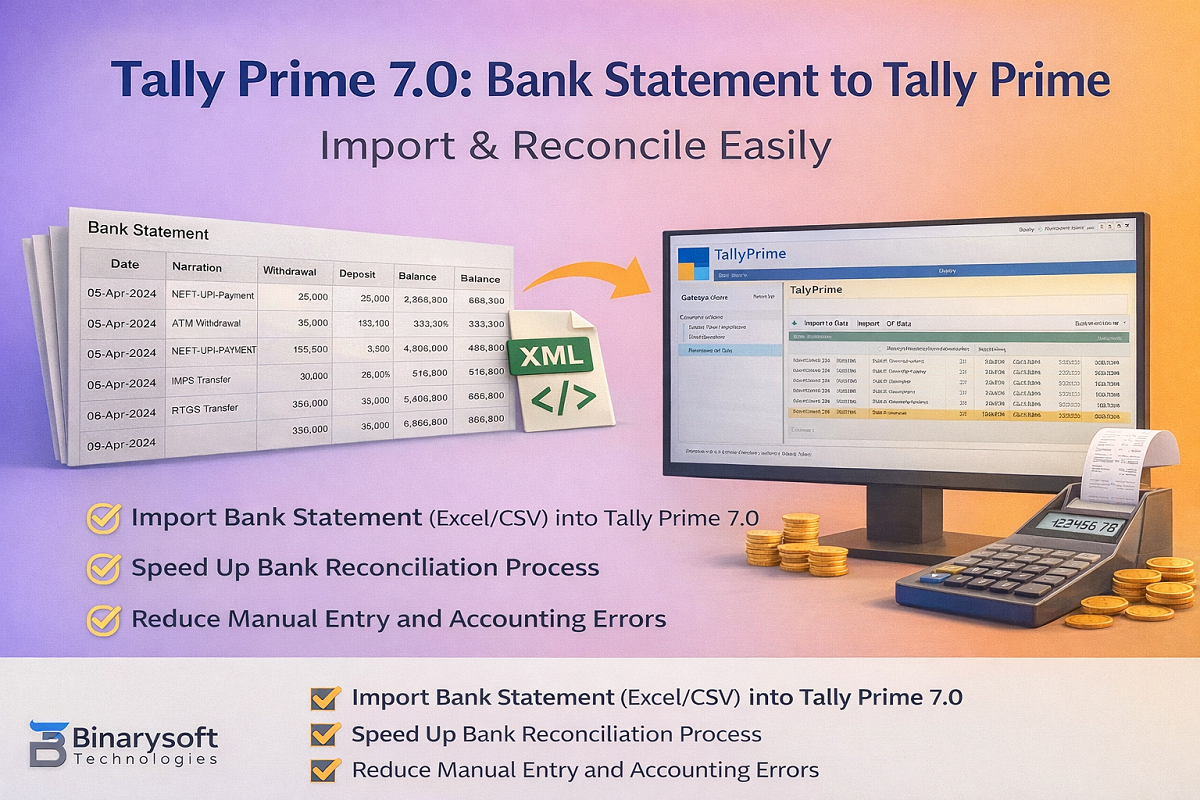
Tally Prime 7.0: Bank Statement to Tally Prime – Import & Reconcile Easily
By CA, Harshit Gaurwaadi   |   Published on: 16-12-2025 | 5 min read

Managing bank transactions manually is time-consuming and error-prone. With Tally Prime 7.0, businesses and CAs can efficiently import bank statements into Tally Prime and speed up accounting and bank reconciliation.

This guide explains how to bring bank statements into Tally Prime 7.0, the supported formats, and best practices.

Why Import Bank Statement into Tally Prime 7.0?

Using the bank statement to Tally Prime process helps you:

  • Save time on manual voucher entry
  • Reduce posting errors
  • Maintain accurate bank ledgers
  • Speed up bank reconciliation
  • Handle bulk transactions (UPI, NEFT, IMPS, RTGS)

Supported Bank Statement Formats in Tally Prime 7.0

You can work with bank statements in:

  • Excel (.xlsx)
  • CSV (.csv)
  • XML (recommended for bulk import)

 PDF statements must be converted to Excel/CSV first.

Methods to Import Bank Statement into Tally Prime 7.0

Method 1: Bank Statement to Tally Prime via XML (Best for Bulk Data)

This is the most reliable method for importing large volumes of bank transactions.

Process:

  1. Convert bank statement (Excel/CSV) to Tally-compatible XML
  2. Open company in Tally Prime 7.0
  3. Go to Gateway of Tally → Import
  4. Select Vouchers
  5. Choose the XML file and import

✔ Fast
✔ Accurate
✔ Ideal for CA firms & high-volume accounts

Method 2: Import via Excel / CSV

Tally Prime allows importing transactions using predefined Excel structures.

Use this when:

  • Transaction volume is low
  • Format is simple
  • XML is not available

 Requires correct column mapping and formatting.

Required Data for Bank Statement Import

Before importing, ensure your data includes:

  • Date
  • Narration / Description
  • Debit amount
  • Credit amount
  • Reference / UTR (optional but recommended)

Also ensure:

  • Bank ledger exists in Tally
  • Party / expense ledgers are created (or mapped to Suspense)

Voucher Types Used in Bank Statement Import

Transaction Type

Voucher in Tally

Money received

Receipt

Money paid

Payment

Bank to bank

Contra

Charges / Interest

Journal

Bank Reconciliation in Tally Prime 7.0

After importing the bank statement:

  1. Open Bank Ledger
  2. Select Bank Reconciliation
  3. Match imported entries with bank dates
  4. Identify unreconciled or missing transactions

This ensures accurate books and compliance-ready data.

Common Errors & How to Avoid Them

Missing Ledgers
→ Create ledgers before import or use Suspense

Wrong Debit / Credit Posting
→ Verify bank column mapping

Duplicate Entries
→ Import month-wise and use unique references

Date Format Issues
→ Use consistent date format (DD-MM-YYYY)

Conclusion

Using bank statement to Tally Prime in Tally Prime 7.0 is the smartest way to automate accounting, reduce errors, and improve reconciliation. For bulk or professional use, XML-based import remains the most efficient and reliable approach.

Powered by Binarysoft Technologies
Authorized Tally Partner
Location : 1626/33, 1st Floor, Naiwalan, Karol Bagh, New Delhi – 110005, INDIA
Contact us : +91 7428779101, 9205471661, 8368262875
Email us :  tally@binarysoft.com (10:00 AM – 6:00 PM, Mon–Fri)


Frequently Asked Questions

Is TSS required?

XML import works without TSS; connected banking features may require active services.

Can I import bank statement directly into Tally Prime 7.0?

Yes, via Excel/CSV or XML.

Can this help in GST & audit work?

Yes. Clean bank data improves reconciliation and audit accuracy.

Which is the best method?

XML import is best for accuracy and bulk data.

About the Author

Written by CA, Harshit Gaurwaadi • 16-12-2025

CA. Harshit Gaurwaadi is a practicing Chartered Accountant with hands-on experience in accounting systems, GST compliance, and MSME advisory. He regularly works with small and mid-sized businesses to streamline inventory, billing, and statutory processes using modern accounting software. His articles focus on practical, ground-level challenges faced by Indian traders and professionals.


Verified Content 5 min read Support: +91 9205471661, 7428779101

Need Quick Support for Tally Prime?

For Tally Prime discount schemes and product inquiries, connect with our team.

+91 9205471661 | +91 7428779101

Subscribe For Product Updates

Opt-in Subscription

Tally Prime Auditor Renewal (One Year)

Applicable for CAs / Firms Using GOLD (Multi User ) Only
Renew your license now and upgrade from Tally ERP 9 to Tally Prime for Free!
Rs 6750 + 18% GST (Rs 1215)
Continue Here >>

Tally Prime Auditor Renewal (Two Years)

Applicable for CAs / Firms Using GOLD (Multi User ) Only
Renew your license now and upgrade from Tally ERP 9 to Tally Prime for Free!
Rs 12150 + 18% GST (Rs 2187)
Offer Continue Here >>

Tally Prime Gold Renewal (One Year)

Unlimited Multi-User Edition For Multiple PCs on LAN Environment
Renew your license now and upgrade from Tally ERP 9 to Tally Prime for Free!
Rs 13500 + 18% GST (Rs 2430)
Continue Here >>

Tally Prime Gold Renewal (Two Years)

Unlimited Multi-User Edition For Multiple PCs on LAN Environment
Renew your license now and upgrade from Tally ERP 9 to Tally Prime for Free!
Rs 24300 + 18% GST (Rs 4374)
Offer Continue Here >>

Tally Prime Silver Renewal  (One Year)

Single User Edition For Standalone PCs ( Not applicable for Rental License )
Renew your license now and upgrade from Tally ERP 9 to Tally Prime for Free!
Rs 4500 + 18% GST (Rs 810)
Continue Here >>

Tally Prime Silver Renewal  (Two Years)

Single User Edition For Standalone PCs ( Not applicable for Rental License )
Renew your license now and upgrade from Tally ERP 9 to Tally Prime for Free!
Rs 8100 + 18% GST (Rs 1458)
Offer Continue Here >>

Tally On Cloud

Tally On Cloud ( Per User Annual)
Now access Tally Prime anytime from anywhere – Just Deploy your Tally License and Tally Data on our Cloud Solution.
Rs 7000 + 18% GST (Rs 1260)
Continue Here >>

Tally Prime Gold

Unlimited Multi-User Edition
For EMI options, please Call: +91 742 877 9101 or E-mail: tally@binarysoft.com (10:00 am – 6: 00 pm , Mon-Fri)
Rs 67500 + 18% GST (Rs 12150)
Continue Here >>

Tally Prime Silver to Tally Prime Gold

Unlimited Multi-User Edition For Multiple PCs on LAN Environment
Renew your license now and upgrade from Tally ERP 9 to Tally Prime for Free!
Rs 45000 + 18% GST (Rs 8100)
Continue Here >>

Tally Prime Silver

Single User Edition For Standalone PCs
For EMI options, please Call: +91 742 877 9101 or E-mail: tally@binarysoft.com (10:00 am – 6: 00 pm , Mon-Fri)
Rs 22500 + 18% GST (Rs 4050)
Continue Here >>

Tally On AWS Cloud Personal (For 1 user)

(Per User/One Year)
TallyPrime latest release pre-installed
Rs 7200 + 18% GST (Rs 1296)
Continue Here >>

Tally On AWS Cloud Regular (Upto 2 users)

(Two Users/One Year)
TallyPrime latest release pre-installed
Rs 14400 + 18% GST (Rs 2592)
Continue Here >>

Tally On AWS Cloud Regular Plus (Upto 4 users)

(Four Users/One Year)
TallyPrime latest release pre-installed
Rs 21600 + 18% GST (Rs 3888)
Continue Here >>

Tally On AWS Cloud Regular Pro (Upto 8 users)

(Eight Users/One Year )
TallyPrime latest release pre-installed
Rs 43200 + 18% GST (Rs 7776)
Continue Here >>

Tally On AWS Cloud Performance (Upto 12 users)

(Twelve Users/One Year)
TallyPrime latest release pre-installed
Rs 64800 + 18% GST (Rs 11664)
Continue Here >>

Tally On AWS Cloud Performance Plus (Upto 16 users)

(Sixteen Users/One Year)
TallyPrime latest release pre-installed
Rs 86400 + 18% GST (Rs 15552)
Continue Here >>

Latest Articles

Inventory Management Software for Retail & Wholesale – Complete Solution for Stock Tracking & Billing Integration (2026 Guide)
In 2026, retail and wholesale businesses across India are facing serious inventory challenges due to...
Read More →
Buy Tally Gold for Growing Businesses: Multi-User Accounting, GST Billing, Inventory & Financial Management Software in 2026
In 2026, growing businesses across India are facing a new level of operational pressure. GST complia...
Read More →
Where to Buy Tally Silver in India (2026): Single User TallyPrime License for Accounting, GST Filing & Inventory Control
In 2026, small businesses across India are facing faster GST compliance deadlines, rising pressure t...
Read More →
When is CA Day in 2026? Date, History of ICAI Formation on 1 July & Importance of Chartered Accountants in India
The role of Chartered Accountants in India has become more critical than ever before. With rapid GST...
Read More →
Smart Billing Software in Lajpat Nagar, Rajouri Garden & Tilak Nagar for Retail & Wholesale Businesses
In 2026, retail and wholesale businesses across Lajpat Nagar, Rajouri Garden, and Tilak Nagar are fa...
Read More →
TallyPrime Billing Software for Supermarkets in Dehradun Industrial Estate & Gurugram Retail Markets
Supermarkets in Dehradun Industrial Estate and Gurugram retail markets are rapidly upgrading their b...
Read More →
Get Tally Prime 7.0: Bank Statement to Tally Prime – Import & Reconcile Easily
Call us at +91 7428779101, 8368262875.

Tally Query | Discounted Tally New License | Discounted Tally Renewal







