Call CA Tally HelpDesk
+91 9205471661,
7428779101
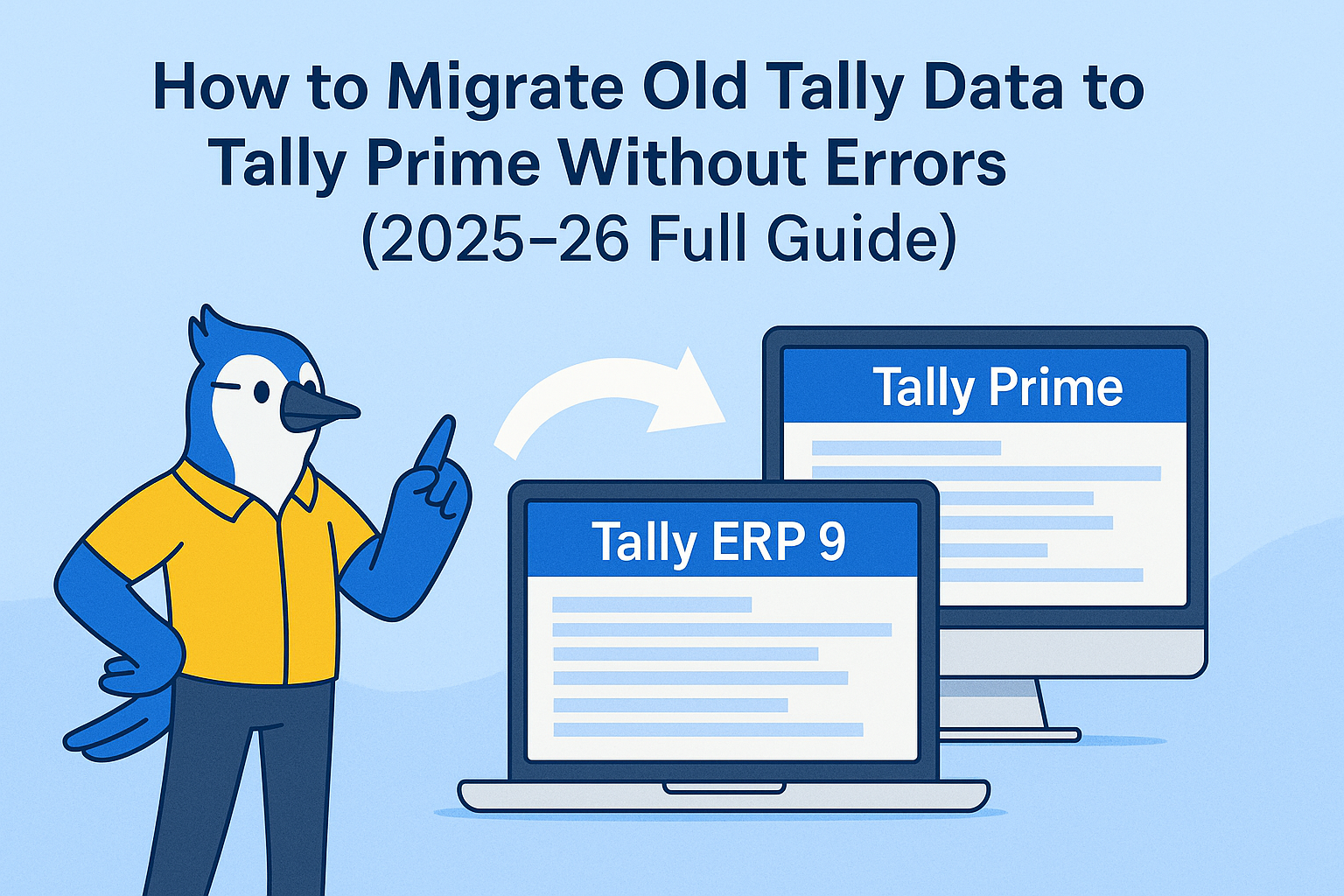
Migrating old company data from Tally ERP 9 or older Tally versions to Tally Prime is one of the most important steps for businesses upgrading their accounting system. A smooth migration ensures continuity, accuracy, and compliance with the latest GST and reporting features. However, many users face errors due to incorrect settings, corrupted data, wrong file paths, or missing components.
What Is Tally Data Migration?
Data migration means transferring all your company records, including:
- Accounts
- Ledgers
- Vouchers
- Inventory
- GST details
- Masters & configuration
from Tally ERP 9 / Tally 7.2 / Tally 6.3 to Tally Prime without losing any information.
Tally Prime comes with a built-in Data Migration Tool that performs this upgrade safely.
Why Data Migration Is Important?
Upgrading ensures:
✔ Faster performance
✔ Better GST compliance
✔ New Tally Prime features
✔ Accurate reports
✔ Improved security
✔ Support for new schema updates
Without migration, you cannot fully use the latest capabilities of Tally Prime 7.0 and beyond.
Pre-Migration Checklist (Must Do Before Migration)
Before migrating your old data, follow these safety steps:
✔ 1. Take a complete backup
Copy your entire Tally Data folder to a separate location.
Path example:
C:\Tally\Data
✔ 2. Check data integrity in old Tally
Open your company → Press Ctrl + Alt + R (Rewrite)
This fixes internal data structure issues.
✔ 3. Ensure old Tally version is updated
Use the latest release of ERP 9 (Release 6.6.5) for best migration compatibility.
✔ 4. Close Tally on all systems
If you are using Multi-User Tally, migrate data only from the server.
✔ 5. Install both Tally ERP 9 + Tally Prime
Migration requires both versions installed.
How to Migrate Old Tally Data to Tally Prime (Step-by-Step Guide)
Follow these steps carefully.
Step 1: Download & Open the Tally Data Migration Tool
The migration tool comes packaged with Tally Prime.
Path usually is:
C:\Program Files\TallyPrime\Migrate.exe
Open the Migrate.exe tool.
Step 2: Select the Tally ERP 9 Data Folder
Browse and select your old data folder.
Example:
C:\Tally\Data\10001
A list of companies will appear for migration.
Step 3: Start Migration
Click Migrate.
The tool will now:
- Scan your data
- Convert ledgers & vouchers
- Rebuild internal tables
- Fix inconsistencies
- Create new Tally Prime-compatible files
A progress bar will be displayed.
Step 4: Open Tally Prime and Load Migrated Data
After migration, open Tally Prime.
Go to:
Select Company → Choose migrated folder
Tally Prime will automatically optimize the data on first load.
How to Fix Common Tally Migration Errors
Below are the most common issues users face — with solutions.
1️⃣ Error: “Data Corrupted / Unable to Load Company”
Solution:
- Open old Tally → Press Ctrl + Alt + R (Rewrite)
- Try migration again
- If still corrupted → Restore from backup
2️⃣ Error: Ledger mismatch or negative stock
Solution:
- Enable “Ignore negative balances” temporarily
- Verify stock items
- Rectify units of measurement
Then re-run migration.
3️⃣ Error: “Old Version Not Compatible”
Solution:
- Update ERP 9 to Release 6.6.5
- Reinstall the migration tool
4️⃣ Error: GST Taxes Not Visible After Migration
Solution:
- Enable GST in Tally Prime
- Reassign tax ledgers
- Verify HSN/SAC codes in Stock Items
5️⃣ Error: Company Not Showing in Migration Tool
Solution:
- Check Data Path
- Ensure folder names (10001, 10002) exist
- Verify that Tally ERP 9 is installed
How to Verify Migrated Data in Tally Prime
After migration, verify these reports:
✔ 1. Trial Balance
Amount should match old Tally.
✔ 2. GST Reports
GSTR-1, GSTR-3B reconciliation must be correct.
✔ 3. Stock Summary
Check quantities & rates.
✔ 4. Ledger Vouchers
Ensure vouchers are not missing.
✔ 5. Outstanding Receivables/Payables
Amounts should match previous software.
Tips for Smooth Migration (Expert Recommended)
✔ Migrate at the start of a financial year if possible
Cleaner reporting and audit cycle.
✔ Avoid migrating very old unused companies
Archive them instead.
✔ Run migration on a PC with SSD
Reduces migration time by 50–70%.
✔ Disable antivirus temporarily
Prevents migration interruption.
✔ Use a stable power source
Avoid data corruption.
✔ Always work with authorised Tally partners for big companies
They ensure safe migration and zero data loss.
Benefits of Using Tally Prime After Migration
Migrating your data unlocks:
- Faster loading & processing
- Better GST reconciliation
- Modern interface
- Multi-screen workflow
- Advanced security
- Data import/export tools
- Auto e-invoicing
- Performance optimisation
You get a complete, future-ready accounting system.
Why Choose Authorised Partners Like Binarysoft Technologies?
Binarysoft provides:
✔ Safe data migration
✔ Backup & restore support
✔ Zero-data-loss assurance
✔ Fast installation
✔ GST, inventory & payroll setup
✔ Training for staff
Avoiding experts may lead to permanent data loss.
Final Conclusion
Migrating old Tally data to Tally Prime is easy — as long as you follow the right steps, use backups, and maintain data integrity. Tally Prime is faster, smarter, and far more secure, making migration a must for all businesses in 2025–26.
This full guide helps you migrate smoothly, avoid common errors, and get the best performance from the new Tally Prime system.
Powered by Binarysoft Technologies
Authorized Tally Partner
Location : 1626/33, 1st Floor, Naiwalan, Karol Bagh, New Delhi – 110005, INDIA
Contact us : +91 7428779101, 9205471661, 8368262875
Email us : tally@binarysoft.com (10:00 AM – 6:00 PM, Mon–Fri)
CA. Lakshy Vermaa advises small and mid-sized businesses on accounting discipline, tax compliance, and process improvement. With exposure to retail and trading environments, he writes practical articles aimed at helping business owners gain better financial visibility and control.