Call CA Tally HelpDesk
+91 9205471661,
7428779101
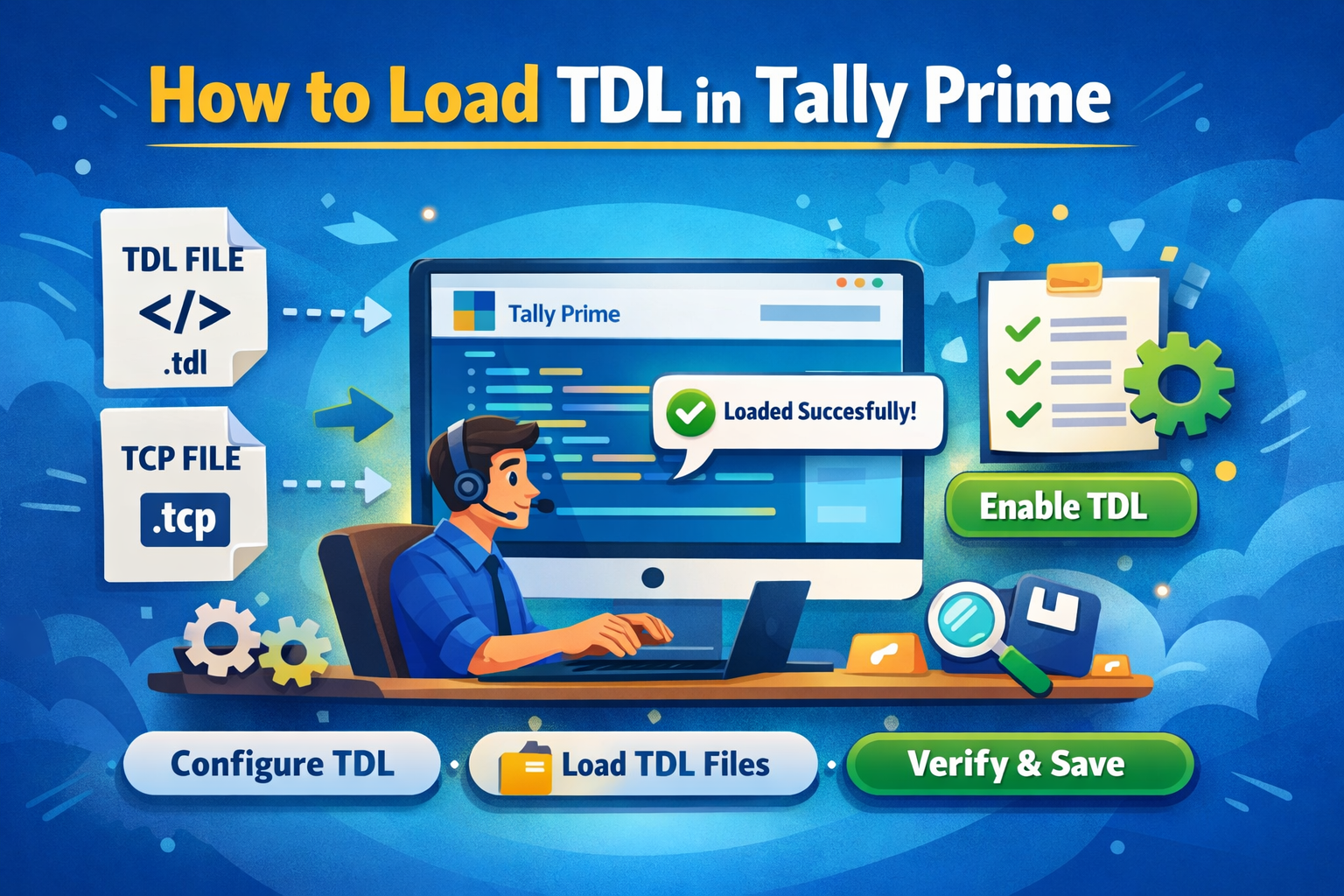
Introduction to TDL in Tally Prime
Tally Prime is one of the most widely used accounting and business management software solutions. One of its strongest features is its flexibility and customization capability, which is powered by TDL (Tally Definition Language).
TDL allows users, developers, and partners to customize Tally Prime according to specific business needs. From adding new reports and automations to modifying existing features, TDL plays a crucial role in extending Tally’s functionality.
In this detailed guide, you will learn how to load TDL in Tally Prime, explained in a simple and practical manner. This guide is designed to be beginner-friendly as well as useful for advanced users, making it a comprehensive resource of approximately a 12-minute read.
What is TDL (Tally Definition Language)?
TDL stands for Tally Definition Language. It is the proprietary development language provided by Tally Solutions that allows customization and enhancement of Tally Prime.
Key Capabilities of TDL
- Add new menus, fields, buttons, and reports
- Modify existing vouchers and reports
- Automate repetitive accounting tasks
- Create MIS, compliance, and analytical reports
- Integrate Tally with third-party applications
TDL works as an add-on layer over Tally Prime without disturbing the core software.
Why Do You Need to Load TDL in Tally Prime?
Businesses and professionals often require features beyond standard Tally Prime capabilities. Loading TDL helps in:
- Improving productivity
- Customizing reports as per management needs
- Ensuring compliance with internal processes
- Reducing manual errors
- Saving time through automation
Examples include payroll customization, invoice format changes, GST enhancements, MIS dashboards, and approval workflows.
Types of TDL Files
Before loading TDL, it is important to understand its formats:
- .TDL Files – Raw source code files
- .TCP Files – Compiled TDL files (recommended for performance and security)
Both formats can be loaded in Tally Prime.
Prerequisites Before Loading TDL
Ensure the following before proceeding:
- Tally Prime is properly installed
- You have a valid TDL or TCP file
- You have access to Tally Prime’s configuration settings
- Antivirus or system security is not blocking the file
Method 1: How to Load TDL in Tally Prime Using F1 Settings
This is the most commonly used and recommended method.
Step-by-Step Process
- Open Tally Prime
- At the Gateway of Tally, press F1 (Help) or click on Help
- Select TDL & Add-On
- Choose Manage Local TDLs
- Set Load TDLs on Startup to Yes
- In Specify Path, enter the folder path where the TDL/TCP file is stored
- Press Ctrl + A to save
- Close and restart Tally Prime
Once restarted, the TDL will be loaded automatically.
Method 2: Loading TDL by Direct Folder Path
This method is useful when multiple TDLs are stored in a single folder.
Steps
- Create a folder (e.g., C:\TallyTDL)
- Copy all TDL or TCP files into this folder
- Open Tally Prime
- Go to Help → TDL & Add-On → Manage Local TDLs
- Specify the folder path
- Save and restart Tally Prime
All valid TDL files in the folder will load automatically.
Method 3: Load TDL from Tally Startup Configuration
You can also load TDL during startup.
- Close Tally Prime completely
- Reopen Tally Prime
- When the startup screen appears, select Configure
- Go to TDL & Add-On
- Enter the TDL path
- Save and continue
How to Verify Whether TDL Is Loaded Successfully
After loading TDL, verify it using the following methods:
- Check for new menu options or buttons
- Look for new reports under Gateway of Tally
- Press Ctrl + Alt + T (if applicable)
- Review system messages during startup
If changes appear as expected, the TDL is successfully loaded.
Common Errors While Loading TDL and Solutions
Error 1: TDL Not Loading
Solution:
- Check the folder path
- Ensure file extension is correct
- Restart Tally Prime
Error 2: Syntax or Compatibility Error
Solution:
- Verify TDL version compatibility
- Use TCP instead of TDL
Error 3: Access Denied
Solution:
- Run Tally as Administrator
- Check folder permissions
Best Practices for Using TDL in Tally Prime
- Always take a data backup before loading new TDL
- Use TCP files for better security
- Load only trusted and tested TDLs
- Keep Tally Prime updated
- Maintain separate folders for different TDLs
Advantages of Professional TDL Customization
- Tailor-made solutions for your business
- Reduced operational cost
- Improved compliance and reporting
- Faster decision-making
About Binarysoft Technologies
Powered by Binarysoft Technologies
Authorized Tally Partner
Location:
1626/33, 1st Floor, Naiwalan, Karol Bagh, New Delhi – 110005, INDIA
Contact Us:
+91 7428779101, 9205471661, 8368262875
Email:
tally@binarysoft.com
(10:00 AM – 6:00 PM, Monday to Friday)
Frequently Asked Questions
What is TDL in Tally Prime?
TDL is Tally Definition Language used to customize and extend Tally Prime functionality.
Can I load multiple TDL files at once?
Yes, you can load multiple TDLs by placing them in the same folder.
Is TCP better than TDL?
Yes, TCP is more secure and faster as it is a compiled format.
Do I need programming knowledge to load TDL?
No, programming knowledge is not required to load TDL files.
CA. Pankaj Bhadoria brings practical experience in GST, accounting, and business process consulting. He works closely with MSMEs to resolve compliance challenges and improve operational transparency. His articles aim to simplify complex regulations for everyday business use.









