Call CA Tally HelpDesk
+91 9205471661,
7428779101
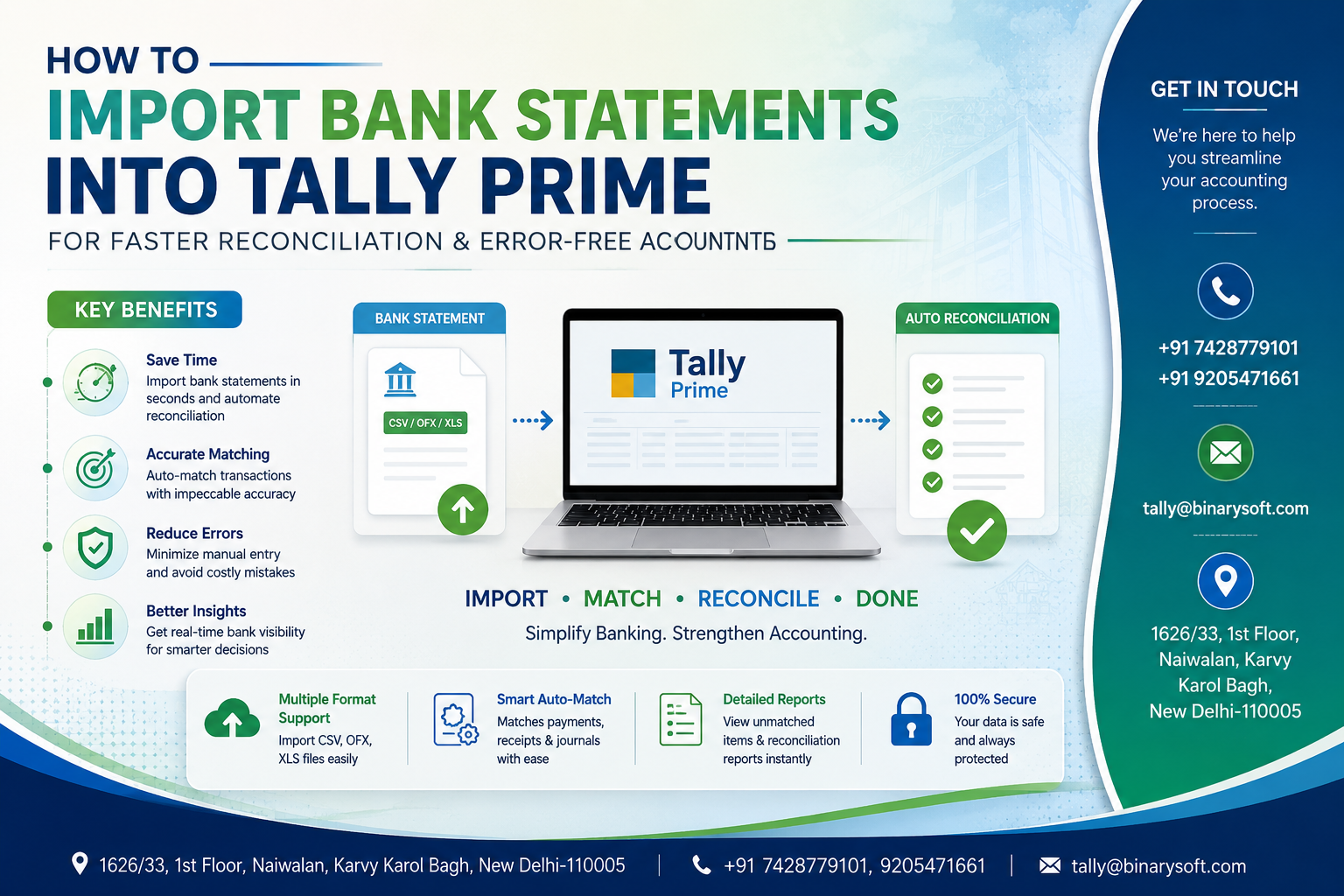
In 2026, businesses are under increasing pressure to maintain real-time accounting accuracy, faster GST compliance, and cleaner financial records without wasting hours on manual bank entry work. With growing transaction volumes, UPI payments, online banking activity, and stricter audit expectations, manually entering bank statements into accounting software is now one of the biggest reasons behind reconciliation delays and accounting mistakes. Many businesses are facing mismatched balances, duplicate entries, missed payments, and GST-related confusion because of outdated accounting methods. Tally Prime’s advanced bank statement import and Connected Banking features are helping businesses solve this problem by automating bank data import, simplifying reconciliation, and reducing manual errors. Companies can now directly import bank statements into Tally Prime within minutes, automatically create vouchers, reconcile transactions faster, and maintain clean books with better financial visibility. This saves time, improves compliance, and allows accountants to focus on business growth instead of repetitive data entry.
A few months ago, a Delhi-based wholesale distributor was struggling every month during bank reconciliation. Their accountant spent nearly three days manually entering hundreds of bank transactions from multiple accounts. Even after long working hours, mismatches continued appearing during GST filing and audit checks. One missed NEFT entry created confusion in vendor payments and delayed financial closing. After shifting to Tally Prime’s bank statement import system, the same process now gets completed within hours. Transactions are imported automatically, reconciliation happens faster, and the business owner receives accurate cash flow visibility daily. The accountant now spends more time analyzing finances instead of correcting data entry mistakes. This small operational improvement completely changed how the business handled accounting accuracy and financial control.
Why Bank Statement Import is Important in Modern Accounting
Businesses today process hundreds or even thousands of banking transactions every month through:
- UPI collections
- IMPS and NEFT payments
- RTGS transfers
- POS collections
- Online payment gateways
- Vendor payments
- Salary transfers
- GST payments
- Loan and EMI transactions
Manually entering all these transactions into accounting software increases the chances of:
- Duplicate entries
- Missing transactions
- Wrong ledger allocation
- Bank balance mismatch
- Delayed reconciliation
- Incorrect GST records
- Audit complications
Tally Prime solves this issue by allowing businesses to import bank statements directly from Excel, CSV, or supported banking formats into the software.
What is Bank Statement Import in Tally Prime?
Bank statement import in Tally Prime is a feature that allows users to upload banking transactions directly into the accounting system without manual voucher entry.
The software reads the bank statement and helps users:
- Create vouchers automatically
- Match existing transactions
- Reconcile bank balances
- Identify unmatched entries
- Reduce manual accounting workload
- Improve accounting accuracy
This feature becomes extremely useful for businesses with high daily transaction volumes.
Major Benefits of Importing Bank Statements into Tally Prime
Faster Bank Reconciliation
Instead of manually matching transactions one by one, imported data allows accountants to reconcile bank accounts quickly and accurately.
Significant Time Saving
A process that earlier took multiple days can now be completed within hours.
Reduction in Human Errors
Manual typing errors, incorrect amounts, and missed entries are minimized through automated import.
Better Financial Accuracy
Imported banking data ensures books remain aligned with actual bank balances.
Improved GST Compliance
Proper accounting records help businesses maintain cleaner GST reporting and avoid filing discrepancies.
Easier Audit Preparation
Auditors can verify transactions more efficiently when records are properly reconciled and updated.
Real-Time Cash Flow Visibility
Businesses get updated financial visibility immediately after importing bank transactions.
Supported Formats for Bank Statement Import
Tally Prime generally supports multiple bank statement formats, including:
- Excel (.xls / .xlsx)
- CSV files
- XML formats
- Bank-specific export formats
- PDF conversion tools (through third-party utilities if required)
Most banks today allow easy export of statements in Excel or CSV format.
Step-by-Step Process to Import Bank Statements into Tally Prime
Step 1: Download Bank Statement
Login to your internet banking portal and download the required statement in Excel or CSV format.
Ensure the statement includes:
- Transaction Date
- Narration
- Withdrawal Amount
- Deposit Amount
- Closing Balance
Step 2: Open Tally Prime
Launch Tally Prime and open the required company.
Step 3: Go to Banking Section
Navigate to the Banking menu where import and reconciliation features are available.
Step 4: Select Import Option
Choose the bank statement import feature and select the downloaded file.
Step 5: Map Transaction Fields
Tally Prime may ask for mapping fields such as:
- Date
- Amount
- Narration
- Transaction Type
This helps the software identify the correct data structure.
Step 6: Import Transactions
After verification, import the statement into Tally Prime.
Step 7: Reconcile Transactions
Use reconciliation tools to match imported entries with existing accounting vouchers.
Step 8: Verify Final Balances
Check the closing bank balance and ensure all entries are properly accounted for.
Common Challenges Businesses Face Without Automated Import
Delayed Month-End Closing
Manual reconciliation often delays financial closing activities.
High Dependency on Accountants
Businesses become dependent on specific accounting staff for bank entry work.
Increased Accounting Errors
Typing mistakes and skipped transactions create long-term financial discrepancies.
Audit Issues
Improper reconciliation creates problems during statutory audits and tax assessments.
Lack of Financial Visibility
Business owners cannot monitor actual cash flow in real time.
How Tally Prime Connected Banking Enhances Accounting
Modern Tally Prime versions are introducing smarter banking automation capabilities.
Connected Banking helps businesses:
- Access banking features within Tally
- Track transactions faster
- Simplify reconciliation
- Improve payment management
- Monitor banking activities in real time
- Reduce dependency on multiple systems
This creates a more integrated accounting environment for businesses.
Industries Benefiting from Bank Statement Import in Tally Prime
Retail Businesses
Retailers handling large daily UPI and POS collections can reconcile accounts faster.
Wholesalers & Distributors
High transaction volumes become easier to manage through automated imports.
Manufacturing Companies
Vendor payments and raw material purchases remain accurately tracked.
Service Businesses
Professional firms can maintain accurate receipt and payment records.
E-Commerce Sellers
Marketplace settlements and online collections can be reconciled efficiently.
Tips for Error-Free Bank Reconciliation in Tally Prime
Maintain Proper Ledger Creation
Create separate ledgers for vendors, expenses, bank charges, and receipts.
Reconcile Frequently
Avoid monthly backlog by reconciling weekly or daily.
Verify Narration Carefully
Narration helps identify transactions quickly during matching.
Backup Data Regularly
Always maintain backup before large imports.
Use Standardized Formats
Download statements in consistent formats for smoother imports.
Why Businesses are Moving Toward Accounting Automation in 2026
The accounting environment is changing rapidly because businesses now require:
- Faster financial reporting
- Real-time visibility
- GST accuracy
- Better compliance
- Lower operational costs
- Digital accounting workflows
- Faster audits
Manual accounting systems are becoming inefficient for modern businesses.
Tally Prime’s bank import and reconciliation capabilities help businesses move toward smarter financial management.
Future of Bank Reconciliation in India
The future of accounting automation in India is expected to include:
- AI-based reconciliation
- Real-time bank syncing
- Smart voucher creation
- Auto ledger identification
- GST-linked banking automation
- Faster compliance tracking
Businesses adopting accounting automation early will gain better operational efficiency and financial control.
Contact Details
Powered by Binarysoft Technologies – Authorized Tally Partner
1626/33, 1st Floor, Naiwalan, Karol Bagh,
New Delhi – 110005, INDIA
Contact Us:
+91 9205471661
+91 7428779101
Email:
tally@binarysoft.com
Working Hours:
10:00 AM – 6:00 PM (Mon–Fri)
Conclusion
Importing bank statements into Tally Prime is no longer just a convenience feature—it has become an essential requirement for businesses aiming for faster reconciliation, accurate accounting, better GST compliance, and improved financial control in 2026. Manual accounting methods consume valuable time and increase the risk of financial mistakes that can affect audits, compliance, and decision-making. By automating bank imports and reconciliation, businesses can maintain cleaner books, improve productivity, reduce accounting stress, and gain real-time financial visibility. Tally Prime’s smart banking integration features are helping businesses modernize their accounting systems and operate with greater confidence and efficiency.
Frequently Asked Questions
Can Tally Prime import bank statements directly?
Yes, Tally Prime supports importing bank statements in Excel, CSV, XML, and other supported formats.
Does bank statement import reduce reconciliation time?
Yes, automated import significantly reduces manual reconciliation workload and speeds up accounting processes.
CA. Rishubh Talrejaa specializes in GST, business accounting, and compliance advisory for growing enterprises. With experience in handling real-time transactional data and audits, he writes practical insights on inventory control, taxation, and digital transformation for Indian businesses operating in competitive markets.









