Call CA Tally HelpDesk
+91 9205471661,
7428779101
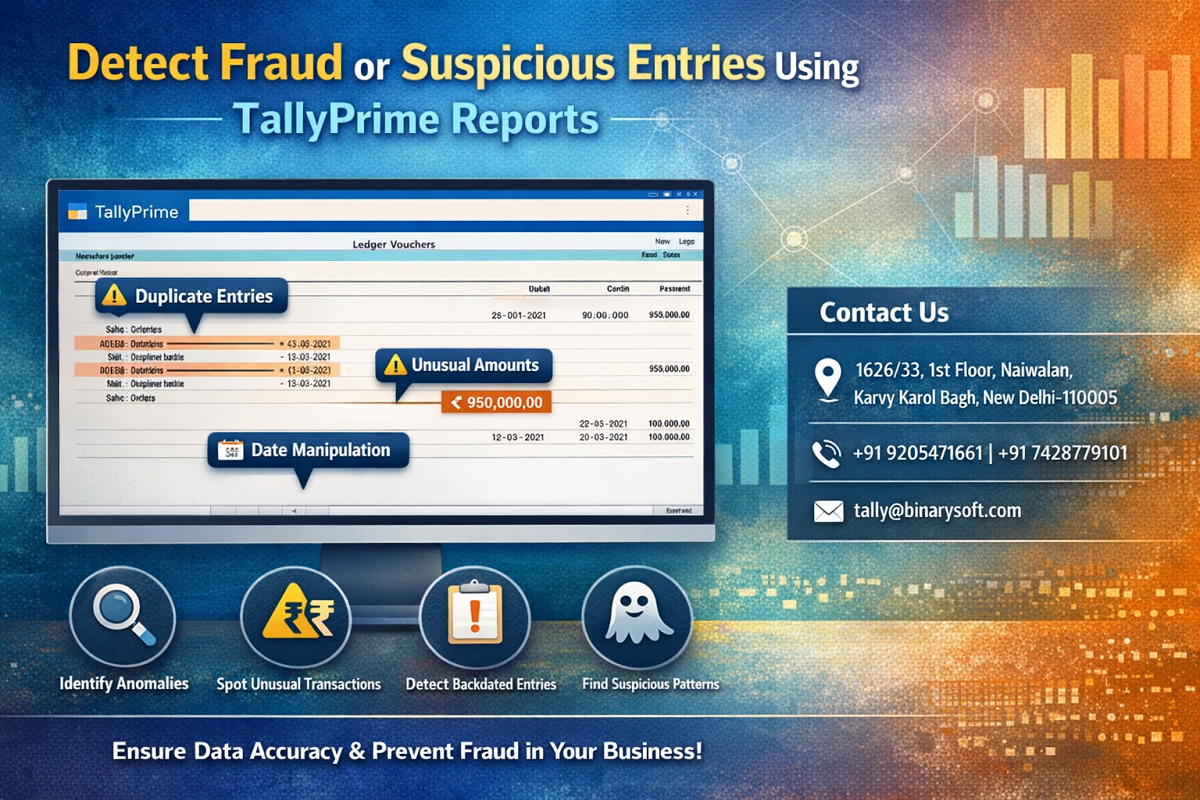
What changed in 2026 is not just compliance—it’s the level of scrutiny on financial data. With advanced analytics used by GST and Income Tax departments, even small irregularities can trigger notices or audits. Businesses today face increasing risks of internal fraud, unauthorized entries, and hidden financial manipulation. For Chartered Accountants, the challenge is no longer just preparing books—it’s ensuring every transaction is genuine and traceable. This is where fraud detection using TallyPrime reports becomes essential. Instead of relying on manual checks, you can now identify suspicious entries, unusual patterns, and hidden discrepancies in minutes. The benefit is clear—early fraud detection, stronger compliance, and complete control over financial data. In today’s environment, missing one suspicious entry can cost more than just money—it can damage trust and reputation.
The Real Story: A Hidden Entry That Could Have Cost Lakhs
Sandeep, a CA handling a mid-sized trading firm, noticed a slight mismatch in monthly expenses. It didn’t look significant at first, but something felt off. Using TallyPrime reports, he drilled down into transaction details and discovered multiple small entries posted under miscellaneous expenses.
On deeper analysis, he found that an employee had been creating small, frequent entries to siphon funds—hoping they would go unnoticed. Because of timely detection, the company prevented further loss and strengthened internal controls.
This wasn’t just about catching fraud—it was about protecting the business.
What is Fraud Detection in TallyPrime?
Fraud detection in TallyPrime involves analyzing financial reports to identify:
- Unusual transactions
- Unauthorized entries
- Repeated or duplicate postings
- Manipulated financial data
- Suspicious patterns
It helps businesses maintain transparency and safeguard financial integrity.
Why Fraud Detection is Critical in 2026
1. Increased Digital Transactions
Higher transaction volumes increase fraud risks.
2. Regulatory Pressure
Authorities expect clean and traceable records.
3. Internal Risks
Fraud often occurs within organizations.
4. Financial Impact
Even small frauds can accumulate into large losses.
Key TallyPrime Reports for Detecting Fraud
1. Exception Reports
Automatically highlight anomalies such as:
- Negative balances
- Unusual stock values
- Mismatched entries
2. Audit Trail (Edit Log)
Track:
- Who created or modified entries
- When changes were made
- What was altered
3. Ledger Analysis
Identify:
- Frequent adjustments
- Unusual debit/credit patterns
4. Day Book Report
Review all transactions chronologically to detect irregular entries.
5. Outstanding Reports
Check abnormal receivables or payables.
Common Fraud Indicators in Accounting Data
- Multiple small entries under the same expense head
- Frequent edits or deletions of vouchers
- Backdated transactions
- Round figure transactions repeated frequently
- Sudden spikes in expenses or purchases
- Unusual journal entries
Step-by-Step: Detect Suspicious Entries in TallyPrime
Step 1: Review Exception Reports
Go to:
Gateway of Tally → Display More Reports → Exception Reports
Step 2: Analyze Ledger Entries
Check high-risk ledgers such as:
- Expenses
- Cash
- Sundry debtors/creditors
Step 3: Use Audit Trail
Verify:
- User activity
- Entry modifications
- Deleted transactions
Step 4: Check Day Book
Scan for:
- Unusual timing of entries
- Repetitive transactions
Step 5: Drill Down for Details
Use drill-down to analyze each suspicious entry in depth.
Benefits of Using TallyPrime for Fraud Detection
Early Detection
Identify issues before they become major losses.
Strong Internal Control
Monitor and restrict unauthorized actions.
Improved Transparency
Maintain clean and auditable records.
Compliance Readiness
Be prepared for audits and regulatory checks.
Business Protection
Safeguard financial assets and reputation.
Best Practices for CAs and Businesses
- Regularly review exception reports
- Enable audit trail for all companies
- Monitor high-risk ledgers frequently
- Restrict user access and permissions
- Conduct periodic internal audits
Who Should Use Fraud Detection Tools?
- Chartered Accountants
- Internal Auditors
- Business Owners
- Finance Managers
- Compliance Officers
Contact Details
Powered by Binarysoft Technologies – Authorized Tally Partner
1626/33, 1st Floor, Naiwalan, Karol Bagh,
New Delhi – 110005, INDIA
Contact Us:
+91 9205471661
+91 7428779101
Email:
tally@binarysoft.com
Working Hours:
10:00 AM – 6:00 PM (Mon–Fri)
Conclusion
In 2026, financial security is as important as financial accuracy. Detecting fraud or suspicious entries is no longer optional—it’s a critical responsibility for every Chartered Accountant and business owner. TallyPrime reports provide powerful tools to identify irregularities, track user activity, and ensure complete transparency. By adopting smart fraud detection practices, you not only protect your business but also build trust, credibility, and long-term success.
Frequently Asked Questions
Can TallyPrime detect fraud automatically?
TallyPrime highlights anomalies through reports, but analysis is required to confirm fraud.
What is the best report to detect suspicious entries?
Exception Reports and Audit Trail are the most effective tools.
How often should fraud checks be done?
Ideally weekly or monthly, depending on transaction volume.
Does audit trail help in fraud detection?
Yes, it tracks all changes and user activities, making it easier to identify suspicious actions.
CA. Anand Tirpathi is a Chartered Accountant with experience in statutory compliance, internal controls, and accounting process optimization. He has advised multiple businesses on improving operational efficiency through structured accounting and inventory systems. His writing focuses on clarity, compliance, and risk reduction for MSMEs.