Call CA Tally HelpDesk
+91 9205471661,
7428779101
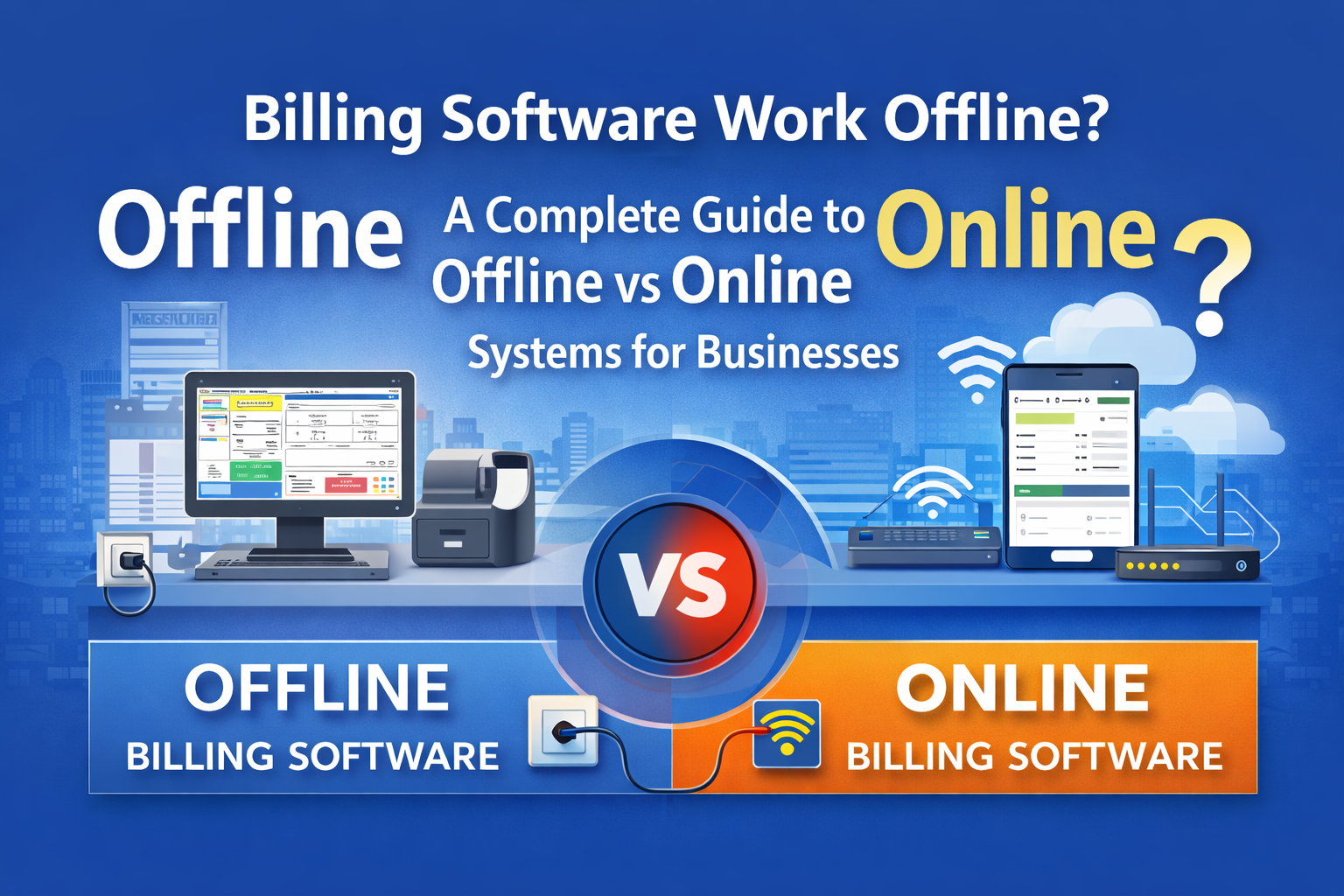
A Complete Guide to Offline vs Online Billing Systems for Businesses
In today’s digital business environment, billing software has become an essential tool for managing invoices, payments, GST compliance, and daily transactions. However, one common question asked by business owners across industries is:
Does billing software work offline, or is internet always required?
The answer depends on the type of billing system you choose. Some billing software works completely offline, while others are fully online or cloud-based. Each model has its own advantages, limitations, and ideal business use cases.
This guide explains in detail how offline and online billing software works, their differences, and how businesses can choose the right solution.
Understanding Billing Software
Billing software is designed to help businesses:
-
Create invoices quickly
-
Calculate taxes automatically
-
Maintain sales and purchase records
-
Track payments and outstanding balances
-
Generate business and tax reports
Based on how data is stored and accessed, billing software is broadly classified into:
What Is Offline Billing Software?
Offline billing software works without an internet connection. The software is installed directly on a computer or local server, and all business data is stored on that system.
Internet is not required for daily billing operations such as:
Internet may only be required occasionally for updates, backups, or statutory filings.
How Offline Billing Software Works
-
Software is installed on desktop or laptop
-
Data is stored locally in the system
-
Billing works even during internet failure
-
Reports are generated instantly from local data
This makes offline billing software highly reliable in areas with unstable or limited internet connectivity.
Benefits of Offline Billing Software
1. Works Without Internet
Billing continues even during power or network issues, which is crucial for retail shops, wholesalers, and manufacturing units.
2. Full Control Over Data
All business data remains within the organization, reducing dependency on external servers.
3. Faster Performance
Since data is stored locally, report generation and data entry are usually faster.
4. One-Time Cost Model
Most offline billing software involves a one-time license cost rather than monthly subscriptions.
5. Ideal for High-Volume Billing
Offline systems perform well in environments with heavy daily transactions.
Limitations of Offline Billing Software
-
Cannot be accessed remotely without special setup
-
Manual backup responsibility lies with the business
-
Limited collaboration across multiple locations
-
Risk of data loss if proper backup is not maintained
What Is Online Billing Software?
Online billing software, also known as cloud-based billing software, operates through the internet. All data is stored on secure cloud servers and can be accessed from anywhere.
Users log in through a browser or mobile app to perform billing operations.
How Online Billing Software Works
-
Data is stored on cloud servers
-
Billing happens in real time via internet
-
Multiple users can work simultaneously
-
Information syncs automatically across devices
This model is increasingly popular among startups and growing businesses.
Benefits of Online Billing Software
1. Access From Anywhere
Business owners can monitor sales, invoices, and reports from office, home, or mobile.
2. Automatic Data Backup
Data is backed up automatically on cloud servers, reducing risk of loss.
3. Multi-Location Support
Ideal for businesses with multiple branches or franchises.
4. Easy Collaboration
Multiple users such as accountants, managers, and staff can access the system.
5. Automatic Updates
Software updates, compliance changes, and new features are applied automatically.
Limitations of Online Billing Software
-
Requires stable internet connection
-
Monthly or yearly subscription cost
-
Performance depends on network speed
-
Limited control over server location
Offline vs Online Billing Software: Key Differences
| Feature |
Offline Billing |
Online Billing |
| Internet Requirement |
Not required |
Mandatory |
| Data Storage |
Local system |
Cloud server |
| Remote Access |
Limited |
Available |
| Speed |
Very fast |
Depends on internet |
| Data Control |
Full control |
Managed by provider |
| Backup |
Manual |
Automatic |
| Cost Structure |
One-time |
Subscription-based |
Which Billing Software Is Better for Businesses?
There is no single best option for every business. The right choice depends on business type, location, and operational needs.
Offline Billing Is Suitable For:
Online Billing Is Suitable For:
Hybrid Billing Software (Offline + Online)
Many modern billing solutions now offer a hybrid model, combining the advantages of both offline and online systems.
In hybrid billing:
-
Daily billing works offline
-
Data syncs online when internet is available
-
Remote access becomes possible
-
Business remains uninterrupted
This model is increasingly preferred by Indian businesses.
Data Security in Billing Software
Security is a major concern for businesses.
Offline Software Security
Online Software Security
Both models are secure when used correctly with proper data management practices.
Industry Usage Examples
Retail Industry
Offline billing is preferred due to fast counter billing and internet independence.
Wholesale Trade
Offline or hybrid billing works best due to high invoice volume.
Manufacturing
Offline systems are commonly used for inventory-heavy operations.
Service Businesses
Online billing is suitable for invoicing, subscriptions, and remote access.
Key Factors to Consider Before Choosing Billing Software
Before selecting billing software, businesses should evaluate:
-
Internet availability
-
Number of daily transactions
-
Need for remote access
-
Data security requirements
-
Budget and long-term cost
-
Business expansion plans
Choosing the right billing system ensures smooth operations and long-term scalability.
Importance of Choosing the Right Billing Model
Billing software is the backbone of business accounting. A wrong choice can lead to operational delays, compliance issues, and data risks. Whether offline or online, the system should match the practical working environment of the business.
Many businesses prefer starting with offline billing and later moving to cloud or hybrid solutions as operations grow.
Frequently Asked Questions
Does billing software work without internet?
Yes, offline billing software works completely without internet. You can create invoices, manage stock, and generate reports even when there is no internet connection.
Is internet required for online billing software?
Yes, online or cloud billing software requires a stable internet connection to operate, as all data is stored on cloud servers.
Which is better: offline or online billing software?
Both have their advantages. Offline billing is ideal for businesses with high daily billing or poor internet connectivity, while online billing is suitable for businesses needing remote access and multi-location control.
Can GST billing be done offline?
Yes, GST invoices can be created offline. However, GST return filing usually requires internet access.
CA. Praneet Bansaal is a Chartered Accountant with experience in taxation, accounting controls, and financial process reviews. He has advised businesses on aligning inventory movement with accounting and GST requirements. His content focuses on compliance, accuracy, and long-term sustainability.