Basic Entries in Tally Prime – Complete Beginner Guide With Examples (2025)

Call CA Tally HelpDesk +91 9205471661, 7428779101
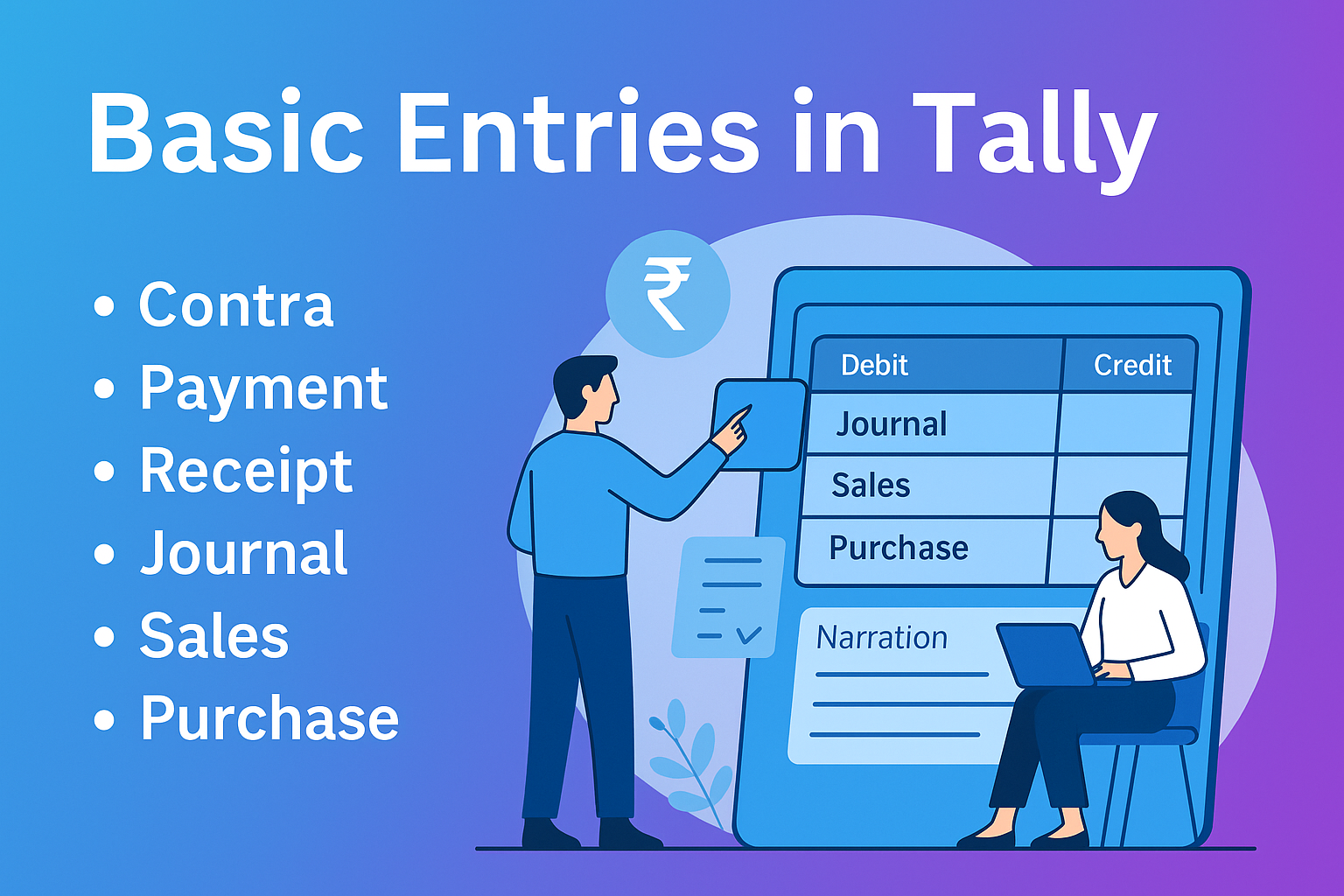
Basic Entries in Tally Prime – Complete Beginner Guide With Examples (2025)
By CA. Rohin Mehtaal   |   Published on: 28-11-2025 | 10 min read

Tally Prime is one of India’s most widely used accounting software solutions. For beginners, the first step is mastering basic accounting entries such as payments, receipts, sales, purchases, contra, journal adjustments, and ledger creation. These entries form the foundation of all financial reporting in Tally, including Balance Sheet, Profit & Loss, Stock Summary, Cash Book, and GST reports.

Whether you are a student, accountant, business owner, or someone learning Tally for the first time, this article gives you a complete guide to basic entries in Tally, their purpose, and step-by-step posting.


What Are Basic Accounting Entries in Tally?

Basic entries in Tally are the most commonly used voucher entries that record everyday business transactions like:

  • Cash received
  • Cash paid
  • Bank deposits
  • Sales
  • Purchases
  • Journal adjustments
  • Contra entries
  • Expense payments
  • Customer receipts

Each transaction is stored through a voucher, and Tally automatically updates ledgers and financial reports.


Types of Basic Entries in Tally Prime

Below are the essential entries every beginner should know.


 1. Contra Entry (F4)

Purpose:
Record transactions between Cash & Bank, or Bank to Bank.

Examples:

  • Cash deposited into bank
  • Cash withdrawn from bank
  • Transfer from one bank account to another

Example Entry:
Deposit cash into bank

Bank A/c     Dr  

     To Cash A/c


2. Payment Entry (F5)

Purpose:
Record money paid through cash or bank.

Used for:

  • Salary
  • Rent
  • Office expenses
  • Supplier payment
  • Utility bills

Example Entry:
Paid office rent

Rent A/c     Dr  

     To Cash/Bank A/c


3. Receipt Entry (F6)

Purpose:
Record money received from customers or other sources.

Used for:

  • Customer payments
  • Cash sales
  • Interest income
  • Refunds received

Example Entry:
Received from customer Raj

Cash/Bank A/c     Dr  

     To Raj A/c


4. Journal Entry (F7)

Purpose:
Record adjustment entries not involving cash or bank.

Used for:

  • Depreciation
  • Outstanding expenses
  • Accrued income
  • Adjustment between ledgers

Example Entry:
Record depreciation

Depreciation A/c     Dr  

     To Machinery A/c


5. Sales Entry (F8)

Purpose:
Record sale of goods/services.

Used for:

  • Cash sales
  • Credit sales
  • GST sales
  • POS billing

Example Entry:
Sales to customer on credit

Customer A/c     Dr  

     To Sales A/c

Tally auto-calculates GST if ledgers are configured.


6. Purchase Entry (F9)

Purpose:
Record purchase of goods/services.

Used for:

  • Cash purchases
  • Credit purchases
  • GST purchases

Example Entry:
Purchase from supplier

Purchase A/c     Dr  

     To Supplier A/c


 7. Debit Note (Ctrl + F9)

Purpose:
Used when goods returned to supplier or purchase value reduced.

Example:

Supplier A/c     Dr  

     To Purchase Return A/c


8. Credit Note (Ctrl + F8)

Purpose:
Used when customers return goods or sale value reduced.

Example:

Sales Return A/c     Dr  

     To Customer A/c


9. Stock Journal (Ctrl + F7)

Purpose:
Record stock transfers and manufacturing adjustments.

Used for:

  • Raw material to finished goods
  • Damaged stock
  • Production entries

Example:
Move raw material to finished goods

Finished Goods    Dr  

     To Raw Material A/c


 Step-By-Step: How to Enter Basic Vouchers in Tally Prime

Step 1: Open Gateway of Tally

Select your company.

Step 2: Go to Accounting Vouchers

Every voucher type is available here.

Step 3: Press Shortcut Keys

  • F4 → Contra
  • F5 → Payment
  • F6 → Receipt
  • F7 → Journal
  • F8 → Sales
  • F9 → Purchase

Step 4: Select Ledger Names

Choose the ledger for debit/credit.

Step 5: Enter Amount & Narration

Add narration for clarity.

Step 6: Save Entry

Press Ctrl + A to save.


Basic Ledger Setup Required Before Entries

Before posting entries, create these ledgers:

Assets

  • Bank
  • Cash in hand
  • Debtors
  • Fixed Assets

Liabilities

  • Creditors
  • Loans
  • Outstanding expenses

Income

  • Sales
  • Commission
  • Interest received

Expenses

  • Rent
  • Salary
  • Petrol expenses

Good ledger setup ensures error-free entries.


Why Basic Entries Matter in Tally Prime

 Foundation of all financial reports

Every voucher updates trial balance, P&L, and balance sheet.

 Ensures GST accuracy

Correct sales/purchase entries ensure correct tax reports.

 Helps in auditing

Journal entries show all adjustments clearly.

 Enables cash/bank control

Payment/receipt entries show real financial position.

 Smooth business operations

Billing, purchase, expenses — everything depends on proper entries.


Conclusion

Basic accounting entries in Tally Prime are the backbone of day-to-day business operations. Once you master contra, payment, receipt, sales, purchase, journal, debit note, and credit note entries, you can handle almost 70% of daily accounting work with confidence.

Whether you are learning Tally for the first time or training staff, understanding these entries ensures:

  • Accurate financial accounting
  • Smooth GST compliance
  • Error-free cash/bank management
  • Professional reporting

Tally becomes simple and powerful when basic entries are done correctly.


FAQs

Q1. What is the simplest entry in Tally?

Receipt and payment entries — used daily.

Q2. Do I need GST entries separately?

No, GST applies automatically if your ledgers are configured.

Q3. Which voucher is used for adjustments?

Journal Voucher (F7).

Q4. What is the shortcut for sales entry?

F8 → Sales.

Q5. Can a beginner learn Tally entries easily?

Yes, basic entries can be learned within a few days of practice.


Powered by Binarysoft Technologies
Authorized Tally Partner
Location : 1626/33, 1st Floor, Naiwalan, Karol Bagh, New Delhi – 110005, INDIA
Contact us : +91 7428779101, 9205471661
Email us :  tally@binarysoft.com (10:00 AM – 6:00 PM, Mon–Fri)


About the Author

Written by CA. Rohin Mehtaal • 28-11-2025

CA. Rohin Mehtaal is a Chartered Accountant with experience in accounting systems, audit support, and GST compliance. He has assisted businesses in adopting structured financial processes and improving inventory accuracy. His writing emphasizes clarity, control, and data-driven decision making.

Verified Content 10 min read Support: +91 9205471661, 7428779101

Need Quick Support for Tally Prime?

For Tally Prime discount schemes and product inquiries, connect with our team.

+91 9205471661 | +91 7428779101

Subscribe For Product Updates

Opt-in Subscription

Tally Prime Auditor Renewal (One Year)

Applicable for CAs / Firms Using GOLD (Multi User ) Only
Renew your license now and upgrade from Tally ERP 9 to Tally Prime for Free!
Rs 6750 + 18% GST (Rs 1215)
Continue Here >>

Tally Prime Auditor Renewal (Two Years)

Applicable for CAs / Firms Using GOLD (Multi User ) Only
Renew your license now and upgrade from Tally ERP 9 to Tally Prime for Free!
Rs 12150 + 18% GST (Rs 2187)
Offer Continue Here >>

Tally Prime Gold Renewal (One Year)

Unlimited Multi-User Edition For Multiple PCs on LAN Environment
Renew your license now and upgrade from Tally ERP 9 to Tally Prime for Free!
Rs 13500 + 18% GST (Rs 2430)
Continue Here >>

Tally Prime Gold Renewal (Two Years)

Unlimited Multi-User Edition For Multiple PCs on LAN Environment
Renew your license now and upgrade from Tally ERP 9 to Tally Prime for Free!
Rs 24300 + 18% GST (Rs 4374)
Offer Continue Here >>

Tally Prime Silver Renewal  (One Year)

Single User Edition For Standalone PCs ( Not applicable for Rental License )
Renew your license now and upgrade from Tally ERP 9 to Tally Prime for Free!
Rs 4500 + 18% GST (Rs 810)
Continue Here >>

Tally Prime Silver Renewal  (Two Years)

Single User Edition For Standalone PCs ( Not applicable for Rental License )
Renew your license now and upgrade from Tally ERP 9 to Tally Prime for Free!
Rs 8100 + 18% GST (Rs 1458)
Offer Continue Here >>

Tally On Cloud

Tally On Cloud ( Per User Annual)
Now access Tally Prime anytime from anywhere – Just Deploy your Tally License and Tally Data on our Cloud Solution.
Rs 7000 + 18% GST (Rs 1260)
Continue Here >>

Tally Prime Gold

Unlimited Multi-User Edition
For EMI options, please Call: +91 742 877 9101 or E-mail: tally@binarysoft.com (10:00 am – 6: 00 pm , Mon-Fri)
Rs 67500 + 18% GST (Rs 12150)
Continue Here >>

Tally Prime Silver to Tally Prime Gold

Unlimited Multi-User Edition For Multiple PCs on LAN Environment
Renew your license now and upgrade from Tally ERP 9 to Tally Prime for Free!
Rs 45000 + 18% GST (Rs 8100)
Continue Here >>

Tally Prime Silver

Single User Edition For Standalone PCs
For EMI options, please Call: +91 742 877 9101 or E-mail: tally@binarysoft.com (10:00 am – 6: 00 pm , Mon-Fri)
Rs 22500 + 18% GST (Rs 4050)
Continue Here >>

Tally On AWS Cloud Personal (For 1 user)

(Per User/One Year)
TallyPrime latest release pre-installed
Rs 7200 + 18% GST (Rs 1296)
Continue Here >>

Tally On AWS Cloud Regular (Upto 2 users)

(Two Users/One Year)
TallyPrime latest release pre-installed
Rs 14400 + 18% GST (Rs 2592)
Continue Here >>

Tally On AWS Cloud Regular Plus (Upto 4 users)

(Four Users/One Year)
TallyPrime latest release pre-installed
Rs 21600 + 18% GST (Rs 3888)
Continue Here >>

Tally On AWS Cloud Regular Pro (Upto 8 users)

(Eight Users/One Year )
TallyPrime latest release pre-installed
Rs 43200 + 18% GST (Rs 7776)
Continue Here >>

Tally On AWS Cloud Performance (Upto 12 users)

(Twelve Users/One Year)
TallyPrime latest release pre-installed
Rs 64800 + 18% GST (Rs 11664)
Continue Here >>

Tally On AWS Cloud Performance Plus (Upto 16 users)

(Sixteen Users/One Year)
TallyPrime latest release pre-installed
Rs 86400 + 18% GST (Rs 15552)
Continue Here >>

Latest Articles

TallyPrime 7.1 Launch Update: Faster Accounting & Smart Business Automation in 2026
Businesses are no longer looking for accounting software that only creates invoices or manages GST r...
Read More →
85 P.A. Opening Leadership Role- Corporate Finance , M&A, Treasury
Experience: 15 - 24 years, Salary: 50-85 Lacs P.A., Role Category: Finance
Read More →
Office Software in Tilak Nagar & Kamla Nagar for Office Administration & Payroll Management
In 2026, office management has become far more challenging than simply maintaining attendance regist...
Read More →
Stores Software in Ashok Vihar & Model Town for Supermarket & Grocery Store Billing
Supermarket and grocery businesses are rapidly changing across Delhi, especially in commercial areas...
Read More →
School Automation Software in Mayur Vihar & Laxmi Nagar for Student Records & Staff Payroll Management
Schools across Mayur Vihar and Laxmi Nagar are rapidly moving toward School Automation Software beca...
Read More →
Barcode Software in Rajouri Garden & Tilak Nagar for Garment Shops, POS Billing & Barcode Inventory
In 2026, garment retailers across Rajouri Garden and Tilak Nagar are rapidly shifting toward Barcode...
Read More →
Get Basic Entries in Tally Prime – Complete Beginner Guide With Examples (2025)
Call us at +91 7428779101, 8368262875.

Tally Query | Discounted Tally New License | Discounted Tally Renewal


