Connected Banking in TallyPrime 6.0 – Complete Guide

Call CA Tally HelpDesk +91 9205471661, 7428779101

Connected Banking in TallyPrime 6.0 – Complete Guide
By CA. Arvindh Khetwaani   |   Published on: 15-04-2025 | 4 min read

Connected Banking in TallyPrime 6.0 – Complete Guide

TallyPrime 6.0 makes it easy to manage your business banking with the Connected Banking feature. You can now check your bank balance, download statements, make payments, and reconcile accounts directly within Tally. Here's a simple explanation of how it works and which banks are supported.


What is Connected Banking?

Connected Banking lets you link your bank account with TallyPrime. Once connected, you can:

  • View your current bank balance in Tally
  • Download your bank statement automatically
  • Reconcile transactions easily
  • Make payments directly from Tally

You no longer need to log in to your bank's website for these tasks.


How to Use Connected Banking

Step 1: Open Bank Connections

  • Open TallyPrime 6.0
  • Press Alt + Z to open the Exchange menu
  • Go to Banking and then select Bank Connections
  • Press F6 to add a new bank connection

Step 2: Choose Your Bank

  • Select your bank from the list that appears
  • Press C to connect

Step 3: Authenticate

  • Tally will take you to your bank’s login page
  • Log in using your bank credentials and verify with OTP if required
  • Once approved, you will return to Tally with your bank linked

Features You Can Use After Connecting

  • Real-Time Balance: Check your actual bank balance from within Tally
  • Bank Statement Download: Instantly download your latest statement
  • Automatic Reconciliation: Tally will match your transactions with the bank statement
  • E-Payments: Send payments directly to vendors, employees, or others from Tally

List of Supported Banks in TallyPrime 6.0

Tally currently supports connected banking with the following banks:

  • Axis Bank
  • HDFC Bank
  • ICICI Bank
  • Kotak Mahindra Bank
  • YES Bank
  • Federal Bank
  • IDFC First Bank
  • South Indian Bank
  • Bank of Baroda
  • Bandhan Bank
  • Citibank
  • RazorpayX

Requirements

To use connected banking, make sure:

  • You have a valid Tally.NET ID
  • You have an active TSS (Tally Software Services) subscription
  • Your bank is supported by Tally

All bank logins and transactions are handled securely through your bank’s system. Tally does not store your login details.


Summary

Connected Banking in TallyPrime 6.0 helps you manage all your banking tasks directly from your accounting software. It's simple to set up, safe to use, and saves time by automating your daily financial processes.


About the Author

Written by CA. Arvindh Khetwaani • 15-04-2025

CA. Arvindh Khetwaani is a Chartered Accountant with experience in financial reporting, compliance management, and accounting software implementation. He has assisted businesses in adopting structured inventory and billing practices, and his articles focus on accuracy, controls, and sustainable business growth.


Verified Content 4 min read Support: +91 9205471661, 7428779101

Need Quick Support for Tally Prime?

For Tally Prime discount schemes and product inquiries, connect with our team.

+91 9205471661 | +91 7428779101

Subscribe For Product Updates

Opt-in Subscription

Tally Prime Auditor Renewal (One Year)

Applicable for CAs / Firms Using GOLD (Multi User ) Only
Renew your license now and upgrade from Tally ERP 9 to Tally Prime for Free!
Rs 6750 + 18% GST (Rs 1215)
Continue Here >>

Tally Prime Auditor Renewal (Two Years)

Applicable for CAs / Firms Using GOLD (Multi User ) Only
Renew your license now and upgrade from Tally ERP 9 to Tally Prime for Free!
Rs 12150 + 18% GST (Rs 2187)
Offer Continue Here >>

Tally Prime Gold Renewal (One Year)

Unlimited Multi-User Edition For Multiple PCs on LAN Environment
Renew your license now and upgrade from Tally ERP 9 to Tally Prime for Free!
Rs 13500 + 18% GST (Rs 2430)
Continue Here >>

Tally Prime Gold Renewal (Two Years)

Unlimited Multi-User Edition For Multiple PCs on LAN Environment
Renew your license now and upgrade from Tally ERP 9 to Tally Prime for Free!
Rs 24300 + 18% GST (Rs 4374)
Offer Continue Here >>

Tally Prime Silver Renewal  (One Year)

Single User Edition For Standalone PCs ( Not applicable for Rental License )
Renew your license now and upgrade from Tally ERP 9 to Tally Prime for Free!
Rs 4500 + 18% GST (Rs 810)
Continue Here >>

Tally Prime Silver Renewal  (Two Years)

Single User Edition For Standalone PCs ( Not applicable for Rental License )
Renew your license now and upgrade from Tally ERP 9 to Tally Prime for Free!
Rs 8100 + 18% GST (Rs 1458)
Offer Continue Here >>

Tally On Cloud

Tally On Cloud ( Per User Annual)
Now access Tally Prime anytime from anywhere – Just Deploy your Tally License and Tally Data on our Cloud Solution.
Rs 7000 + 18% GST (Rs 1260)
Continue Here >>

Tally Prime Gold

Unlimited Multi-User Edition
For EMI options, please Call: +91 742 877 9101 or E-mail: tally@binarysoft.com (10:00 am – 6: 00 pm , Mon-Fri)
Rs 67500 + 18% GST (Rs 12150)
Continue Here >>

Tally Prime Silver to Tally Prime Gold

Unlimited Multi-User Edition For Multiple PCs on LAN Environment
Renew your license now and upgrade from Tally ERP 9 to Tally Prime for Free!
Rs 45000 + 18% GST (Rs 8100)
Continue Here >>

Tally Prime Silver

Single User Edition For Standalone PCs
For EMI options, please Call: +91 742 877 9101 or E-mail: tally@binarysoft.com (10:00 am – 6: 00 pm , Mon-Fri)
Rs 22500 + 18% GST (Rs 4050)
Continue Here >>

Tally On AWS Cloud Personal (For 1 user)

(Per User/One Year)
TallyPrime latest release pre-installed
Rs 7200 + 18% GST (Rs 1296)
Continue Here >>

Tally On AWS Cloud Regular (Upto 2 users)

(Two Users/One Year)
TallyPrime latest release pre-installed
Rs 14400 + 18% GST (Rs 2592)
Continue Here >>

Tally On AWS Cloud Regular Plus (Upto 4 users)

(Four Users/One Year)
TallyPrime latest release pre-installed
Rs 21600 + 18% GST (Rs 3888)
Continue Here >>

Tally On AWS Cloud Regular Pro (Upto 8 users)

(Eight Users/One Year )
TallyPrime latest release pre-installed
Rs 43200 + 18% GST (Rs 7776)
Continue Here >>

Tally On AWS Cloud Performance (Upto 12 users)

(Twelve Users/One Year)
TallyPrime latest release pre-installed
Rs 64800 + 18% GST (Rs 11664)
Continue Here >>

Tally On AWS Cloud Performance Plus (Upto 16 users)

(Sixteen Users/One Year)
TallyPrime latest release pre-installed
Rs 86400 + 18% GST (Rs 15552)
Continue Here >>

Latest Articles

Inventory Software for Wholesale Traders in Jalandhar & Bathinda: Smart Stock Management for Fast-Growing Businesses
wholesale traders across Punjab are facing faster order cycles, GST compliance pressure, rising inve...
Read More →
When is Chartered Accountants Day 2026? Know Why 1st July is Celebrated as CA Day & Its Importance in Financial Sector
Chartered Accountants are playing a bigger role than ever before in India’s financial ecosystem. Wit...
Read More →
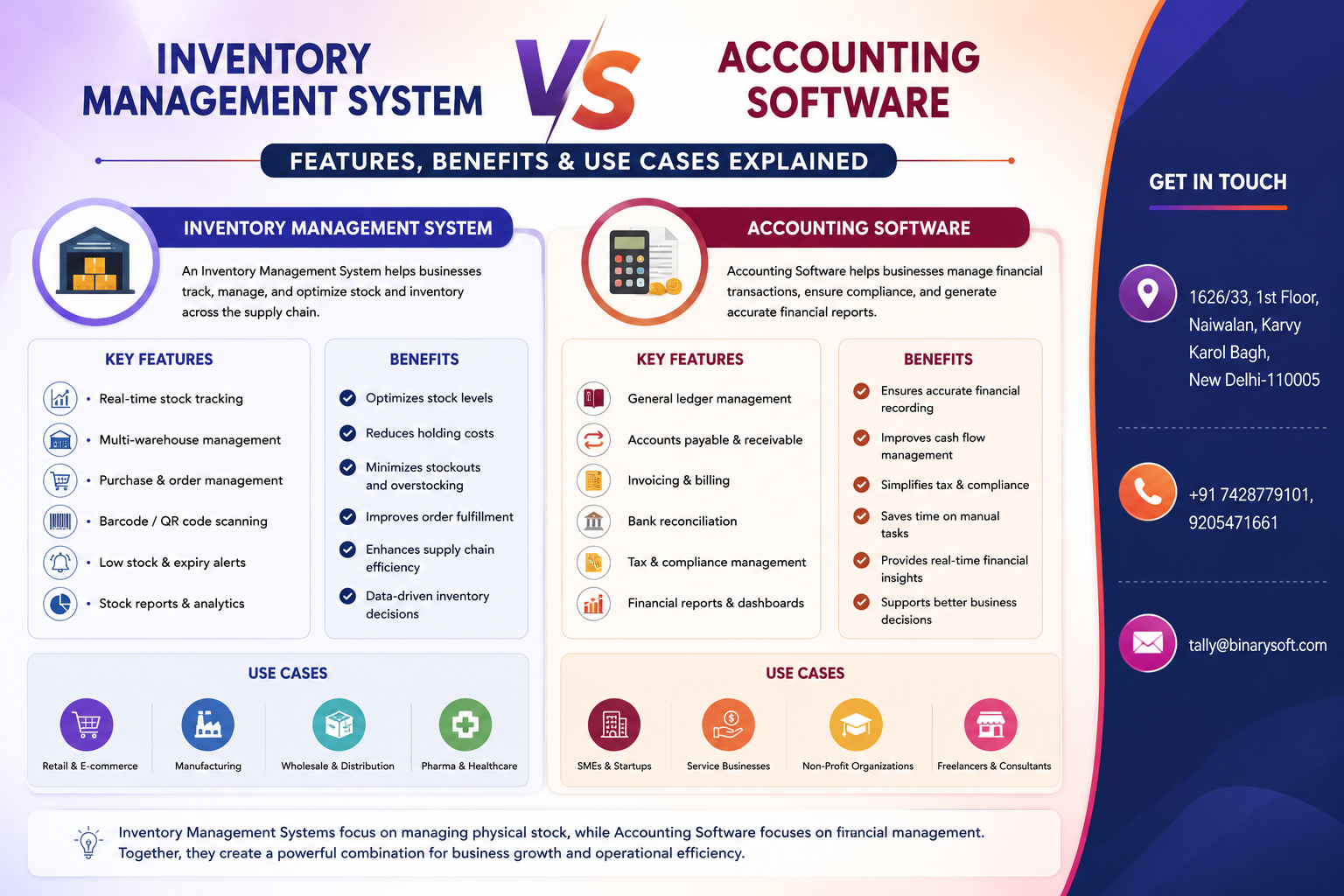
Inventory Management System vs Accounting Software: Features, Benefits & Use Cases Explained
Businesses are under more pressure than ever to manage inventory accurately while maintaining error-...
Read More →
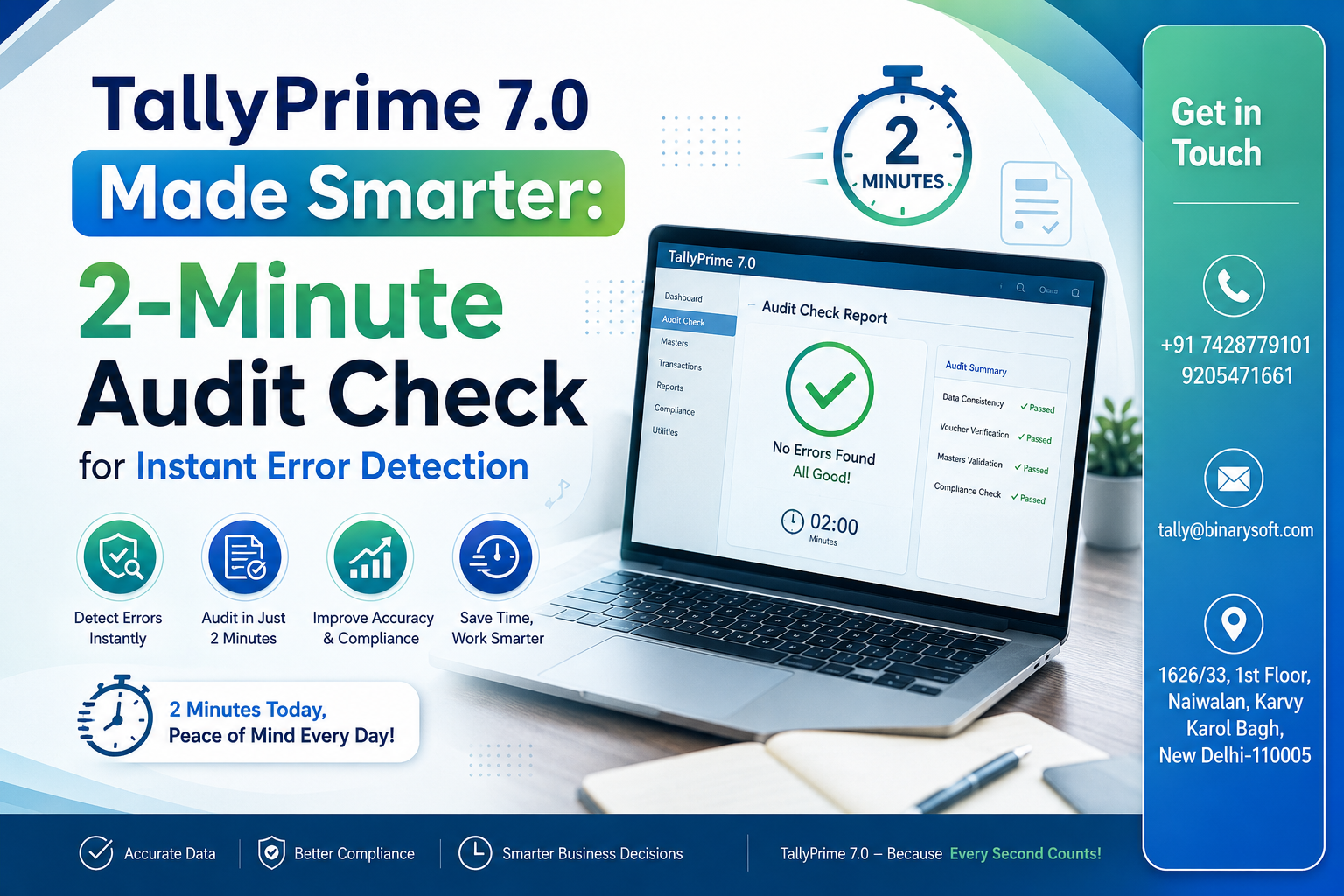
TallyPrime 7.0 Made Smarter: 2-Minute Audit Check for Instant Error Detection
In 2026, businesses and accountants are facing increasing pressure to maintain error-free accounting...
Read More →
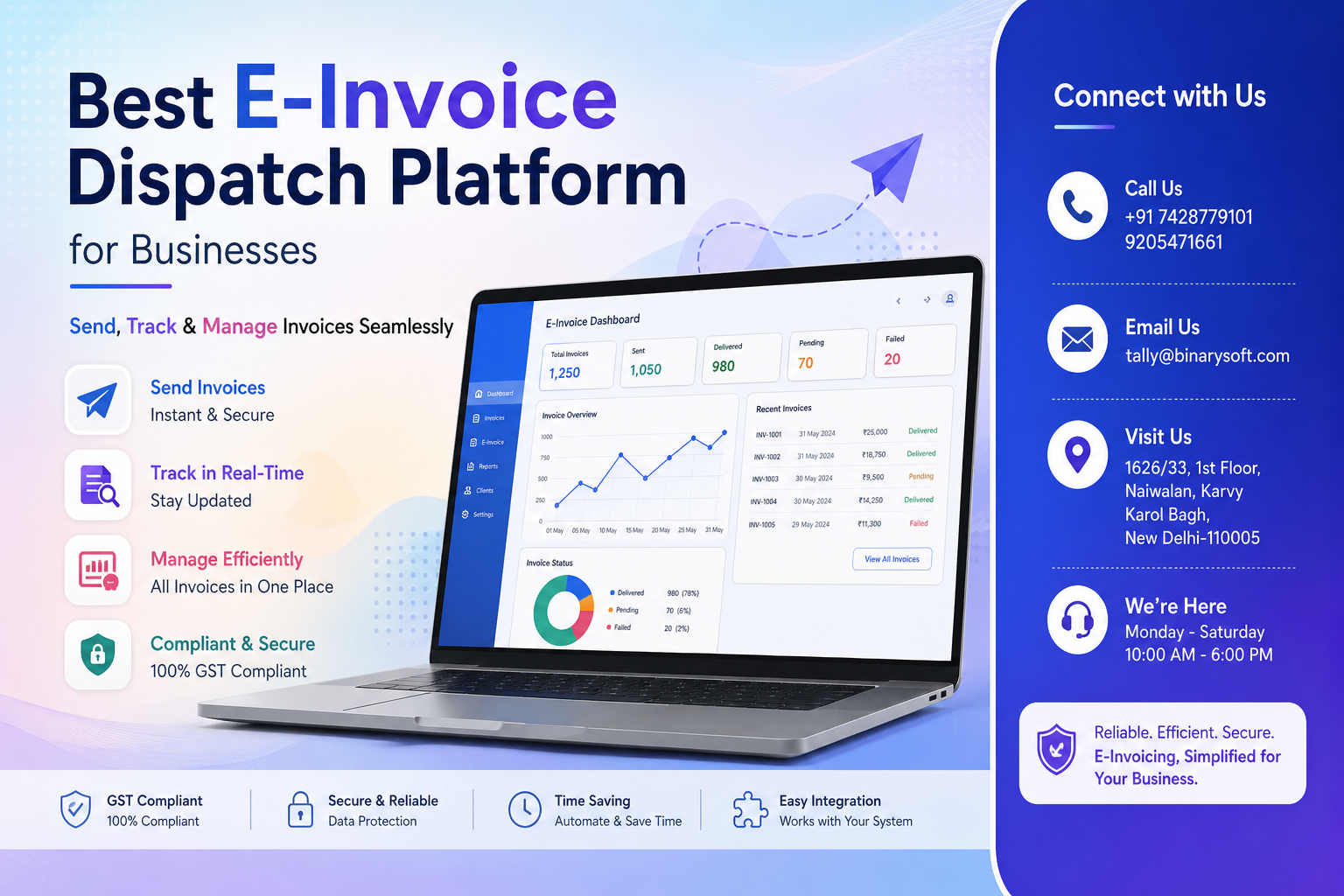
Best E-Invoice Dispatch Platform for Businesses: Send, Track & Manage Invoices Seamlessly
Businesses are under more pressure than ever to deliver invoices instantly, maintain GST compliance,...
Read More →
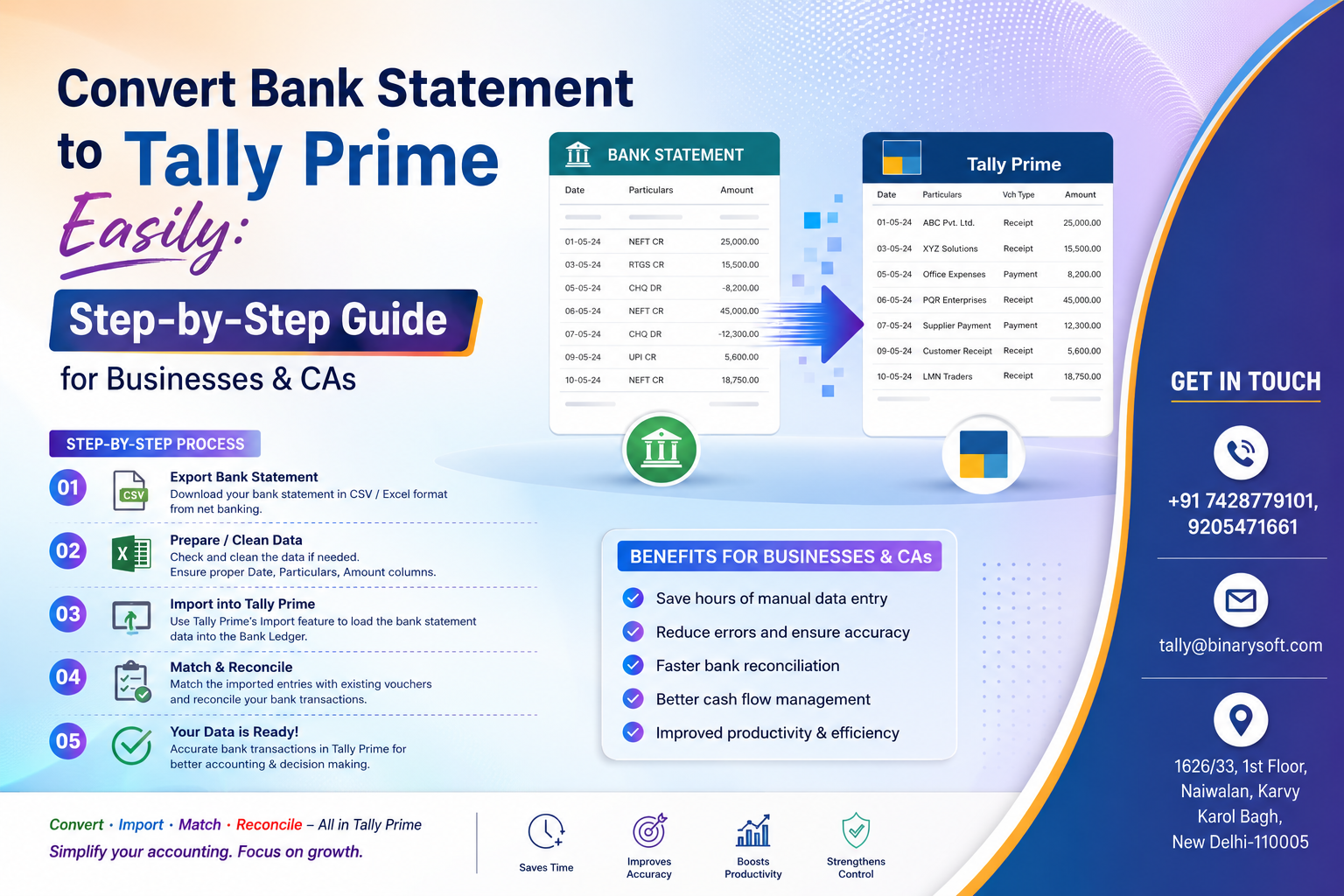
Convert Bank Statement to Tally Prime Easily: Step-by-Step Guide for Businesses & CAs
Businesses and Chartered Accountants are under increasing pressure to complete accounting, GST recon...
Read More →
Get Connected Banking in TallyPrime 6.0 – Complete Guide
Call us at +91 7428779101, 8368262875.

Tally Query | Discounted Tally New License | Discounted Tally Renewal