Call CA Tally HelpDesk
+91 9205471661,
7428779101
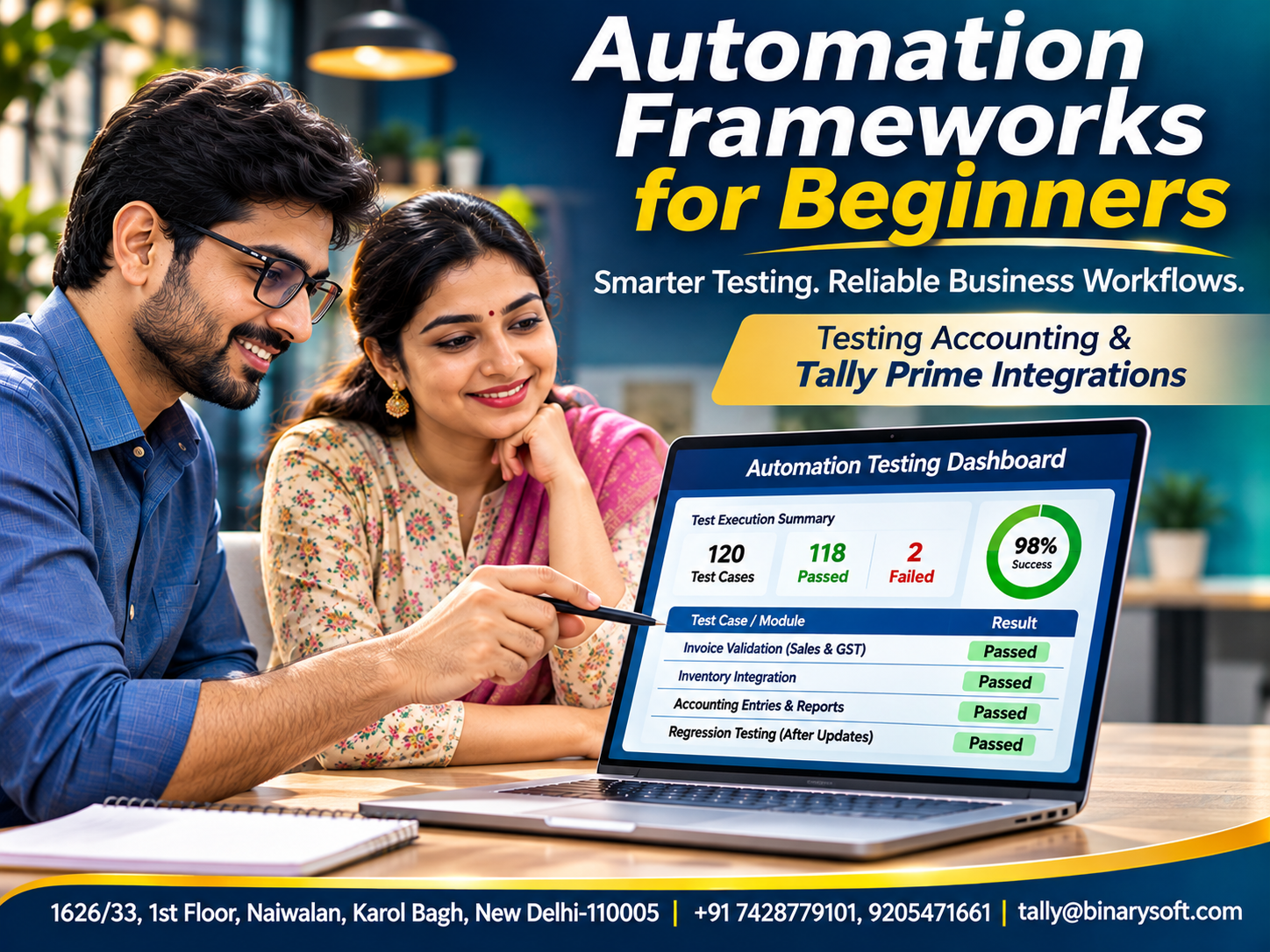
Introduction: Why Every Growing Business Needs Reliable Automation
Imagine a business that processes hundreds of invoices, customer payments, purchase orders and inventory transactions every day.
Its employees depend on software to complete their work accurately.
Now imagine that a software update unexpectedly changes an invoice calculation, breaks an integration or prevents an important report from opening.
The problem may appear small, but its consequences can be significant.
Incorrect transactions can create accounting discrepancies, delayed payments and frustrated customers.
This is why reliable software testing matters.
Traditionally, software teams manually checked applications before releasing updates. However, repeating hundreds of tests after every change consumes time and increases the possibility of human error.
An automation framework provides a structured approach to executing software tests repeatedly, consistently and efficiently.
Instead of writing disconnected scripts, developers and testers use a framework to organize test cases, reusable functions, test data, execution settings and reports.
For businesses using accounting applications such as Tally Prime, automation testing can be especially valuable when developing integrations, custom applications and connected business workflows.
Understanding automation frameworks helps organizations build dependable digital systems while reducing unnecessary testing effort.
1. What Is an Automation Framework?
An automation framework is a collection of guidelines, tools, reusable components and processes used to develop and execute automated tests.
It establishes a consistent structure for testing software applications.
For example, a business develops a web application that transfers approved sales orders into its accounting system.
Before releasing an update, developers must verify that the application correctly handles customer details, quantities, prices and tax-related information.
An automation framework can organize these checks and execute them repeatedly.
A typical framework includes test scripts, test data, reusable functions, configuration files, logging mechanisms and reporting tools.
The objective is not merely to run tests automatically.
It is to make automated testing reliable, maintainable and easier to expand.
2. Why Automation Frameworks Are Important
Modern software changes frequently.
Developers introduce new features, correct errors and improve existing functionality.
Every modification creates the possibility of unintended consequences.
Automation frameworks help manage this risk.
Consistent Test Execution
Automated tests follow defined instructions, reducing variation between test runs.
Faster Regression Testing
Previously developed tests can be executed after software changes.
Reusable Components
Common functions can be shared across multiple test cases.
Better Error Identification
Test reports help teams identify failures requiring investigation.
Easier Maintenance
A structured framework makes updates more manageable than maintaining unrelated scripts.
Improved Collaboration
Developers and testers can follow common testing standards.
Automation does not eliminate the need for manual testing.
Exploratory testing, usability reviews and complex business judgments still require human involvement.
3. Understanding the Difference Between Automation Testing and Business Process Automation
These two concepts are related but serve different purposes.
Automation Testing verifies whether software behaves according to defined requirements.
Business Process Automation performs operational activities with reduced manual intervention.
For example, a business may automate the transfer of approved invoices between applications.
That is business process automation.
Testing whether invoice amounts, customer identifiers and tax calculations transfer correctly is automation testing.
An automation framework supports the second activity.
For businesses using Tally Prime, both approaches may be useful.
However, automated business workflows should be tested thoroughly before handling real financial information.
4. Essential Components of an Automation Framework
A dependable automation framework generally includes several components.
Test Scripts
Scripts define the actions and checks performed during testing.
Test Data
Test data contains inputs such as customer names, product quantities and transaction amounts.
Reusable Functions
Common operations are organized into functions that multiple tests can use.
Configuration Management
Configuration files store settings such as application environments and connection details.
Assertions
Assertions verify whether actual results match expected outcomes.
Logging
Logs record important execution events and errors.
Reporting
Reports summarize successful tests, failures and execution details.
Test Environment
A controlled environment allows testing without affecting production business information.
Together, these components create a foundation for repeatable testing.
5. Different Types of Automation Frameworks
Several framework approaches are available.
Each has advantages and limitations.
Linear Automation Framework
A linear framework executes instructions in a fixed sequence.
It is relatively simple and suitable for learning basic automation.
However, repeated instructions can become difficult to maintain.
Modular Automation Framework
Tests are divided into reusable modules.
For example, login, customer creation and invoice validation may use separate components.
This improves organization and maintenance.
Data-Driven Automation Framework
Test logic remains separate from input data.
The same test can run with different customers, quantities and transaction values.
This is particularly useful for accounting calculations.
Keyword-Driven Automation Framework
Tests are represented through predefined actions such as OpenPage, EnterValue and VerifyResult.
This can make test scenarios easier to understand.
Hybrid Automation Framework
A hybrid framework combines approaches such as modular, data-driven and keyword-driven testing.
It offers flexibility but requires thoughtful design.
Behavior-Driven Development Framework
Behavior-driven development expresses expected application behavior through business-readable scenarios.
It encourages collaboration between technical teams and business stakeholders.
The best framework depends on project requirements, team skills and long-term maintenance needs.
6. Popular Tools Used in Automation Frameworks
Automation frameworks can use different tools depending on the application.
Selenium: Commonly used to automate web browser interactions.
Playwright: Supports browser automation and end-to-end testing.
Cypress: Used for testing web applications.
Pytest: A Python testing framework suitable for organizing and executing tests.
JUnit: Widely used for testing Java applications.
TestNG: Provides testing capabilities for Java-based projects.
Postman and API Testing Tools: Help verify API requests and responses.
Jenkins and Other CI Tools: Can execute automated tests during software development workflows.
Tool selection should consider compatibility, maintainability, available skills and project requirements.
A tool suitable for testing a web portal may not be appropriate for directly testing a desktop accounting application.
7. How to Build an Automation Framework Step by Step
Beginners should start with a manageable project.
Step 1: Define Testing Objectives
Identify the business processes that require verification.
For example, test customer creation, invoice generation and report exports.
Step 2: Choose the Technology
Select tools compatible with the application being tested.
Step 3: Organize the Project
Create separate locations for test cases, reusable functions, test data and configuration files.
Step 4: Develop Basic Tests
Begin with simple scenarios that have clear expected results.
Step 5: Add Reusable Functions
Avoid repeating the same instructions across multiple tests.
Step 6: Introduce Test Data
Use controlled datasets to verify different business situations.
Step 7: Add Reporting
Record test results and meaningful failure information.
Step 8: Execute Tests Regularly
Run appropriate tests after changes and before releases.
Step 9: Review Failures
Investigate unexpected results rather than automatically assuming the software is defective.
Step 10: Improve the Framework
Refine tests as the application and business requirements evolve.
Starting small helps teams develop a dependable foundation.
8. How Automation Frameworks Support Accounting Software
Accounting applications handle information where accuracy is essential.
A minor calculation error can affect invoices, financial reports or customer balances.
Automation frameworks can help verify connected accounting workflows.
Examples include checking invoice calculations, validating imported records and confirming report exports.
Suppose a company develops an application that sends approved sales transactions into Tally Prime.
Automated tests can verify that the integration handles required fields correctly.
Tests can also examine duplicate submissions, missing information and invalid transaction values.
However, the framework must use supported integration mechanisms and controlled test environments.
Automated tests should never create unintended transactions in a live accounting company.
9. Practical Applications with Tally Prime
Tally Prime supports accounting, inventory management and business reporting.
Organizations may connect it with other applications through supported integration or data-exchange mechanisms.
Automation testing can help verify these connected workflows.
Sales Invoice Validation
Test whether an external application prepares accurate invoice information.
Purchase Transaction Testing
Verify that supplier details, quantities and amounts are transferred correctly.
Inventory Integration Testing
Check whether stock-related information is mapped to the appropriate items.
Customer Ledger Validation
Confirm that customer identifiers and accounting references remain consistent.
Report Export Testing
Verify the completeness and expected structure of exported information.
Error Handling
Test how integrations respond to missing fields, rejected transactions and unavailable services.
Tally Prime is not itself a general-purpose automated testing framework.
External tools, scripts and suitable integration development are required to automate these verification activities.
10. An Emotional Story: The Software Error That Threatened a Family Business
For eighteen years, Deepak had managed a small electrical equipment business in Delhi.
He started with a rented shop and gradually expanded into wholesale distribution.
His employees depended on the business, and his family depended on its stability.
To improve efficiency, Deepak introduced an online order management application connected to his accounting workflow.
Initially, the system worked well.
Employees processed orders faster, and customers received timely confirmations.
Then a software update introduced an unexpected error.
Some orders were transferred with incorrect quantities.
The accounting team discovered discrepancies while reconciling transactions.
Deepak spent several evenings reviewing affected records.
He worried about customers losing confidence in the business he had worked so hard to build.
One night, his daughter found him sitting alone at the dining table.
She asked, “Papa, why are you looking so worried?”
Deepak replied, “Because people trust us, and I don't want to disappoint them.”
The business corrected the affected records and reviewed its software release process.
Its development team introduced automated tests for important order and invoice scenarios.
Future changes were checked against these tests before deployment.
The new process could not guarantee that every defect would disappear.
However, it provided greater confidence that familiar problems would be detected earlier.
Months later, Deepak returned home after a routine software update.
His daughter asked whether everything was working.
He smiled and said, “We checked carefully before making the change.”
For Deepak, dependable software meant more than efficiency. It meant protecting the trust his family business had earned over many years.
This is a fictional illustrative story.
11. Case Study One: Distributor Tests an Invoice Integration
Business Background
A hypothetical electronics distributor uses a custom order management application alongside Tally Prime.
The Challenge
Developers frequently update the order application.
Each update requires verification of invoice-related data.
The Solution
The development team creates a data-driven automation framework.
Tests use different quantities, prices, customer records and discount conditions.
Tally Prime Application
Approved integration test transactions are checked against expected accounting information in a dedicated test company.
Illustrative Outcome
Suppose manual regression testing previously required twelve hours per release.
After introducing automation, execution and review require four hours.
Time Saved:
12 − 4 = 8 hours.
Percentage Reduction:
8 ÷ 12 × 100 = 66.7%.
These figures are hypothetical and exclude initial framework development costs.
Business Lesson
Reusable tests can reduce repeated verification work and help detect integration defects before deployment.
This case study is illustrative.
12. Case Study Two: Manufacturing Company Improves Inventory Integration Testing
Business Background
A hypothetical manufacturer maintains production information in a separate application.
Relevant approved transactions are transferred into its accounting environment.
The Challenge
Software changes occasionally create incorrect stock-item mappings.
The company wants to detect mapping problems before they affect operational records.
The Solution
The technical team develops automated tests using representative inventory data.
Tests verify item identifiers, units, quantities and expected error responses.
Tally Prime Application
The integration is validated against a controlled test company containing suitable stock masters.
Illustrative Outcome
Suppose the team previously discovered ten mapping defects during post-release reviews.
After introducing better pre-release tests, only three similar defects are discovered after deployment.
Reduction:
10 − 3 = 7 defects.
Percentage Reduction:
7 ÷ 10 × 100 = 70%.
This example demonstrates a possible outcome rather than a guaranteed improvement.
Business Lesson
Automation testing can improve integration reliability when test cases reflect actual business requirements.
This case study is hypothetical.
13. Understanding Data-Driven Testing with Accounting Examples
Data-driven testing is especially useful when applications must handle many combinations of financial information.
Consider an invoice calculation test.
One scenario may use:
Quantity: 10 units
Rate: ₹500
Expected Basic Amount: ₹5,000.
Another scenario may use:
Quantity: 25 units
Rate: ₹800
Expected Basic Amount: ₹20,000.
The same test logic can process both datasets.
Additional cases may examine discounts, rounding and applicable tax calculations.
Expected outcomes should be established independently according to the relevant business rules.
The framework compares actual application results against those expected values.
This approach reduces duplicated test code while improving scenario coverage.
14. Common Challenges in Automation Testing
Automation frameworks require ongoing maintenance.
Unstable Tests
Tests may fail because of timing issues or changing interfaces.
Poor Test Data
Unrealistic datasets may overlook important business conditions.
Excessive Complexity
Overengineered frameworks can become difficult to maintain.
Inadequate Coverage
Automating only simple scenarios may leave critical workflows untested.
Environment Differences
Tests that pass in development may behave differently in production.
Incorrect Expectations
A test can pass while validating the wrong business rule.
Maintenance Costs
Scripts must be updated when application behavior changes.
Successful automation depends on thoughtful design, not simply the number of automated tests.
15. Best Practices for Building Reliable Frameworks
Businesses should establish clear testing standards.
Use descriptive test names.
Keep test cases independent whenever practical.
Separate test data from reusable logic.
Avoid embedding passwords or confidential information in scripts.
Use controlled test environments.
Maintain appropriate version control.
Review test results after execution.
Investigate unreliable tests rather than ignoring failures.
Prioritize critical business workflows.
For accounting integrations, include negative tests covering invalid amounts, duplicate transactions and missing references.
Financial test data should be synthetic or appropriately anonymized whenever possible.
16. Security Considerations for Automation Frameworks
Automation frameworks may interact with sensitive systems.
Poorly managed scripts can create security risks.
Credentials should be stored using appropriate secret-management methods.
Test environments should use restricted access.
Logs should avoid exposing confidential financial information.
Integration endpoints should require suitable authentication and authorization.
Automated tests should not disable important security controls merely for convenience.
Organizations should also ensure that testing activities do not unintentionally alter production accounting data.
Security and data integrity must remain priorities throughout framework development.
17. Measuring the Success of Automation Testing
Automation effectiveness should be measured using meaningful indicators.
Execution Time
How long does the test suite require?
Test Reliability
How consistently do tests produce dependable results?
Defect Detection
Are important defects discovered before release?
Maintenance Effort
How much work is required to update the framework?
Coverage of Critical Workflows
Are high-risk business scenarios adequately tested?
Release Confidence
Can teams deploy changes with better evidence of expected behavior?
Businesses should not evaluate success only by counting automated scripts.
A smaller collection of dependable tests covering critical accounting workflows may provide greater value than hundreds of unreliable tests.
18. The Future of Automation Frameworks
Automation testing continues to evolve.
Modern tools increasingly support parallel execution, improved reporting and integration with software delivery pipelines.
Artificial intelligence may also assist with test generation, failure analysis and maintenance.
However, automatically generated tests still require human review.
Business rules must be understood correctly.
Financial calculations need reliable expected results.
Integration behavior must be validated against actual requirements.
For organizations using Tally Prime alongside custom applications, dependable testing will remain important as digital workflows become more interconnected.
The objective is not to eliminate human testers.
It is to help technical teams focus their expertise on complex problems while automation handles suitable repetitive verification tasks.
Conclusion
An automation framework provides a structured foundation for reliable software testing.
By organizing test scripts, reusable functions, data, configurations and reports, businesses can improve the consistency and maintainability of automated verification.
Different framework approaches serve different needs, including modular, data-driven, keyword-driven and hybrid testing.
For businesses using Tally Prime, automation frameworks can be particularly valuable when testing connected applications, invoice integrations, inventory data exchanges and reporting workflows.
However, successful automation requires clear requirements, dependable test data, appropriate security and continuous maintenance.
The real purpose of an automation framework is not simply to make testing faster. It is to help businesses introduce technology changes with greater confidence while protecting the accuracy and reliability of essential operations.
Powered by Binarysoft Technologies
Authorized Tally Partner
Binarysoft Technologies helps businesses implement and use Tally Prime for accounting, inventory management, financial reporting and efficient business operations.
Organizations developing connected accounting workflows can benefit from accurate master records, structured integration requirements and dependable verification procedures.
Location:
1626/33, 1st Floor, Naiwalan, Karol Bagh, New Delhi – 110005, INDIA
Contact Us:
+91 7428779101, 9205471661
Email:
tally@binarysoft.com
Business Hours:
10:00 AM – 6:00 PM, Monday to Friday
Frequently Asked Questions
Can automation frameworks test accounting software integrations?
Yes. They can verify data transfer, calculations, error handling and expected behavior in appropriately configured test environments.
Can Selenium directly automate every feature of Tally Prime?
No. Selenium primarily automates web browsers. Testing desktop accounting workflows may require different tools or supported integration mechanisms.
Does Tally Prime include a complete automation testing framework?
No. Tally Prime is accounting and business management software. General-purpose automation testing requires separately selected tools and frameworks.
How can Binarysoft Technologies help businesses using Tally Prime?
Binarysoft Technologies can assist with Tally Prime implementation, accounting workflows, inventory management and financial reporting, helping organizations establish reliable business data and processes.
CA. Aviraj Kothari focuses on business accounting, GST compliance, and management reporting. He helps businesses organize financial data and establish practical accounting processes for better visibility and smoother compliance.