Call CA Tally HelpDesk
+91 9205471661,
7428779101
Introduction: Why ERP Portals Are Becoming Important for Indian Businesses in 2026
A growing business rarely struggles because it lacks information. More often, the problem is that important information is scattered across different departments, spreadsheets, software applications and employees.
The sales department may confirm a customer order without knowing whether sufficient stock is available. The purchasing team may order materials already stored in another warehouse. The accounting department may discover outstanding invoices only when cash flow becomes difficult.
In 2026, Indian businesses face increasing pressure to improve coordination, maintain accurate GST records, support digital transactions and make faster financial decisions.
An ERP portal helps address these challenges by providing a centralized interface through which authorized users can access relevant business information and workflows.
Depending on the system, an ERP portal may connect accounting, inventory, procurement, sales, human resources, customer management and reporting.
For small and medium-sized enterprises, such integration can reduce administrative effort and improve operational visibility.
TallyPrime supports several important business functions, including accounting, inventory, order processing, GST-related records and financial reporting.
Although TallyPrime is not itself a complete web-based ERP portal with every specialized module, it can serve as a financial and inventory foundation for an integrated business environment.
This guide explains ERP portal features, major modules, benefits, implementation considerations and practical applications for Indian businesses.
1. What Is an ERP Portal?
An ERP portal is a centralized interface that allows authorized employees, managers or business partners to access information and functions connected with an Enterprise Resource Planning system.
It may operate through a web browser, desktop application or mobile interface.
The portal provides users with access to relevant business activities based on their responsibilities and permissions.
For example, a sales executive may review customer orders, while a warehouse manager checks stock availability.
An accountant may access financial transactions, and a business owner may review management reports.
The underlying ERP system stores and processes business data, while the portal provides an organized way to access it.
Some ERP portals also support external access for customers, suppliers or distributors.
However, these capabilities vary significantly between products.
2. ERP Portal vs ERP Software: Understanding the Difference
ERP software is the broader system responsible for integrating business processes and maintaining related data.
An ERP portal is an access interface that presents selected ERP information and workflows to users.
|
Basis
|
ERP software
|
ERP portal
|
|---|
|
Primary purpose
|
Manage integrated business processes
|
Provide access to ERP functions
|
|
Main role
|
Transaction processing and data management
|
User interaction and workflow access
|
|
Users
|
Employees and administrators
|
Employees, managers and sometimes partners
|
|
Reporting
|
Processes and generates reports
|
Displays permitted reports
|
|
Accessibility
|
Depends on deployment
|
Often designed for convenient access
|
|
Security
|
System-wide permissions and controls
|
Role-based access to portal functions
|
An ERP portal usually depends on an underlying business system.
It should not be confused with a standalone website containing only static reports.
3. Essential Features of a Modern ERP Portal
Centralized Business Dashboard
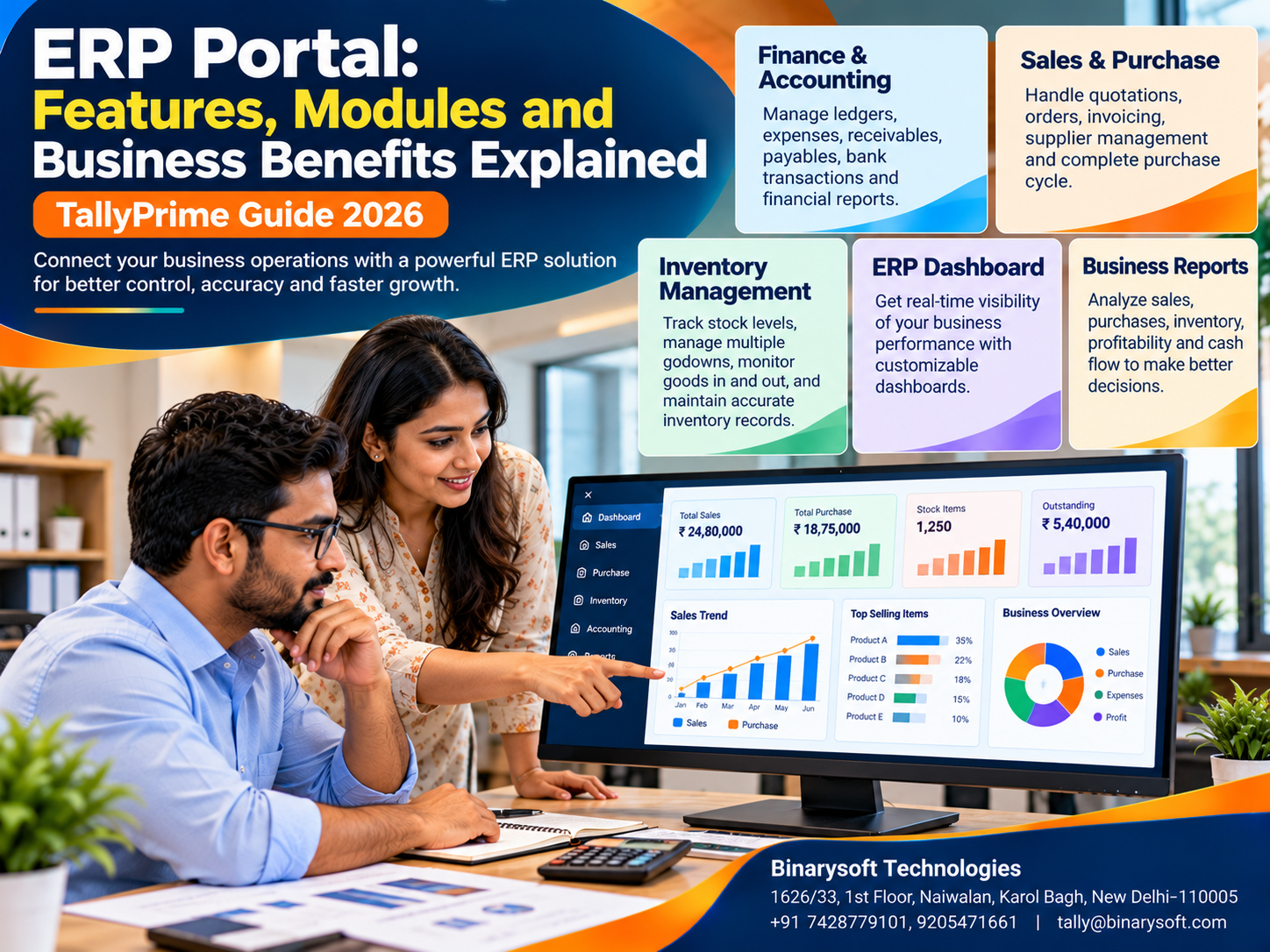
A dashboard presents important information such as sales, purchases, inventory balances, outstanding payments and operational indicators.
Managers can identify issues without manually collecting separate reports.
Role-Based User Access
Employees should access only the information necessary for their responsibilities.
A warehouse employee may need stock records but not confidential salary information.
Workflow Management
ERP portals may support approval processes for purchase requests, expenses and other transactions.
Integrated Reporting
Management reports combine information from relevant business functions.
Document Management
Some portals maintain purchase orders, invoices, contracts and supporting documents.
Notifications and Alerts
Depending on the software, alerts may identify pending approvals, low stock or overdue activities.
Multi-Location Access
Authorized users may access information from different offices or business locations.
Audit Trails
Activity records help businesses review important changes and transactions.
The availability and depth of these features depend on the selected ERP product.
4. Major Modules of an ERP Portal
Different modules support different departments.
|
ERP module
|
Main function
|
Business benefit
|
|---|
|
Finance and accounting
|
Ledgers, payments and financial statements
|
Better financial control
|
|
Sales management
|
Orders, invoicing and customer transactions
|
Organized sales operations
|
|
Purchase management
|
Supplier orders and procurement
|
Improved purchasing visibility
|
|
Inventory management
|
Stock quantities and movements
|
Better inventory control
|
|
Manufacturing
|
Production and material requirements
|
Improved production coordination
|
|
Human resources
|
Employee records and payroll
|
Structured HR administration
|
|
CRM
|
Leads and customer interactions
|
Better customer follow-up
|
|
Project management
|
Tasks, costs and deadlines
|
Improved project monitoring
|
|
Reporting and analytics
|
Performance indicators
|
More informed decisions
|
Businesses should select modules based on actual operational needs rather than assuming every available module is necessary.
5. Finance and Accounting Module
The finance module is one of the most important parts of an ERP system.
It records business transactions and supports financial reporting.
Common activities include maintaining ledgers, recording purchases and sales, tracking receivables and payables, managing banking transactions and preparing financial statements.
How TallyPrime Helps
TallyPrime supports double-entry bookkeeping, accounting vouchers, bill-wise tracking, bank reconciliation and financial reporting.
Businesses can review their Balance Sheet, Profit & Loss Account, Trial Balance and outstanding balances.
When integrating TallyPrime with a separate ERP portal, the business must establish appropriate data exchange methods, permissions and reconciliation procedures.
6. Sales and Customer Order Management
Sales management helps businesses maintain customer orders, delivery requirements and invoicing information.
A distributor may receive orders from multiple retailers throughout the day.
Without connected information, the sales team may confirm quantities that are unavailable in stock.
An ERP workflow can help employees review relevant inventory information before processing orders.
TallyPrime supports sales orders, delivery-related inventory transactions and sales invoicing.
Advanced CRM features such as automated lead nurturing, marketing campaigns and customer service ticketing generally require specialized applications.
7. Purchase and Supplier Management
Procurement activities influence inventory availability, supplier relationships and cash flow.
A purchase management module may help businesses maintain supplier information, purchase orders, receipts and payment obligations.
For example, a manufacturer may require raw materials from several suppliers.
Organized procurement records help management compare orders, received quantities and outstanding liabilities.
TallyPrime supports purchase orders, purchase vouchers, supplier ledgers and related inventory transactions.
Complex supplier bidding, procurement approval chains or vendor self-service portals may require additional systems.
8. Inventory and Warehouse Management
Inventory management helps businesses monitor products and materials across locations.
Important functions include stock classification, quantity tracking, stock valuation and inventory movement records.
For wholesalers and manufacturers, reliable inventory information helps reduce shortages and unnecessary purchases.
TallyPrime Application
TallyPrime supports stock groups, stock items, units, godowns and inventory reports.
Businesses can review quantities and values according to recorded transactions.
Advanced warehouse capabilities such as barcode-directed picking, automated replenishment and live warehouse equipment integration may require specialized solutions.
9. Manufacturing and Production Module
Manufacturing ERP modules help coordinate the conversion of raw materials into finished goods.
Depending on the system, functions may include Bills of Materials, production orders, material requirements, job costing, capacity planning and quality inspection.
TallyPrime supports Bills of Materials and manufacturing-related inventory vouchers.
It can also help businesses maintain material consumption and accounting records.
However, advanced machine scheduling, shop-floor monitoring and automated quality management generally require dedicated manufacturing software.
10. An Emotional Story: The Business Owner Who Could No Longer See the Whole Picture
For nearly twenty-five years, Arvind operated a family-owned distribution company in Delhi.
His father had started the business with one delivery vehicle and a small warehouse.
Over time, Arvind expanded operations into several markets across Delhi NCR.
The company employed sales executives, warehouse staff, delivery personnel and accountants.
Business was growing, but coordination was becoming increasingly difficult.
The sales team maintained customer orders in spreadsheets.
Warehouse employees used separate stock registers, while the accounting department recorded invoices and payments in another system.
One afternoon, a major customer called to complain about a delayed delivery.
The sales department insisted that the order had been processed.
The warehouse team explained that the required stock was unavailable.
The purchasing department believed the materials had already arrived.
Arvind spent several hours trying to understand what had happened.
That evening, he returned to his office and found an old photograph of his father standing outside their first warehouse.
He remembered his father's advice: "A business grows when its people work together."
Arvind realized that his employees were working hard, but their information was disconnected.
He decided to improve the company's systems.
The business standardized its inventory and accounting procedures using TallyPrime and introduced a coordinated order-management workflow.
Managers received access to relevant reports, and employees were trained to record transactions consistently.
The company also evaluated a centralized portal for operational approvals and order visibility.
Over the following months, communication between departments improved.
Stock discrepancies became easier to identify, and management gained clearer information about outstanding orders and payments.
When the company celebrated its next anniversary, Arvind told his employees that growth was not only about selling more products.
It was also about ensuring that everyone had reliable information and understood their responsibilities.
This fictional story illustrates how integrated information and disciplined processes can strengthen a growing family business.
11. Key Business Benefits of an ERP Portal
An ERP portal can deliver important benefits when it is properly implemented and maintained.
Better Department Coordination
Employees can access relevant information without repeatedly requesting updates from other departments.
Reduced Duplicate Work
Integrated transactions can reduce repeated data entry across disconnected systems.
Improved Inventory Visibility
Stock reports help businesses identify shortages, excess inventory and location-wise balances.
Faster Management Decisions
Dashboards provide organized information about sales, expenses, orders and financial performance.
Improved Accountability
User permissions, transaction histories and approval workflows help establish responsibility.
More Consistent Customer Service
Sales and support teams can respond more effectively when order and transaction information is available.
Support for Business Growth
A scalable ERP environment can help businesses handle increasing transactions and operational complexity.
These benefits depend on system design, accurate data and disciplined business processes.
12. How TallyPrime Supports ERP Portal Requirements
TallyPrime can provide an accounting and inventory foundation for businesses developing an integrated ERP environment.
Its core capabilities include:
Financial Accounting: Ledgers, vouchers, receivables, payables and financial statements.
Inventory Management: Stock items, stock groups, godowns and inventory reports.
Sales and Purchase Processing: Orders, invoices and related accounting transactions.
GST-Related Records: Tax configuration, invoicing and applicable reports.
Cost Centres: Allocation of relevant income and expenses.
Banking: Transaction recording and reconciliation.
Financial Reporting: Profitability, outstanding balances and financial position.
Businesses requiring a web-based portal can evaluate compatible integrations, approved customization and external applications.
Integration feasibility should be confirmed before committing to a particular solution.
13. Practical Example: Connecting Sales, Inventory and Accounting
Consider a wholesale distributor receiving a customer order for 200 units.
The business has 150 units available and expects another 100 units from a supplier.
A coordinated workflow can help the sales team identify the shortage before confirming delivery.
Once additional stock arrives, the warehouse records the receipt.
The sales department can then process the order and generate the invoice.
Accounting records the customer receivable and subsequent payment.
TallyPrime supports the relevant purchase, inventory, sales and accounting transactions.
A separate portal may provide additional order-status dashboards, notifications or approval workflows where required.
14. Case Study One: A Delhi Distributor Improves Order Visibility
Illustrative case study based on common distribution challenges.
Business Background
An electrical goods distributor in Bhagirath Palace, Delhi, supplied products to retailers across North India.
The company maintained multiple warehouses and handled substantial credit sales.
Challenges
Sales orders, stock records and customer payment information were maintained through separate processes.
Employees frequently contacted different departments to confirm order availability.
Solution
The business standardized its sales, purchase and inventory procedures.
TallyPrime was configured for accounting, stock management and outstanding reports.
The company also established a centralized operational order-status workflow.
Business Outcome
Management gained more consistent information about stock and customer balances.
Order discrepancies became easier to investigate, and communication between departments improved.
Key lesson: An ERP approach is most effective when departments follow consistent processes and share reliable information.
15. Case Study Two: A Manufacturing MSME Improves Procurement and Financial Control
Illustrative case study demonstrating ERP-related improvements.
Business Background
A manufacturing company in Faridabad produced industrial components for business customers.
The factory purchased raw materials from several suppliers and maintained multiple production-related expense categories.
Challenges
Purchase records, stock information and accounting reports were maintained separately.
Management struggled to understand outstanding supplier liabilities and available raw material quantities.
Solution
The business introduced standardized procurement and inventory records.
TallyPrime was configured for stock items, purchase transactions, supplier ledgers and financial reporting.
The team established regular reconciliation procedures and evaluated additional production workflow requirements.
Business Outcome
The company improved consistency between procurement and accounting records.
Management gained clearer visibility into supplier balances and recorded inventory.
Key lesson: Reliable procurement and accounting data provide a foundation for broader ERP integration.
16. Step-by-Step Guide to Implementing an ERP Portal
Step 1: Identify business requirements. Determine which departments and processes need integration.
Step 2: Map existing workflows. Document how orders, purchases, inventory and payments are currently handled.
Step 3: Select essential modules. Prioritize functions that address important operational problems.
Step 4: Evaluate software compatibility. Confirm whether accounting, inventory and portal applications can exchange information reliably.
Step 5: Clean existing data. Verify customer, supplier, stock and accounting records.
Step 6: Configure user permissions. Assign appropriate access according to employee responsibilities.
Step 7: Establish approval workflows. Define who can create, review and authorize transactions.
Step 8: Test the system. Validate sample transactions, reports and integration results.
Step 9: Train employees. Explain new procedures and reporting responsibilities.
Step 10: Monitor performance. Review data accuracy, security, employee feedback and operational improvements.
Businesses should avoid implementing every possible module simultaneously without considering staff readiness and project complexity.
17. Cloud ERP Portals and Remote Business Access
Cloud-based ERP portals can provide access to business information from different locations.
This may benefit organizations operating multiple offices, warehouses or branches.
Authorized users can access relevant workflows according to their permissions.
However, businesses must assess data security, connectivity, backup policies and recovery procedures.
TallyPrime can be deployed through suitable hosting arrangements, subject to licensing and infrastructure compatibility.
A hosted TallyPrime environment is not automatically equivalent to a full web-based ERP portal.
Additional portal functions may require separate development or integration.
18. ERP Portal Security and Data Protection
ERP portals often contain commercially sensitive information.
Businesses should establish role-based permissions, strong authentication, secure connections and appropriate backup procedures.
Administrative access should be limited to authorized personnel.
Where supported, activity logs should be reviewed regularly.
Organizations should also maintain procedures for employee access changes, data recovery and software updates.
Security must be treated as an ongoing management responsibility rather than a one-time configuration task.
19. Common ERP Portal Implementation Mistakes
A frequent mistake is purchasing an ERP system without clearly identifying business requirements.
Another is transferring inaccurate or duplicate records into the new environment.
Businesses may also underestimate employee training and integration complexity.
Some organizations expect dashboards to display accurate information even when underlying transactions are recorded late.
Others introduce too many approval steps, slowing everyday operations.
A successful ERP portal requires balanced workflows, reliable data and clear responsibilities.
20. How Binarysoft Technologies Can Help Businesses
Binarysoft Technologies, an Authorized Tally Partner based in New Delhi, assists businesses with TallyPrime licensing, implementation, accounting configuration and financial reporting.
Organizations can seek support for inventory setup, GST-related accounting, sales and purchase workflows, cost centres and employee training.
Businesses evaluating ERP portal integration can also review their accounting data requirements and possible customization needs.
Integration capabilities, development scope and compatibility should be assessed individually.
Conclusion
An ERP portal provides an organized way for authorized users to access business information and connected workflows.
Its value lies in improving coordination between departments, reducing disconnected records and supporting informed management decisions.
Important ERP modules may include finance, sales, procurement, inventory, manufacturing, human resources and reporting.
TallyPrime offers a useful foundation for accounting, inventory, sales, purchases and financial reporting.
For organizations requiring advanced web portals, approval workflows, customer access or specialized operational modules, complementary applications may be necessary.
The best implementation is one that matches actual business needs, protects information and helps employees work more effectively.
When departments share reliable information and management can understand business performance clearly, an ERP portal becomes more than software. It becomes an important part of sustainable business growth.
Powered by Binarysoft Technologies
Authorized Tally Partner
Location: 1626/33, 1st Floor, Naiwalan, Karol Bagh, New Delhi – 110005, INDIA
Contact Us: +91 7428779101, 9205471661
Email: tally@binarysoft.com
Business Hours: 10:00 AM – 6:00 PM, Monday to Friday
Frequently Asked Questions
What are the main modules of an ERP portal?
Common modules include accounting, sales, purchasing, inventory, manufacturing, human resources, customer management and reporting.
What is the difference between ERP software and an ERP portal?
ERP software manages integrated business processes, while an ERP portal provides an interface for accessing selected ERP information and functions.
Is TallyPrime a complete web-based ERP portal?
No. TallyPrime provides accounting, inventory and business management capabilities but does not natively replace every specialized web-based ERP portal function.
Are ERP portals suitable for small businesses?
They can be useful when a business needs coordinated access to information, although smaller organizations may not require a complex implementation.
CA. Pankaj Bhadoria brings practical experience in GST, accounting, and business process consulting. He works closely with MSMEs to resolve compliance challenges and improve operational transparency. His articles aim to simplify complex regulations for everyday business use.









