Call CA Tally HelpDesk
+91 9205471661,
7428779101
Best Hybrid Accounting System for Businesses: Why On-Premise Control with Cloud Connectivity Is the Future of Accounting
Introduction: Why Modern Businesses Need Both Control and Connectivity
Business accounting has changed dramatically over the past decade. What was once limited to maintaining ledgers, recording transactions and preparing financial statements has become an essential part of strategic business management.
Today, business owners expect their accounting software to do much more than maintain financial records. They want instant access to reports, efficient GST compliance, accurate inventory management, secure financial information and the flexibility to manage operations from different locations.
However, choosing between traditional on-premise accounting software and cloud-based accounting systems can be challenging.
On-premise accounting provides businesses with direct control over their infrastructure and financial records. Cloud-connected solutions offer flexibility, remote accessibility and improved collaboration.
But what if businesses could enjoy the advantages of both?
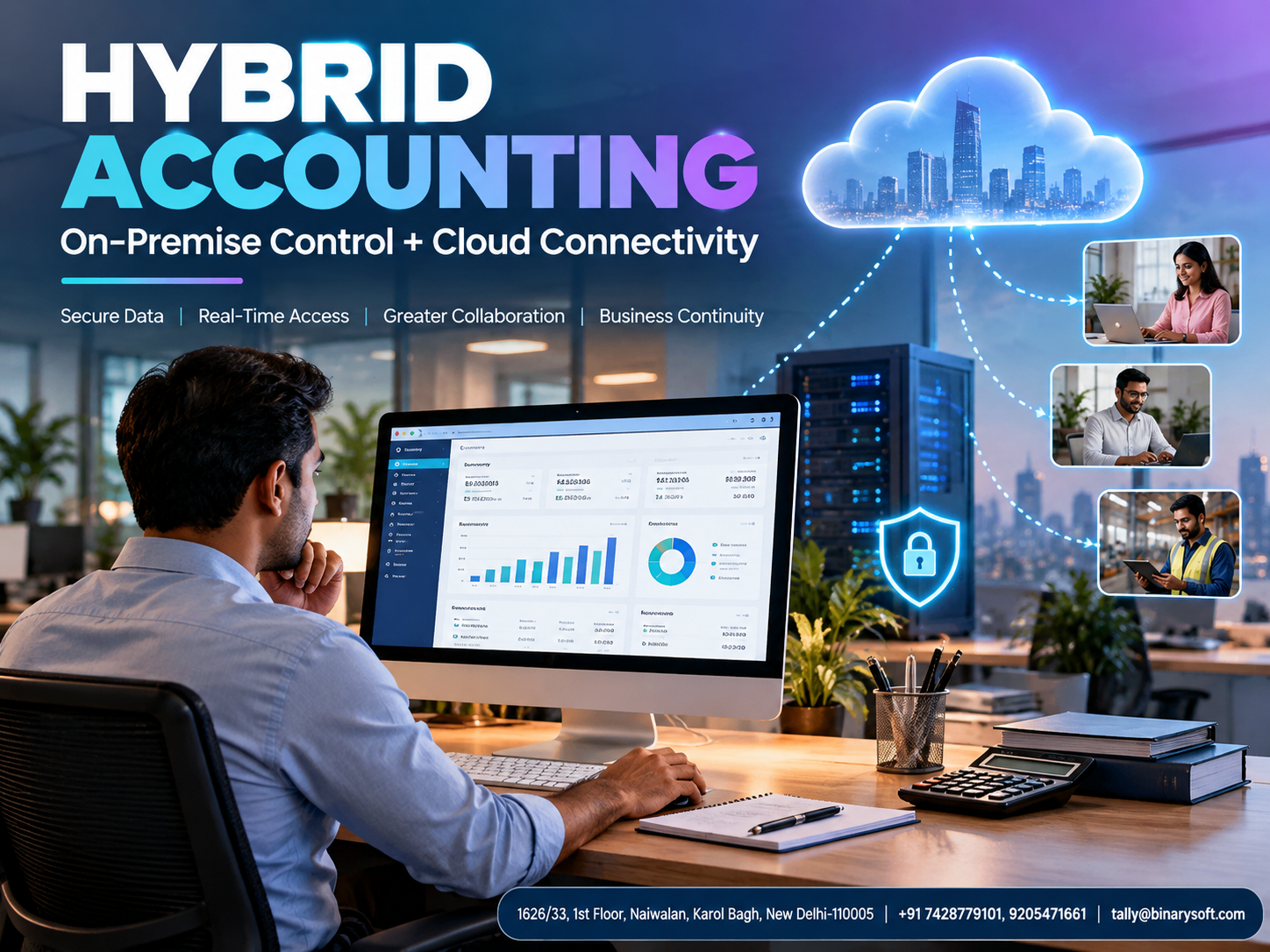
This is where hybrid accounting software with on-premise capabilities and cloud connectivity becomes valuable.
Solutions such as TallyPrime can support this approach by combining established desktop accounting capabilities with connected services and suitable remote-access arrangements.
For businesses looking to improve productivity while maintaining financial control, hybrid accounting represents a practical approach to modern financial management.
A Business Owner's Story: When One Financial Report Changed Everything
Rajesh Sharma had spent nearly fifteen years building a successful electrical equipment distribution business in Delhi.
His company supplied electrical products to retailers, contractors and industrial customers across North India.
The business was growing steadily. His warehouse was expanding, his sales team was handling larger orders, and his customer base had increased significantly.
Yet one problem continued to trouble him.
Every important financial decision depended on information stored on his office computer.
One evening, Rajesh received an urgent call from a major supplier. A substantial discount was available on a bulk purchase, but the offer would expire the following morning.
To make the right decision, Rajesh needed to check his outstanding customer payments, current inventory and available working capital.
Unfortunately, he was travelling outside Delhi.
His accountant had already left the office, and the latest financial reports were unavailable.
Rajesh hesitated.
He could either accept the supplier's offer without understanding his cash position or miss an opportunity that could improve his business margins.
He decided not to proceed.
The next morning, he discovered that his company had sufficient funds and could have benefited significantly from the purchase.
The missed opportunity was disappointing.
But it also made him realise something important.
His business had grown beyond the limitations of an accounting system that could only be accessed from one location.
Rajesh did not want to surrender control of his financial information. He simply wanted a secure way to access business reports whenever necessary.
After evaluating different options, he adopted a hybrid accounting arrangement built around TallyPrime and an appropriately configured remote-access environment.
His accountant continued working with familiar accounting processes, while Rajesh gained greater flexibility in reviewing business information.
More importantly, he could make decisions based on updated financial data rather than assumptions.
This fictional story illustrates a common challenge faced by growing businesses.
The lesson is simple: financial information becomes more valuable when it is accurate, secure and available at the moment a decision must be made.
1. What Is a Hybrid Accounting System?
A hybrid accounting system combines elements of traditional on-premise accounting with selected cloud-based or internet-connected capabilities.
In a conventional on-premise system, accounting software and business data are maintained on computers or servers controlled by the organisation.
In a fully cloud-based system, accounting applications and data are generally hosted on remote infrastructure and accessed through the internet.
A hybrid approach aims to combine the advantages of both models.
Businesses can maintain their established accounting environment while introducing connectivity features that support remote reporting, collaboration and digital business processes.
Important Characteristics of Hybrid Accounting
Local accounting operations: Businesses can maintain accounting processes on their own computers or servers.
Remote accessibility: Authorised users may access selected reports or the accounting environment through supported remote-access methods.
Centralised financial records: A properly configured system helps users work with consistent accounting information.
Security controls: Organisations can implement user permissions, network security, authentication and backup policies.
Operational flexibility: Businesses can choose an infrastructure model that suits their accounting requirements.
Business continuity: Appropriate backups and recovery arrangements help reduce disruption during system failures.
A hybrid accounting solution is particularly useful for organisations that want to modernise their operations without completely replacing existing accounting processes.
2. Understanding On-Premise Accounting Software
On-premise accounting software operates on computers or servers managed by the business.
The organisation is responsible for maintaining the required infrastructure, software environment and data protection arrangements.
Advantages of On-Premise Accounting
Direct infrastructure control
Businesses can decide where their accounting data is stored and how their systems are configured.
Local operational capability
Supported accounting functions may remain available without continuous internet connectivity.
Established accounting workflows
Employees can continue using familiar processes for invoicing, bookkeeping, inventory and reporting.
Customisation opportunities
Depending on the software, businesses may implement approved extensions or integrations.
Limitations of On-Premise Accounting
Traditional local-only systems can create challenges when employees work from different locations.
Businesses may also need to invest in servers, maintenance, backup infrastructure and technical support.
If the accounting environment is not configured for remote connectivity, business owners may struggle to access important information outside the office.
These limitations explain why many organisations are exploring hybrid accounting arrangements.
3. Understanding Cloud-Connected Accounting
Cloud-connected accounting introduces internet-enabled services into financial management.
Depending on the software and deployment model, these services may support remote access, connected transactions, collaboration and digital information exchange.
Benefits of Cloud Connectivity
Improved accessibility
Authorised users can access supported accounting functions or information from permitted locations.
Better collaboration
Accountants, managers and business owners can coordinate financial activities more efficiently.
Faster business decisions
Timely financial information helps management evaluate cash flow, outstanding payments and profitability.
Digital connectivity
Supported integrations can simplify selected banking, taxation and document-sharing activities.
Business expansion
Remote connectivity can help businesses coordinate operations across multiple locations.
However, cloud connectivity also requires careful attention to internet reliability, access controls, cybersecurity and service availability.
4. On-Premise vs Cloud vs Hybrid Accounting: Which Is Better?
| Feature | On-Premise Accounting | Cloud Accounting | Hybrid Accounting |
|---|
| Data infrastructure |
Business-managed |
Provider-hosted |
Depends on configuration |
| Internet dependency |
Lower for local functions |
Generally higher |
Varies by function |
| Remote access |
Requires additional setup |
Commonly available |
Available through supported arrangements |
| Infrastructure control |
High |
Shared with provider |
Depends on deployment |
| Maintenance |
Primarily business-managed |
Primarily provider-managed |
Shared or business-managed |
| Collaboration |
Often local-network focused |
Internet-based |
Local and remote options |
| Backup responsibility |
Business-managed |
Depends on provider |
Depends on arrangement |
| Scalability |
Infrastructure-dependent |
Service-dependent |
Configuration-dependent |
| Suitable businesses |
Local operations |
Distributed operations |
Businesses needing both approaches |
There is no universal accounting deployment model suitable for every organisation.
The best choice depends on business size, internet availability, operational requirements, security expectations and financial resources.
For businesses already comfortable with desktop accounting, a hybrid approach can provide a practical transition towards greater connectivity.
5. How TallyPrime Supports Hybrid Accounting Requirements
TallyPrime is a business management and accounting application designed to help organisations manage financial transactions, taxation, inventory and business reporting.
Its desktop accounting environment can be combined with supported connected services and separately configured remote-access solutions.
This makes it relevant for businesses exploring hybrid accounting.
Comprehensive Financial Accounting
TallyPrime helps businesses manage everyday accounting activities, including:
-
Ledger creation and maintenance
-
Sales and purchase transactions
-
Receipt and payment vouchers
-
Journal entries
-
Bank reconciliation
-
Accounts receivable and payable
-
Profit and loss statements
-
Balance sheets
-
Cash flow reporting
By maintaining financial information within a structured accounting environment, businesses can improve transaction visibility and financial reporting.
GST Accounting and Compliance
GST compliance is an important requirement for many Indian businesses.
TallyPrime supports GST-related accounting activities such as tax-enabled invoicing, tax calculations, return preparation and reconciliation workflows.
Businesses can use relevant features to review transaction details and identify potential inconsistencies before filing returns.
Connected GST capabilities, where available and appropriately configured, can further simplify supported compliance processes.
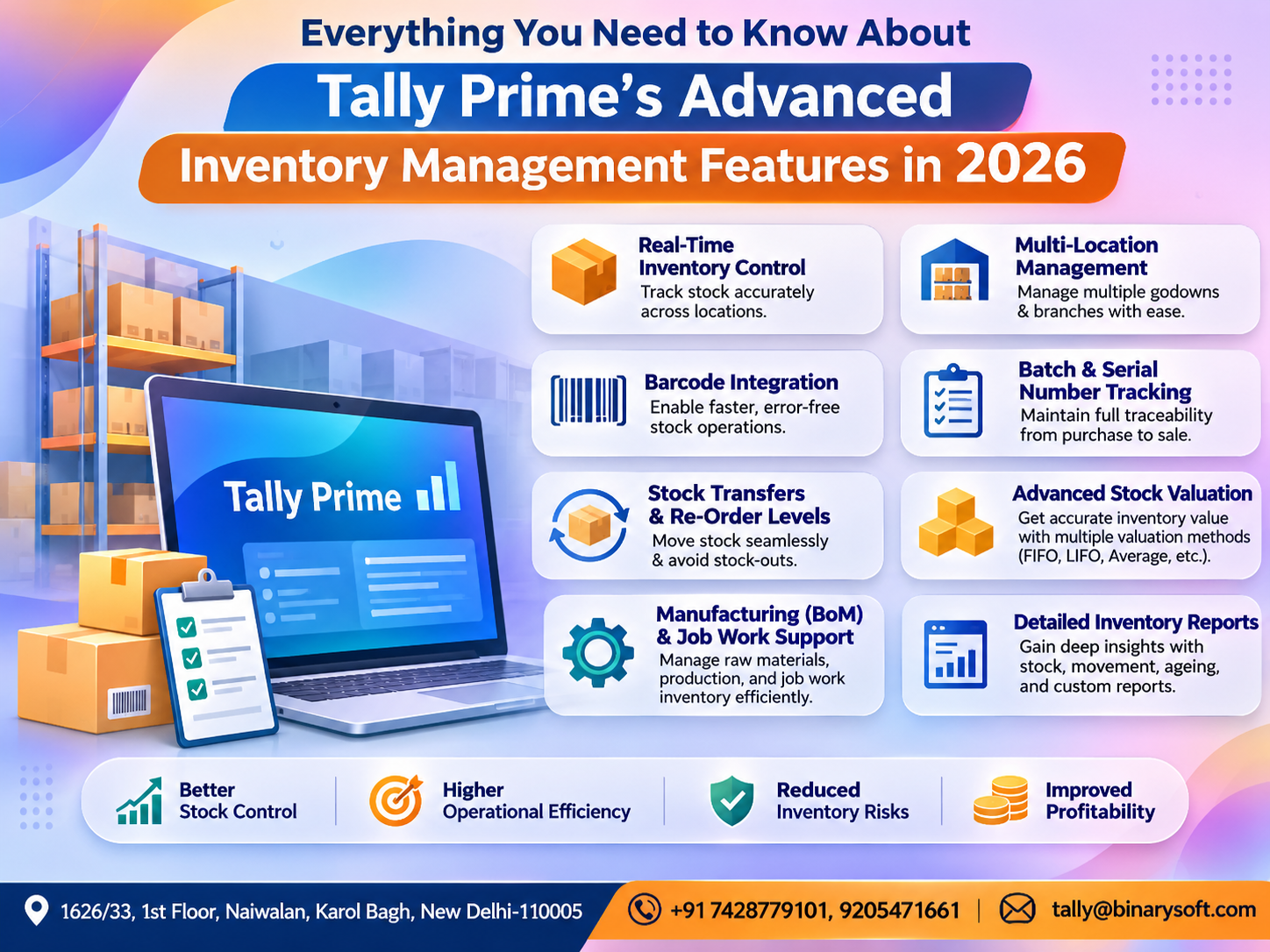
Inventory Management
For trading, manufacturing and distribution businesses, inventory accuracy directly influences profitability.
TallyPrime supports stock groups, stock items, units of measurement, godowns and inventory-related reporting.
Businesses can monitor stock movement, review inventory values and understand product-level performance.
Business Reporting
Management can use accounting reports to evaluate sales, expenses, receivables, payables and overall financial performance.
Where supported, remote report access can help authorised decision-makers review business information without being physically present in the office.
Multi-User Accounting
Businesses can choose suitable licensing and deployment arrangements to support multiple authorised users.
The actual number of users, simultaneous access capabilities and performance depend on the licence, infrastructure and configuration.
6. How Businesses Can Use TallyPrime with Cloud Connectivity
A hybrid accounting arrangement requires more than simply installing software on an office computer.
Businesses must select an appropriate access and hosting model.
Option 1: Local TallyPrime with Supported Remote Services
Businesses can maintain TallyPrime in their existing local environment while using available connected features.
This approach can suit organisations that primarily work from one office but occasionally require access to selected information from elsewhere.
Option 2: TallyPrime in a Hosted Remote Environment
Businesses may use a compatible hosted desktop or server environment to access TallyPrime remotely.
Under this arrangement, the application and company data are maintained on the configured host infrastructure.
Authorised employees connect through an approved remote-access mechanism.
This can be useful for organisations with multiple offices or employees working from different locations.
Option 3: Office-Based Accounting with Secure Remote Desktop Access
Another option involves keeping the accounting environment at the office while providing secure remote desktop access to authorised users.
This approach requires appropriate network security, authentication, licensing, backup and infrastructure management.
Important Consideration
TallyPrime's connected services, native remote capabilities and third-party hosting arrangements are not identical.
A hosted deployment does not automatically provide offline access, unrestricted simultaneous usage or automatic data synchronisation.
Businesses should evaluate their specific requirements before choosing an implementation.
7. Key Benefits of Hybrid Accounting for Growing Businesses
Better Financial Visibility
Business owners can review financial information through supported access arrangements without depending entirely on manually shared reports.
Improved Cash Flow Management
Accurate receivable and payable records help businesses identify outstanding payments and upcoming financial obligations.
Greater Operational Flexibility
Employees can continue using established accounting workflows while management benefits from additional connectivity.
Reduced Dependence on Physical Location
A properly configured remote environment can help authorised users access accounting functions from outside the office.
Better Coordination
Accountants, managers and business owners can work with more consistent information.
Improved Business Continuity
Hybrid environments can support continuity planning when combined with suitable backup, recovery and infrastructure arrangements.
However, cloud connectivity alone does not guarantee uninterrupted operations.
8. Case Study One: How a Wholesale Distributor Improved Financial Visibility
Illustrative case study based on a fictional business.
Business Background
Sharma Electrical Distributors was a growing wholesale business supplying electrical equipment to retailers across Delhi, Haryana and Uttar Pradesh.
The company managed approximately 1,200 inventory items and worked with more than 180 regular customers.
Its accounting team maintained sales, purchases, stock and outstanding balances using a local accounting environment.
The Challenge
The business owner frequently travelled to meet suppliers and customers.
Whenever he needed financial information, he had to contact the accountant and request updated reports.
This created delays in credit decisions and purchase planning.
The Solution
The business adopted TallyPrime for structured accounting and inventory management.
It also implemented a secure remote-access arrangement for authorised management users.
The accounting team continued handling daily transactions, while management could review relevant information remotely.
Illustrative Results
After three months, the business observed the following improvements:
| Performance Area | Before | After |
|---|
| Typical management report turnaround |
2–3 hours |
10–15 minutes |
| Manual report requests |
Frequent |
Significantly reduced |
| Outstanding payment review |
Weekly |
Daily |
| Inventory review |
Periodic |
More frequent |
| Purchase decision process |
Delayed |
Faster |
These figures are illustrative, not independently verified customer results.
Business Lesson
The greatest improvement came from making existing financial information easier to access.
The company did not need to abandon familiar accounting practices to improve decision-making.
9. Case Study Two: A Manufacturing Business Connects Multiple Locations
Illustrative case study based on a fictional business.
Business Background
Precision Auto Components was a medium-sized manufacturing company with a production unit in Faridabad and an administrative office in Delhi.
Its operations involved raw material purchases, production expenses, finished goods inventory and customer billing.
The Challenge
Different departments depended on information maintained at separate locations.
Management often experienced delays while reviewing inventory, production-related costs and outstanding payments.
The finance team also spent considerable time preparing consolidated reports.
The Solution
The company organised its accounting and inventory processes using TallyPrime.
It introduced a centrally managed accounting environment with secure access for authorised employees.
User permissions were configured according to operational responsibilities.
Regular backups and access reviews were incorporated into the implementation.
Illustrative Results
Within six months, the company reported improvements in its internal processes.
| Business Activity | Illustrative Improvement |
|---|
| Report preparation time |
Reduced by 40% |
| Manual information requests |
Reduced by 50% |
| Inventory visibility |
Improved |
| Interdepartmental coordination |
Improved |
| Management reporting |
More consistent |
The percentages are hypothetical and demonstrate possible outcomes rather than guaranteed results.
Business Lesson
Technology delivers greater value when accounting processes, access permissions and operational responsibilities are clearly defined.
10. Security Considerations for Hybrid Accounting Systems
Financial information is among the most sensitive business assets.
Therefore, security must be a priority when implementing remote accounting access.
Businesses should consider the following safeguards.
Role-based access: Employees should receive permissions appropriate to their responsibilities.
Strong authentication: Remote-access infrastructure should support robust authentication, preferably including multifactor authentication.
Secure connections: Remote sessions should use appropriately protected communication channels.
Regular backups: Accounting data should be backed up according to a documented schedule.
Recovery testing: Businesses should periodically verify that backups can be restored successfully.
Software updates: Applications, operating systems and security components should be maintained.
Activity monitoring: Appropriate monitoring can help identify unusual access or operational problems.
Employee awareness: Staff should understand password security, phishing risks and safe handling of financial records.
No accounting deployment model is automatically secure.
Security depends on how the software, infrastructure and business processes are configured and maintained.
11. How to Choose the Best Hybrid Accounting System
Before selecting accounting software, businesses should evaluate their operational requirements.
Understand Your Business Size
A small retail business may have different accounting requirements from a manufacturing company operating across several locations.
Evaluate Remote Access Needs
Determine whether employees need full accounting access, report viewing or occasional remote support.
Review GST Requirements
Ensure the selected software supports relevant tax calculations, documentation and compliance workflows.
Consider Inventory Complexity
Businesses managing multiple products, warehouses or stock categories should evaluate inventory reporting capabilities.
Examine Security Requirements
Review user permissions, hosting security, backup arrangements and recovery procedures.
Evaluate Total Cost
Consider software licensing, hosting, maintenance, implementation, connectivity and technical support expenses.
Plan for Future Growth
Choose an arrangement that can accommodate additional users, business locations and transaction volumes.
12. Practical Steps to Implement TallyPrime in a Hybrid Environment
A successful implementation begins with careful planning.
Step 1: Assess existing accounting processes. Identify reporting delays, manual activities and remote-access requirements.
Step 2: Select the appropriate TallyPrime licence. Consider user requirements, business size and supported features.
Step 3: Decide on the deployment model. Evaluate local installation, supported remote services or compatible hosted infrastructure.
Step 4: Organise company data. Review ledgers, inventory masters, outstanding balances and tax configurations.
Step 5: Configure access permissions. Define which employees can create transactions, modify records or review reports.
Step 6: Establish backup procedures. Implement scheduled backups and test restoration.
Step 7: Train employees. Ensure users understand accounting workflows, reporting features and security responsibilities.
Step 8: Monitor performance. Review access reliability, reporting accuracy, infrastructure performance and user feedback.
An experienced implementation partner can help businesses select an arrangement suited to their operational needs.
13. Why Hybrid Accounting Is Important for the Future of Business
The future of accounting is not simply about replacing desktop software with cloud applications.
It is about making financial information more accessible, accurate and useful.
Businesses increasingly need accounting systems that support established operational processes while adapting to changing work environments.
Hybrid accounting offers flexibility in how organisations manage infrastructure, connectivity and financial reporting.
For businesses that already depend on TallyPrime, an appropriately designed hybrid environment can provide a practical route towards modernisation.
It can support better financial visibility, improved coordination and more informed decision-making.
The right implementation should balance convenience with security, cost and operational reliability.
Conclusion: Build a Smarter Accounting Environment with TallyPrime
Choosing the best accounting system is an important decision for every growing business.
Traditional on-premise accounting provides established workflows and direct infrastructure control, while cloud connectivity can improve accessibility and collaboration.
A hybrid accounting approach brings these capabilities together through a carefully selected deployment model.
TallyPrime offers comprehensive accounting, inventory, GST and reporting functionality that businesses can combine with supported connected services and appropriate remote-access infrastructure.
Whether you operate a retail store, wholesale distribution business, manufacturing company or professional services organisation, the right accounting environment can improve financial visibility and operational efficiency.
The objective is not simply to access accounting software from another location.
It is to ensure that reliable financial information is available to authorised people when important decisions need to be made.
With thoughtful planning, suitable infrastructure and professional implementation support, businesses can build an accounting environment that supports both current operations and future growth.
Powered by Binarysoft Technologies
Authorized Tally Partner
Binarysoft Technologies helps businesses explore TallyPrime accounting solutions, cloud-hosting arrangements, accounting implementation and related support services.
Our focus is on helping organisations improve accounting efficiency, financial reporting, GST management and access to business information.
Location: 1626/33, 1st Floor, Naiwalan, Karol Bagh, New Delhi – 110005, INDIA
Contact Us: +91 7428779101, 9205471661
Email: tally@binarysoft.com
Business Hours: 10:00 AM – 6:00 PM, Monday to Friday
Frequently Asked Questions
Can business owners access TallyPrime reports outside the office?
Supported remote-access features or appropriately configured hosted environments can allow authorised users to access relevant information outside the office. The available functions depend on the selected arrangement.
Is hybrid accounting more secure than cloud accounting?
Neither model is automatically more secure. Security depends on authentication, access permissions, infrastructure protection, backup procedures and ongoing system maintenance.
Does TallyPrime work without an internet connection?
Many core desktop accounting functions can operate without continuous internet connectivity. Connected services and remote-access functions generally require internet access.
How can businesses get started with TallyPrime cloud connectivity?
Businesses should begin by reviewing their accounting requirements, number of users, remote-access needs and security expectations. An authorised Tally partner can help evaluate suitable licensing, deployment and support options.
CA. Rishubh Talrejaa specializes in GST, business accounting, and compliance advisory for growing enterprises. With experience in handling real-time transactional data and audits, he writes practical insights on inventory control, taxation, and digital transformation for Indian businesses operating in competitive markets.