Call CA Tally HelpDesk
+91 9205471661,
7428779101
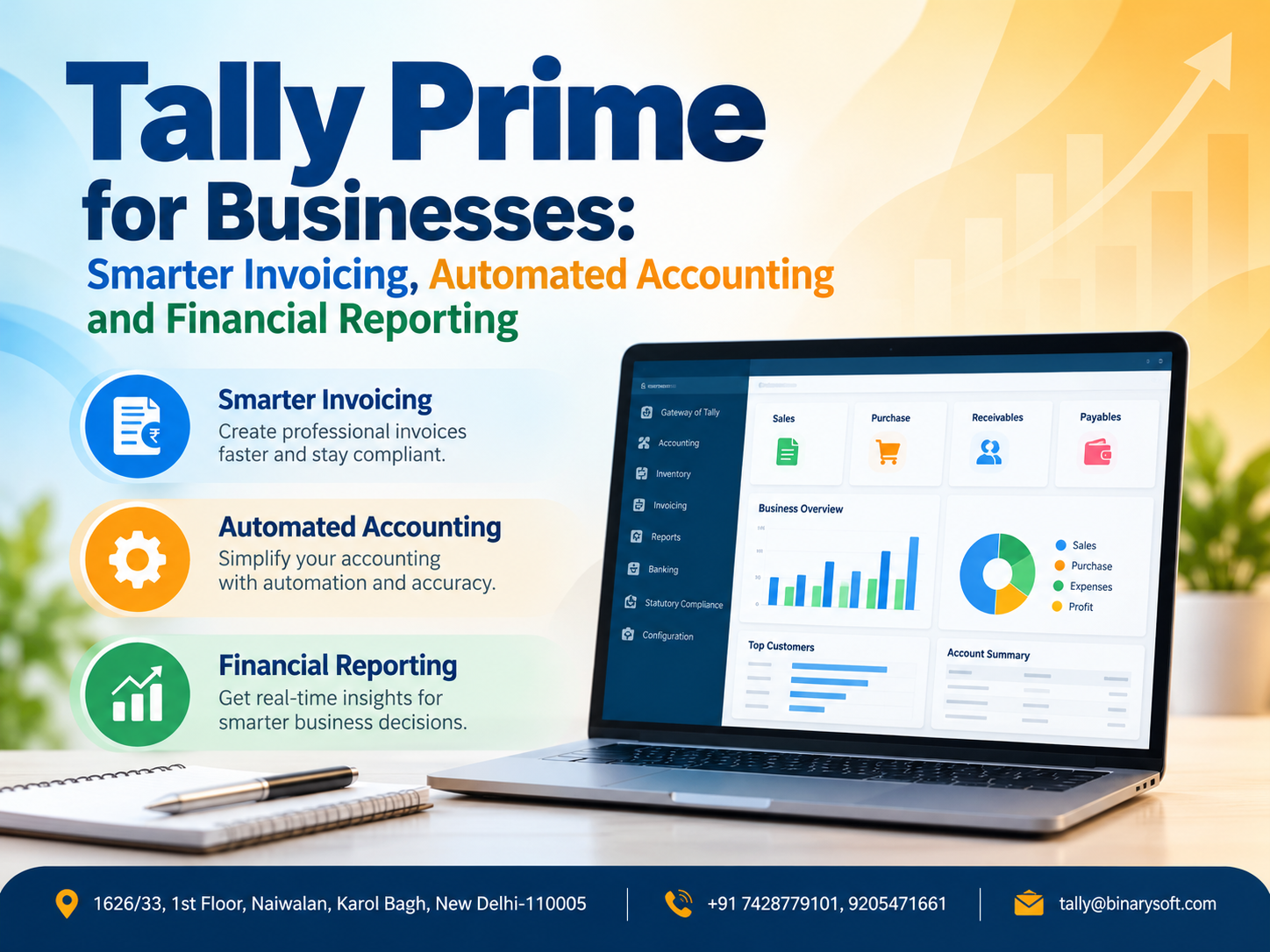
Introduction: Why Indian Businesses Need Smarter Invoicing and Accounting in 2026
Every successful business depends on accurate financial information. Whether it is a small retail shop, a growing wholesale enterprise, a manufacturing company or a professional services firm, managing invoices, expenses, payments and financial reports is essential for sustainable growth.
However, many Indian businesses continue to struggle with manual bookkeeping, delayed payment collections, incorrect invoices, GST-related errors and limited visibility into their financial performance.
As businesses grow, the number of transactions increases. Managing hundreds of invoices, supplier payments, inventory movements and bank entries through spreadsheets or disconnected systems can become time-consuming.
A single incorrect invoice may create payment delays. An unrecorded expense can distort profitability. Poor cash flow monitoring can affect the ability to pay employees and suppliers.
TallyPrime provides an integrated business accounting environment that helps organisations simplify invoicing, reduce repetitive accounting work and generate meaningful financial reports.
From GST-compliant billing and purchase accounting to bank reconciliation, inventory monitoring and financial statements, TallyPrime helps businesses maintain greater control over everyday operations.
When combined with suitable cloud hosting, it can also provide authorised accountants and business owners with remote access to their accounting environment.
1. Understanding TallyPrime as a Business Accounting Solution
TallyPrime is business management and accounting software designed to support financial transactions, inventory records, statutory accounting and business reporting.
Instead of maintaining separate records for sales, purchases, outstanding payments and financial statements, businesses can manage these activities within a connected accounting system.
For example, when a properly configured sales invoice is recorded, TallyPrime can update the customer ledger, relevant sales accounts, tax records and inventory quantities.
This integrated approach reduces the need to enter the same transaction repeatedly.
Key business functions
-
Sales invoicing and GST billing.
-
Purchase and supplier accounting.
-
Receivables and payables management.
-
Inventory and stock valuation.
-
Cash and bank transaction recording.
-
Bank reconciliation.
-
Financial statements and business reports.
-
Cost centre and expense analysis.
-
GST and other applicable statutory reporting.
-
Remote access through suitable hosting arrangements.
The exact functionality available depends on the installed release, licence and business configuration.
2. An Emotional Story: The Business Owner Who Had Sales but No Peace of Mind
For eighteen years, Sandeep operated a wholesale stationery business in Delhi.
He started with a small counter, a few customers and a determination to provide quality products at reasonable prices.
Over time, his business expanded. He began supplying stationery to schools, offices and corporate customers.
Sales increased, but so did his responsibilities.
Every evening, Sandeep remained in his office long after employees had left. His desk was covered with invoices, payment receipts and supplier statements.
He knew that customers owed him money, but he could not confidently identify which payments were overdue.
Some invoices were prepared manually, while accounting records were updated later.
During one particularly difficult month, a supplier demanded payment for several outstanding bills.
Sandeep believed he had enough money coming from customers, but most of those payments were still pending.
That night, his daughter waited for him to attend a school function.
He arrived after the event had ended.
She quietly asked, "Papa, will your office work ever finish?"
The question stayed with him.
Sandeep realised that his biggest problem was not a shortage of customers. It was the absence of an organised financial management process.
He introduced TallyPrime for invoicing, accounting and payment tracking.
Customer ledgers were reviewed, outstanding invoices were organised and bank transactions were reconciled regularly.
Gradually, he gained clearer visibility into receivables, supplier payments and daily financial activity.
Instead of searching through paperwork, he could review relevant reports and identify matters requiring attention.
A few months later, he attended his daughter's next school event on time.
His business still required hard work, but better financial organisation helped him spend less time resolving avoidable accounting confusion.
This is an illustrative story representing the financial and personal challenges faced by many small business owners.
3. Smarter Invoicing with TallyPrime
Invoicing is one of the most important activities in business accounting.
An invoice communicates the products or services supplied, applicable taxes, payment terms and amount payable.
Incorrect invoices can lead to customer disputes, delayed payments and accounting inconsistencies.
TallyPrime helps businesses prepare structured invoices with relevant customer and transaction information.
GST-compliant sales invoices
Businesses can configure GST details and record invoices containing applicable tax information.
Depending on the transaction, invoices may include customer GSTIN, HSN or SAC details, taxable values and tax amounts.
Flexible invoice formats
TallyPrime provides invoice configuration and printing options that help businesses present billing information according to their requirements.
Credit and cash sales
Businesses can record both cash and credit transactions.
Credit sales can be linked to customer ledgers and bill references, helping accountants track amounts outstanding.
Sales returns and adjustments
Credit notes and other appropriate vouchers can be used to record returns and adjustments.
These capabilities help maintain more accurate sales and customer accounting records.
4. Automated Accounting: Reduce Repetitive Work and Improve Accuracy
Manual accounting requires employees to repeatedly enter transaction details into different registers.
TallyPrime reduces repetitive work by connecting vouchers, ledgers, inventory records and financial reports.
For example, when a business records a credit sale of ₹50,000 plus applicable GST, the configured sales voucher updates the relevant sales, tax and customer accounts.
The accountant does not need to separately prepare every ledger posting.
How accounting automation helps
Automatic ledger posting: Voucher entries update the relevant accounting ledgers according to the transaction configuration.
Integrated inventory accounting: Inventory invoices can update stock quantities and associated financial records.
Tax calculations: Properly configured tax ledgers and classifications help calculate applicable taxes.
Bill-wise accounting: Businesses can maintain invoice-level receivables and payables.
Financial reporting: Reports reflect recorded transactions without requiring separate manual compilation.
Automation improves efficiency, but it does not eliminate the need for verification. Incorrect masters or transaction details can still produce inaccurate reports.
5. GST Accounting and Compliance Management
GST compliance is a significant responsibility for registered Indian businesses.
Organisations must maintain accurate sales and purchase records, apply appropriate tax classifications and reconcile relevant transactions.
TallyPrime provides GST accounting and reporting features that help businesses manage these activities.
GST features for businesses
Businesses can use TallyPrime to record interstate and intrastate transactions, maintain GSTIN details, classify supplies and review tax-related reports.
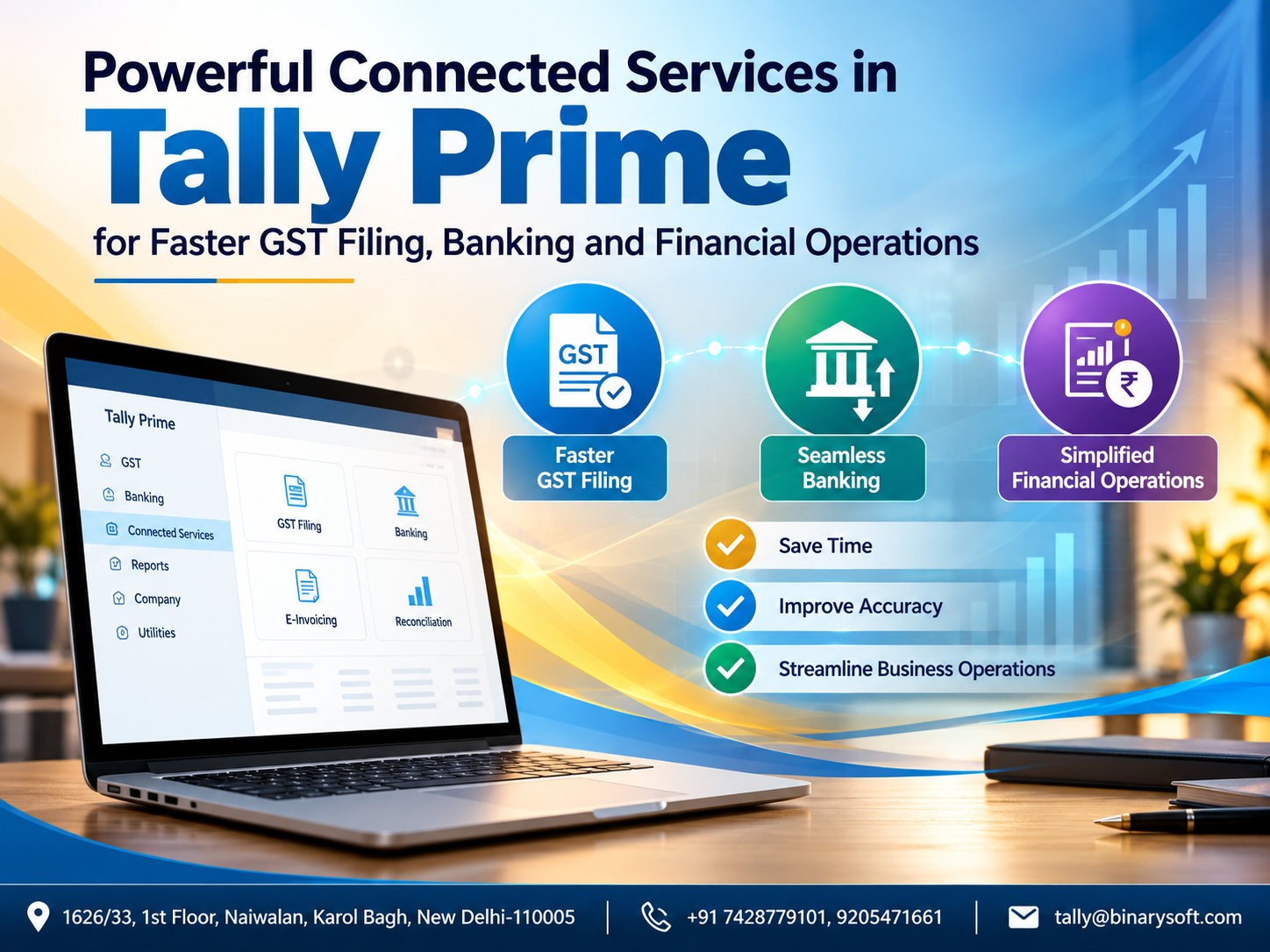
Supported releases also provide connected GST capabilities, including downloading relevant return information and performing reconciliation activities.
E-invoicing and e-Way Bills
Eligible businesses can use supported e-invoicing and e-Way Bill features, subject to applicable requirements, configuration and connectivity.
Businesses must determine whether statutory thresholds and transaction conditions apply to them.
Input Tax Credit reconciliation
Purchase records can be compared with relevant GST information to identify differences requiring investigation.
Accurate reconciliation helps businesses reduce avoidable filing errors and review eligible input tax credit.
6. Purchase Accounting and Supplier Management
Purchases influence business profitability, inventory valuation and cash flow.
TallyPrime helps businesses maintain supplier ledgers and record purchases systematically.
Purchase invoices can include relevant item details, taxes, expenses and payment references.
Supplier outstanding management
Businesses can monitor unpaid supplier invoices, due dates and outstanding balances.
This helps accountants plan payments and avoid overlooking important liabilities.
Purchase returns
Debit notes and appropriate accounting entries can be used to record purchase returns and adjustments.
Better purchasing decisions
By reviewing purchase records and supplier balances, businesses can identify major expenditure categories and assess purchasing patterns.
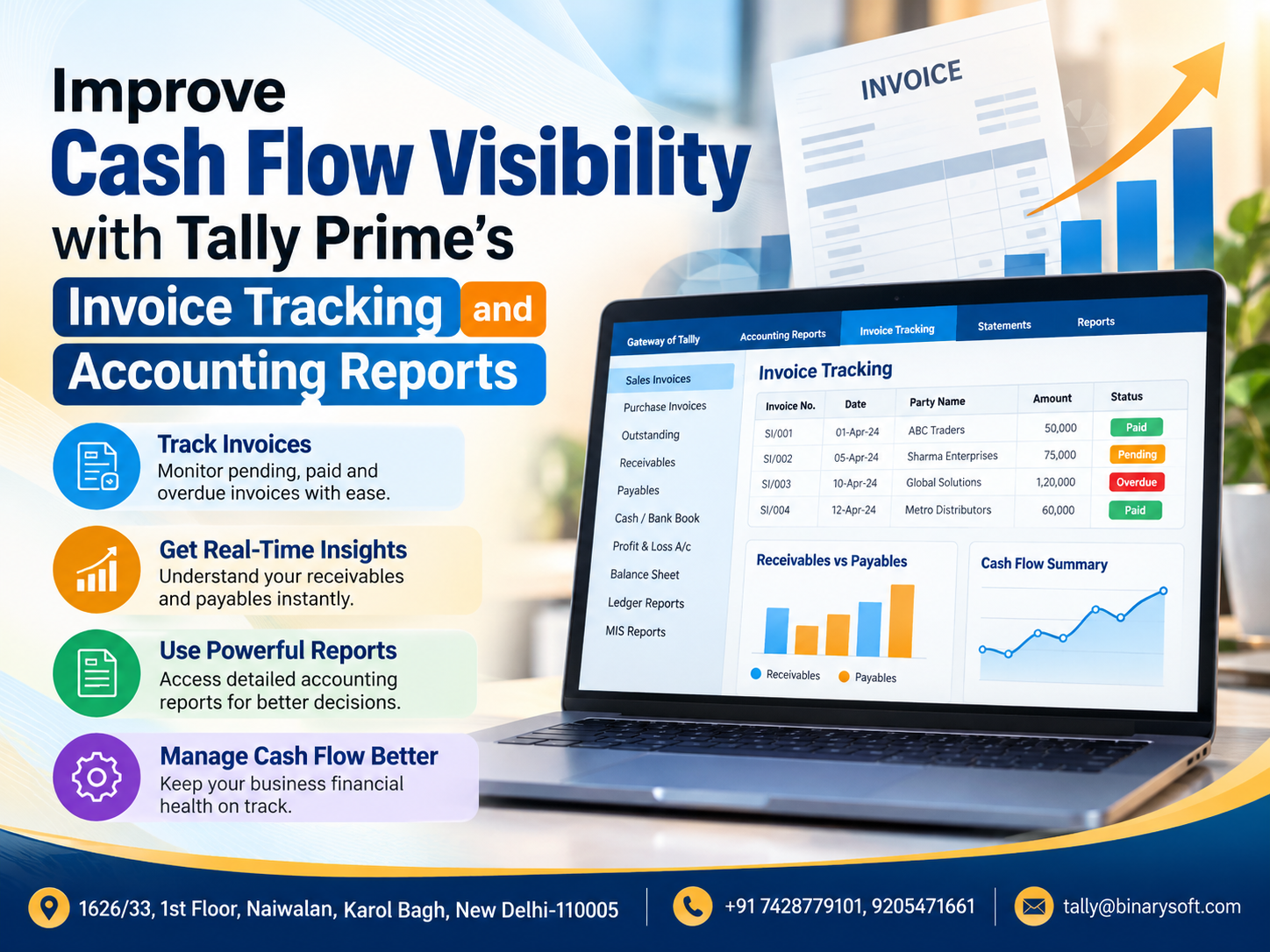
7. Receivables Management and Faster Payment Collection
Delayed customer payments are a major challenge for businesses operating on credit.
A company may report strong sales but still experience cash shortages because customers have not settled their invoices.
TallyPrime provides bill-wise outstanding tracking and ageing analysis.
For example, a distributor may classify unpaid invoices according to their overdue periods.
|
Outstanding period
|
Illustrative amount
|
|---|
|
0–30 days
|
₹2,50,000
|
|
31–60 days
|
₹1,40,000
|
|
61–90 days
|
₹75,000
|
|
Above 90 days
|
₹45,000
|
This information helps management prioritise payment follow-ups.
Businesses can also review customer credit periods and outstanding balances before extending additional credit.
Regular receivables monitoring supports better cash flow planning and reduces the risk of overdue balances being overlooked.
8. Banking and Reconciliation Features
Businesses handle payments through bank transfers, UPI, cheques and other banking channels.
Reconciling these transactions with accounting records is essential for financial accuracy.
TallyPrime provides bank reconciliation features that help identify differences between recorded transactions and bank statements.
Depending on the release and bank support, businesses can import statements and use automated reconciliation facilities.
Benefits of bank reconciliation
Bank reconciliation helps identify missing entries, duplicate transactions, bank charges and payments awaiting clearance.
For example, a business may record a customer receipt but later discover that the amount credited to its bank account differs because of transaction charges.
Reconciliation helps accountants investigate and record the appropriate adjustments.
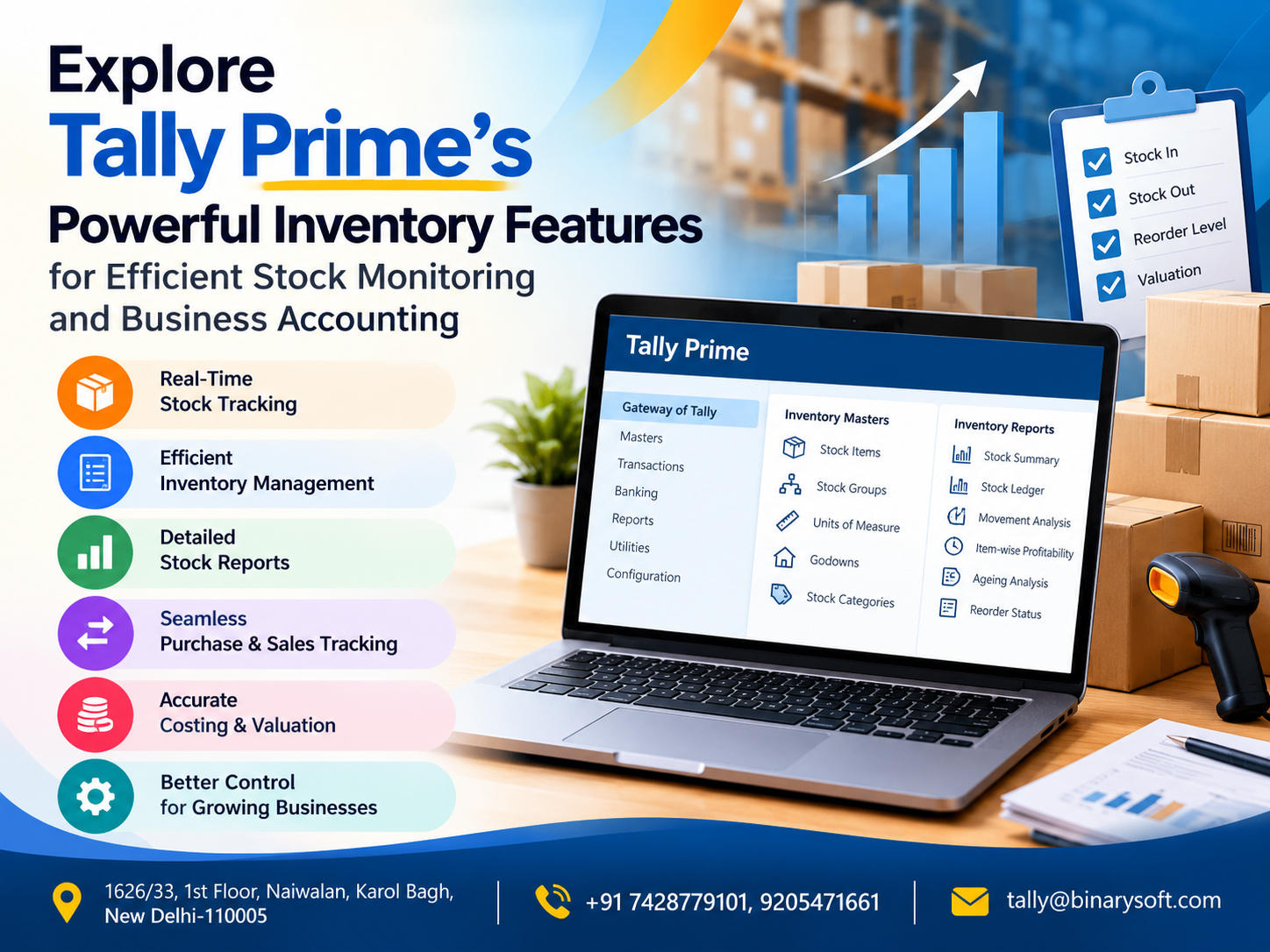
9. Inventory and Accounting Integration
For trading and manufacturing businesses, inventory represents a substantial financial investment.
TallyPrime combines inventory records with accounting transactions.
Businesses can maintain stock items, units of measurement, stock groups and warehouse locations.
When inventory invoices are recorded correctly, stock movements can be reflected alongside financial transactions.
Business advantages
Integrated inventory accounting helps organisations monitor product availability, stock valuation, purchases and sales.
It also reduces inconsistencies that may arise when accounting and inventory are maintained in separate spreadsheets.
Manufacturing businesses can additionally use appropriate inventory vouchers and Bill of Materials configurations to record material consumption and production.
10. Financial Reporting for Smarter Business Decisions
Financial reports convert recorded transactions into information that business owners can use.
TallyPrime provides several important financial statements and management reports.
|
Financial report
|
Business purpose
|
|---|
|
Profit & Loss Account
|
Analyse income, expenses and profitability
|
|
Balance Sheet
|
Review assets, liabilities and capital
|
|
Trial Balance
|
Examine ledger balances
|
|
Cash Flow Statement
|
Understand cash inflows and outflows
|
|
Receivables Report
|
Monitor customer outstanding amounts
|
|
Payables Report
|
Review supplier liabilities
|
|
Stock Summary
|
Examine inventory quantities and values
|
|
Cost Centre Reports
|
Analyse allocated income and expenses
|
Profitability analysis
A business may experience increasing revenue while its profit margins decline.
The Profit & Loss Account helps management review whether expenses are growing faster than income.
Balance Sheet analysis
The Balance Sheet provides an overview of the financial position of a business at a particular date.
Cash flow monitoring
Cash flow reports help business owners understand how money moves through operating, investing and financing activities, according to the applicable reporting structure.
These reports support decisions about borrowing, purchasing, expansion and working capital.
11. Cost Centre Management and Expense Control
Growing businesses often need to analyse expenses by department, branch, project or business activity.
TallyPrime supports cost centre accounting for appropriate transaction allocations.
For example, a business may create cost centres for its sales department, administration department and warehouse operations.
Expenses can then be allocated according to the company's accounting procedures.
Management can review the resulting reports to understand departmental spending.
This is particularly useful for organisations that want to control overheads and compare operational performance.
12. Case Study One: A Wholesale Business Improves Invoice and Payment Management
Illustrative case study using hypothetical figures.
A wholesale electronics distributor in Delhi handled approximately 600 sales invoices every month.
Its employees prepared invoices through spreadsheets and updated accounting records separately.
This resulted in occasional duplicate entries, delayed customer balance updates and difficulty identifying overdue payments.
The solution
The business introduced TallyPrime for sales invoicing, customer accounting and outstanding tracking.
Customer ledgers were organised, bill-wise accounting was enabled and employees were trained to record transactions consistently.
Management began reviewing outstanding reports weekly.
Illustrative results
Within three months, the company's example showed invoice-related correction cases declining from 30 to 10 per month.
The accounts team also reduced the time spent preparing customer outstanding statements.
These figures are hypothetical and illustrate potential operational improvements rather than verified customer outcomes.
The key benefit was improved financial visibility and a more organised collection process.
13. Case Study Two: A Manufacturing Enterprise Improves Financial Reporting
Illustrative case study representing a small manufacturing company.
A manufacturing enterprise in Faridabad purchased raw materials, produced finished goods and supplied products to distributors.
Its accounting team maintained separate spreadsheets for expenses, inventory and monthly financial summaries.
Preparing management reports required considerable manual effort.
The challenge
The business owner struggled to understand production-related expenditure and overall profitability.
Financial information was often available only after the month had ended.
The solution
The company implemented TallyPrime with structured ledgers, inventory records and cost centre allocations.
Purchases, sales, expenses and production-related transactions were recorded through appropriate vouchers.
Management began reviewing financial statements more frequently.
Illustrative outcome
The company gained clearer visibility into expense categories, inventory values and outstanding liabilities.
This helped management investigate cost increases and improve its monthly review process.
The case demonstrates how integrated accounting can support better financial discipline without guaranteeing a specific financial return.
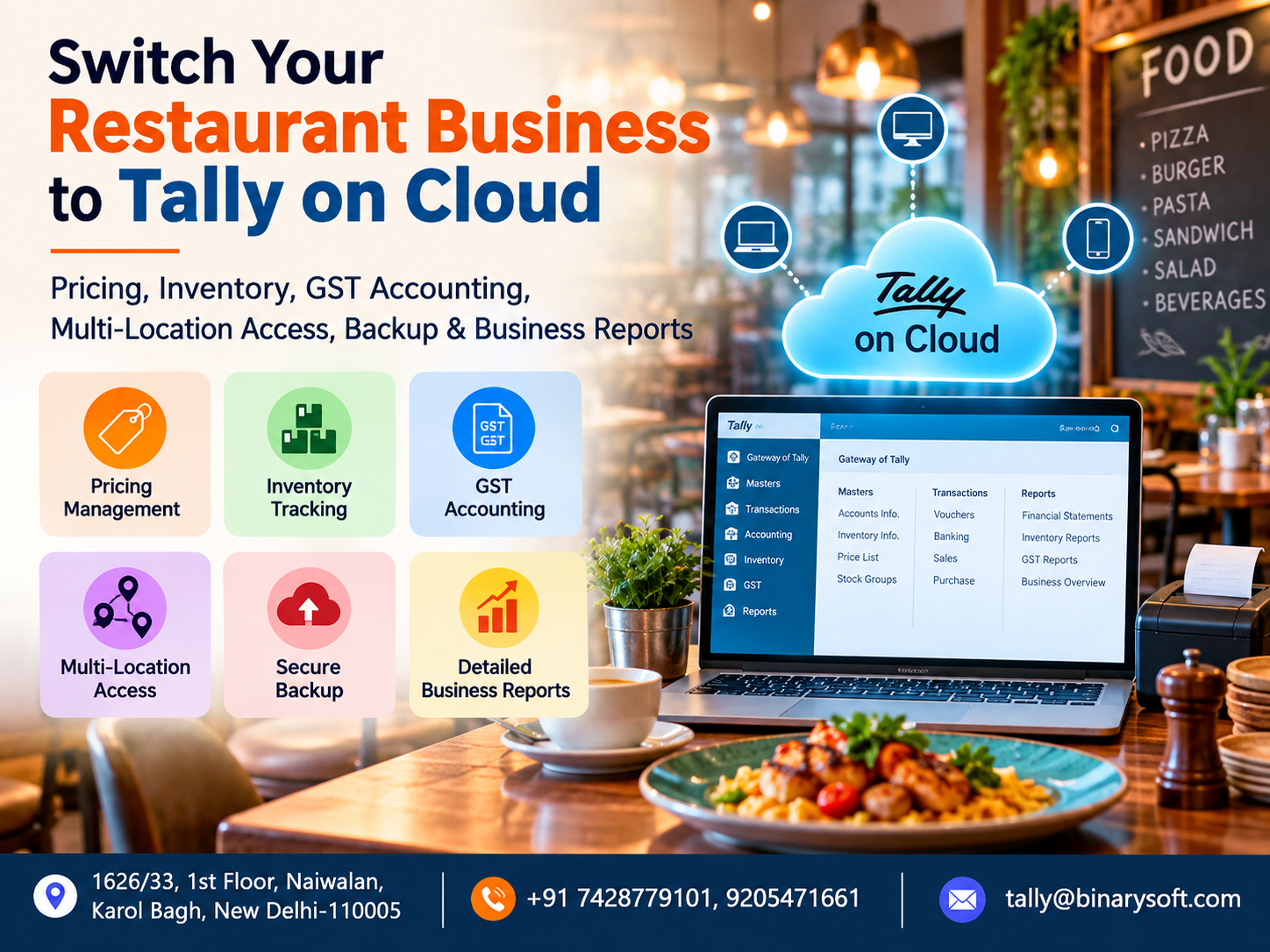
14. TallyPrime on Cloud for Remote Business Accounting
Business owners increasingly need access to financial information while travelling, visiting customers or managing multiple offices.
TallyPrime on Cloud allows a licensed TallyPrime environment to be hosted on a remotely accessible server.
Authorised users can access the accounting system through a suitable internet connection and hosting configuration.
Advantages of cloud hosting
Remote access: Business owners and accountants can work from different locations.
Multi-user collaboration: Properly licensed multi-user environments support coordinated accounting work.
Centralised information: Users can work with the same hosted company data rather than exchanging disconnected copies.
Backup arrangements: Hosting providers may offer scheduled backups and restoration services.
Operational flexibility: Businesses can reduce dependence on a single office computer.
Cloud hosting does not automatically provide every integration or security feature. Businesses should evaluate access controls, backup policies, infrastructure reliability and service agreements.
15. How to Implement TallyPrime for Your Business
A successful implementation requires more than installing accounting software.
Businesses should first review their existing financial records and identify operational requirements.
Step-by-step implementation
Step 1: Review existing accounting processes, invoices, customer balances and supplier records.
Step 2: Select an appropriate TallyPrime licence and deployment arrangement.
Step 3: Create or verify the company, accounting ledgers, tax information and opening balances.
Step 4: Configure invoice formats, GST details, inventory features and bill-wise accounting.
Step 5: Import or enter verified opening data using supported methods.
Step 6: Train employees responsible for sales, purchases, payments and accounting.
Step 7: Reconcile bank balances, customer accounts and supplier outstanding amounts.
Step 8: Establish regular backup, reporting and review procedures.
Businesses should test their configuration before relying on the system for live operations.
16. Common Accounting Mistakes Businesses Should Avoid
Even well-designed accounting software cannot compensate for poor financial procedures.
Businesses should avoid creating duplicate customer ledgers, using incorrect GST classifications or recording receipts without proper references.
Another common mistake is delaying transaction entry until the end of the month.
This can make outstanding balances and financial reports unreliable.
Business owners should also avoid treating profit and available cash as identical.
A profitable business may still face liquidity problems if customers delay payments or excessive funds are tied up in inventory.
Regular reconciliation, consistent voucher entry and periodic financial reviews are essential.
17. Why TallyPrime Is Suitable for Different Business Sectors
TallyPrime can support organisations with different accounting requirements.
Retailers can use it for sales invoicing, purchase accounting and stock records.
Wholesalers can benefit from customer outstanding tracking, supplier management and inventory reports.
Manufacturers can use inventory and manufacturing-related features alongside financial accounting.
Service providers can maintain service invoices, expenses, customer ledgers and financial statements.
Growing businesses can also introduce cost centres, multi-user access and cloud hosting as their requirements develop.
The best configuration depends on the company's transaction volume, statutory obligations and internal processes.
Conclusion: Build a More Efficient and Financially Controlled Business with TallyPrime
Business growth requires more than increasing sales.
Organisations must maintain accurate invoices, control expenses, collect customer payments, manage suppliers and understand their financial performance.
TallyPrime provides an integrated accounting environment that helps businesses organise these responsibilities.
Its invoicing, accounting, inventory, banking and financial reporting features can reduce repetitive work and improve access to financial information.
When supported by proper configuration and disciplined bookkeeping, TallyPrime helps businesses make informed decisions based on reliable records.
Cloud hosting can further improve flexibility by allowing authorised users to access their accounting environment remotely.
The objective of smarter accounting is not simply to record transactions faster. It is to help business owners understand their finances, protect cash flow and create a stronger foundation for sustainable growth.
For businesses considering TallyPrime implementation, accounting optimisation or cloud hosting, Binarysoft Technologies can assist with evaluating requirements and planning an appropriate solution.
Powered by Binarysoft Technologies Authorized Tally Partner
Location: 1626/33, 1st Floor, Naiwalan, Karol Bagh, New Delhi – 110005, INDIA
Contact us: +91 7428779101, 9205471661
Email us: tally@binarysoft.com
Business Hours: 10:00 AM – 6:00 PM, Monday to Friday
Frequently Asked Questions
What is TallyPrime used for in business accounting?
TallyPrime is used for invoicing, bookkeeping, purchase accounting, inventory management, GST-related accounting, bank reconciliation and financial reporting.
Can TallyPrime automatically update accounting ledgers?
Yes. When transactions are recorded through properly configured vouchers, TallyPrime updates the relevant accounting ledgers according to the transaction details.
Does TallyPrime support GST-compliant invoicing?
Yes. TallyPrime supports GST-related invoice information, tax calculations and reporting. Businesses must configure applicable tax details correctly.
CA. Dhruv Bhandekar works with businesses on bookkeeping controls, GST reporting, and month-end accounting processes. His focus is on creating structured financial workflows that improve accuracy and reduce reconciliation issues.